
Upload a sneaker sketch, a render or a photo of your sample and get a studio or editorial product photo of the same shoe in about 30 seconds — your silhouette, panels and sole stay as designed.
Drop your shoe sketch or sample photo here
JPG, PNG or WebP • large photos are resized automatically
Each pair is a paying P20V user’s upload and the image the editor returned.
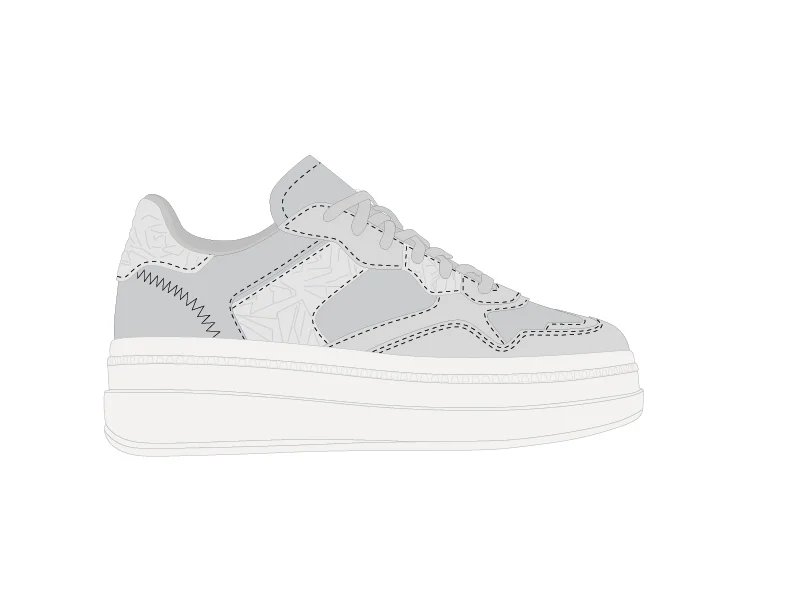 Before
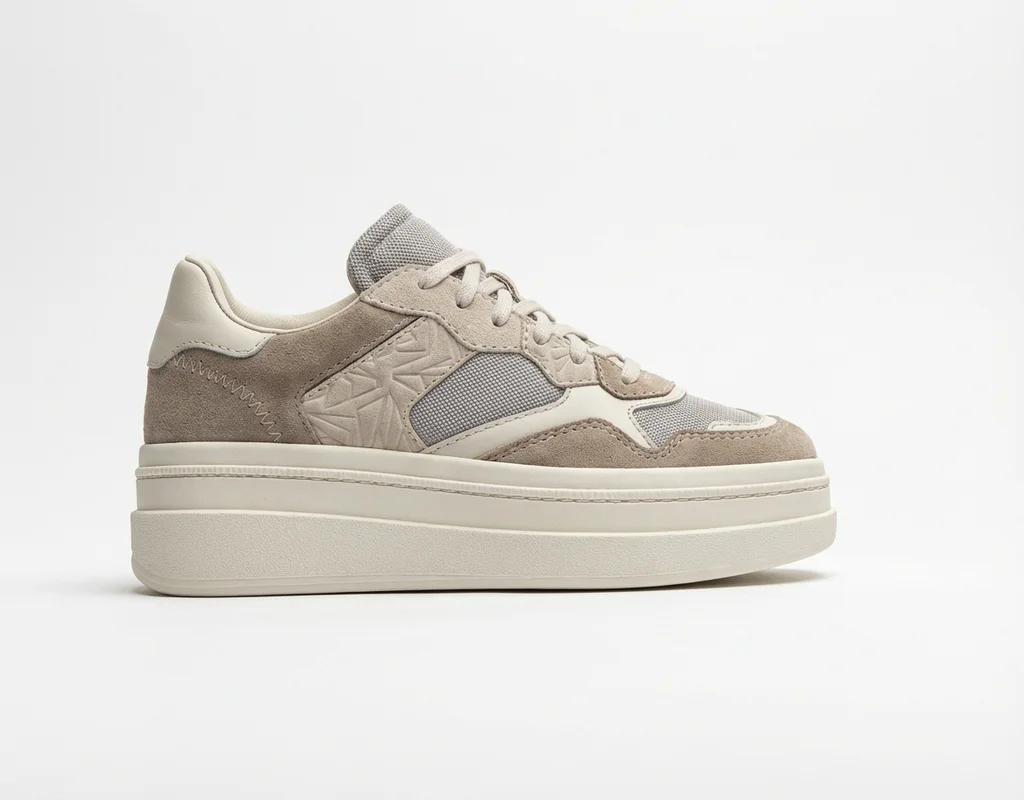 After
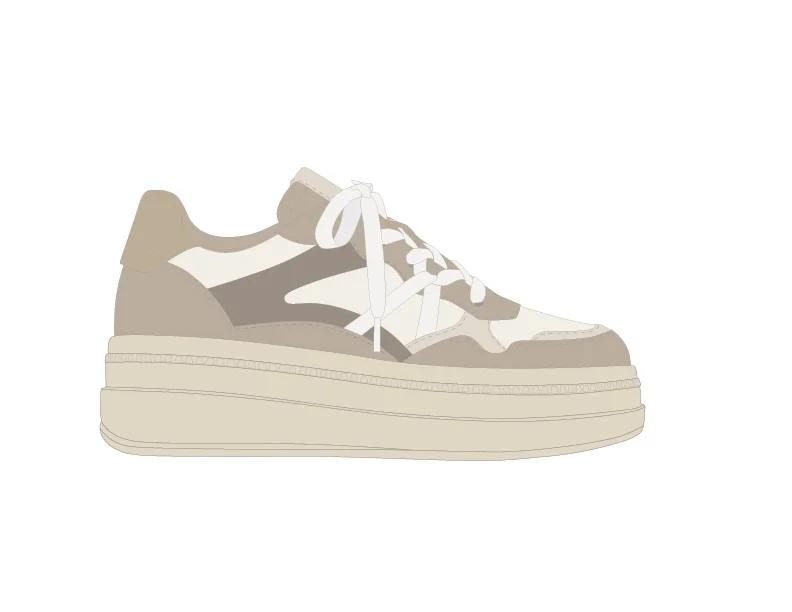 Before
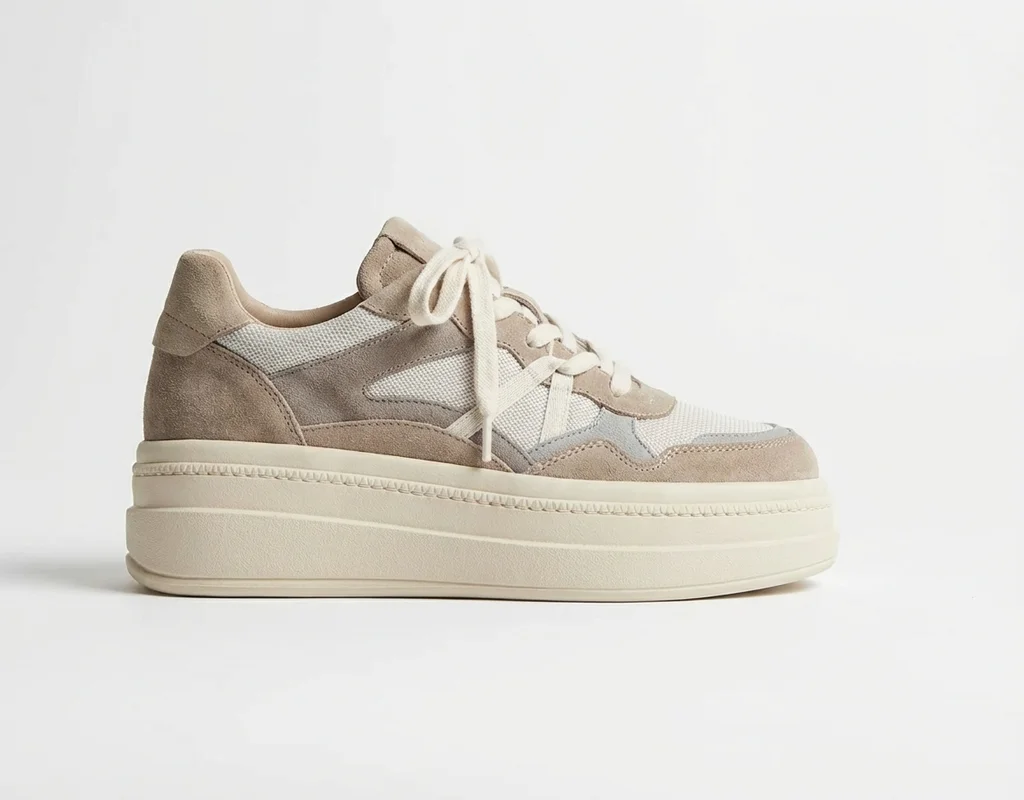 After
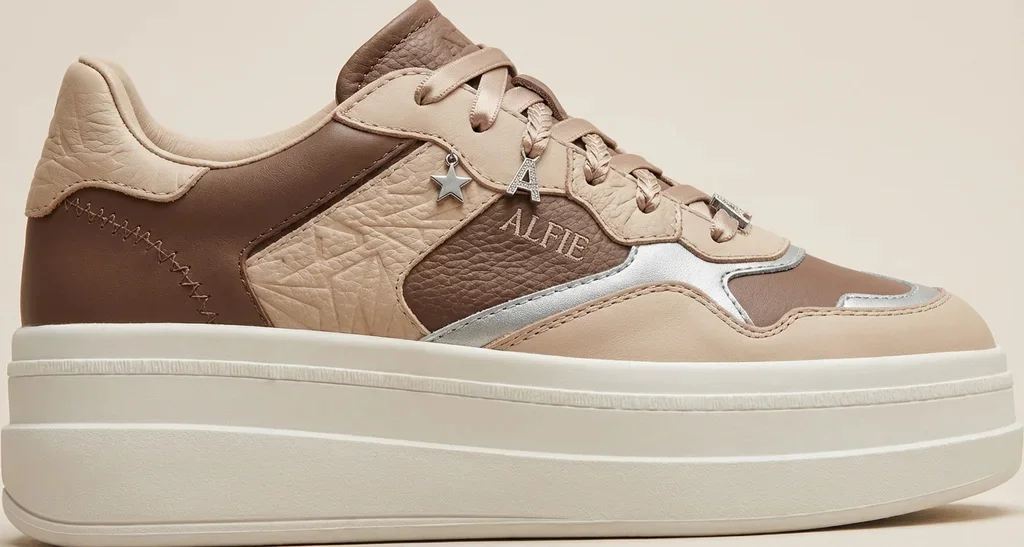 Before
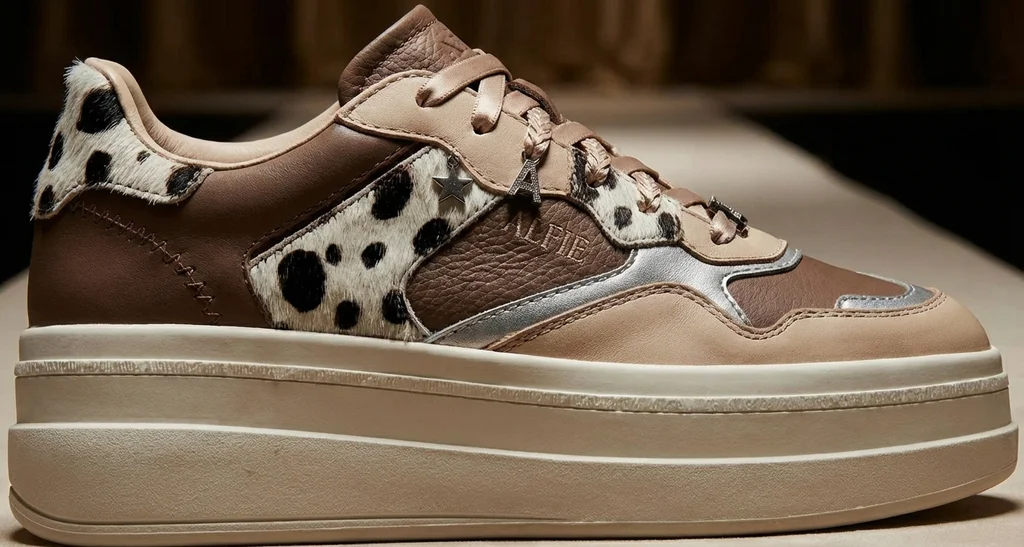 After
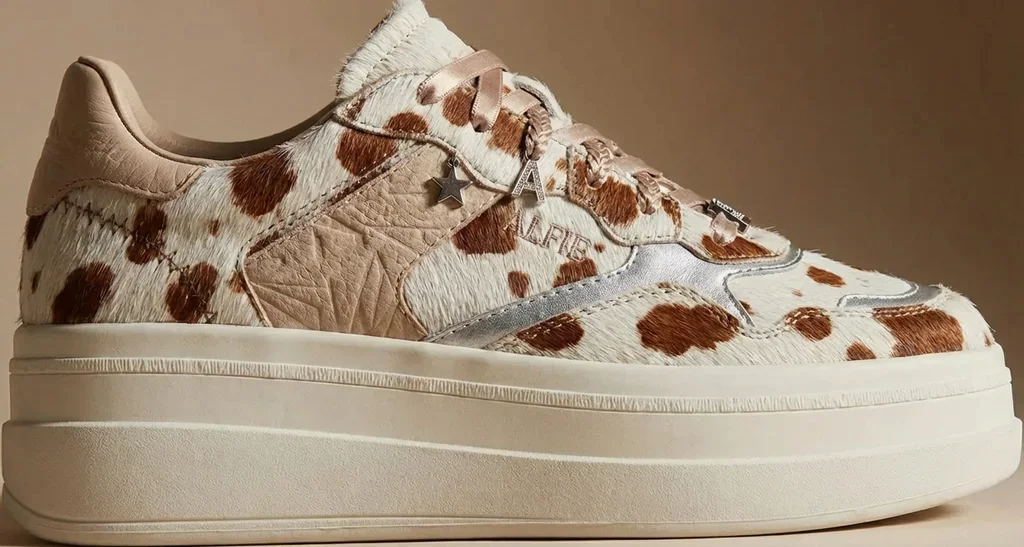 Before
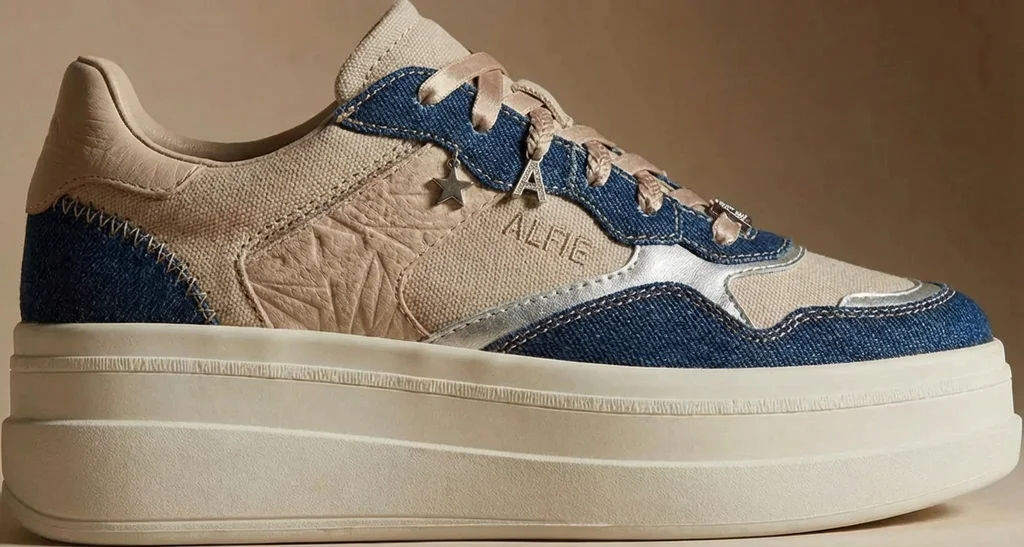 After
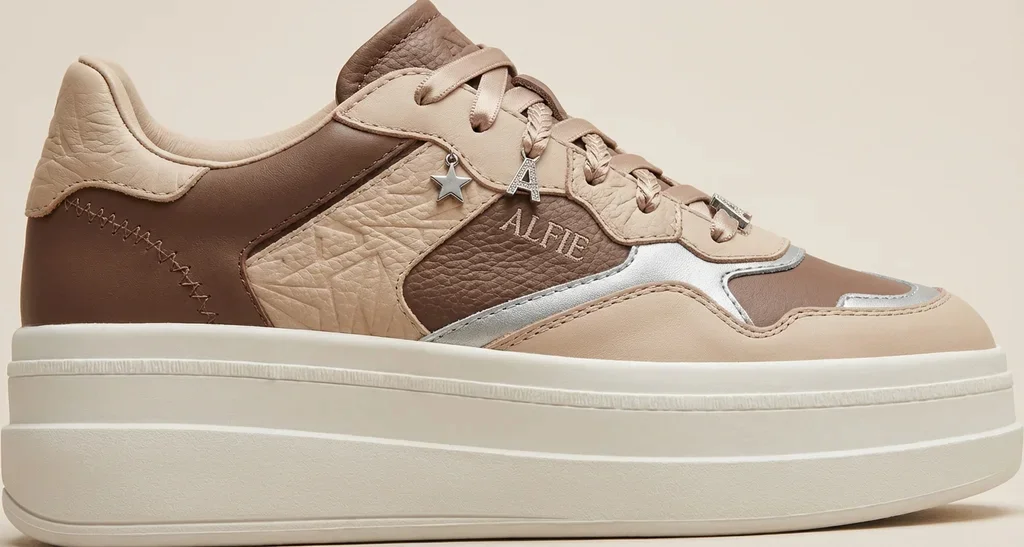 Before
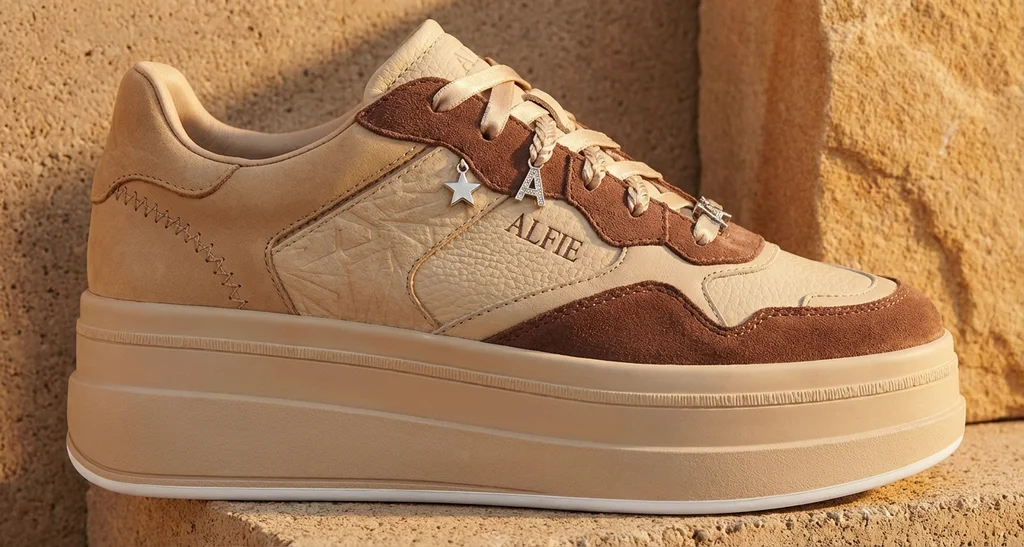 After
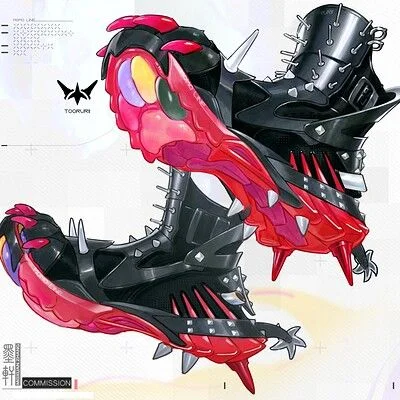 Before
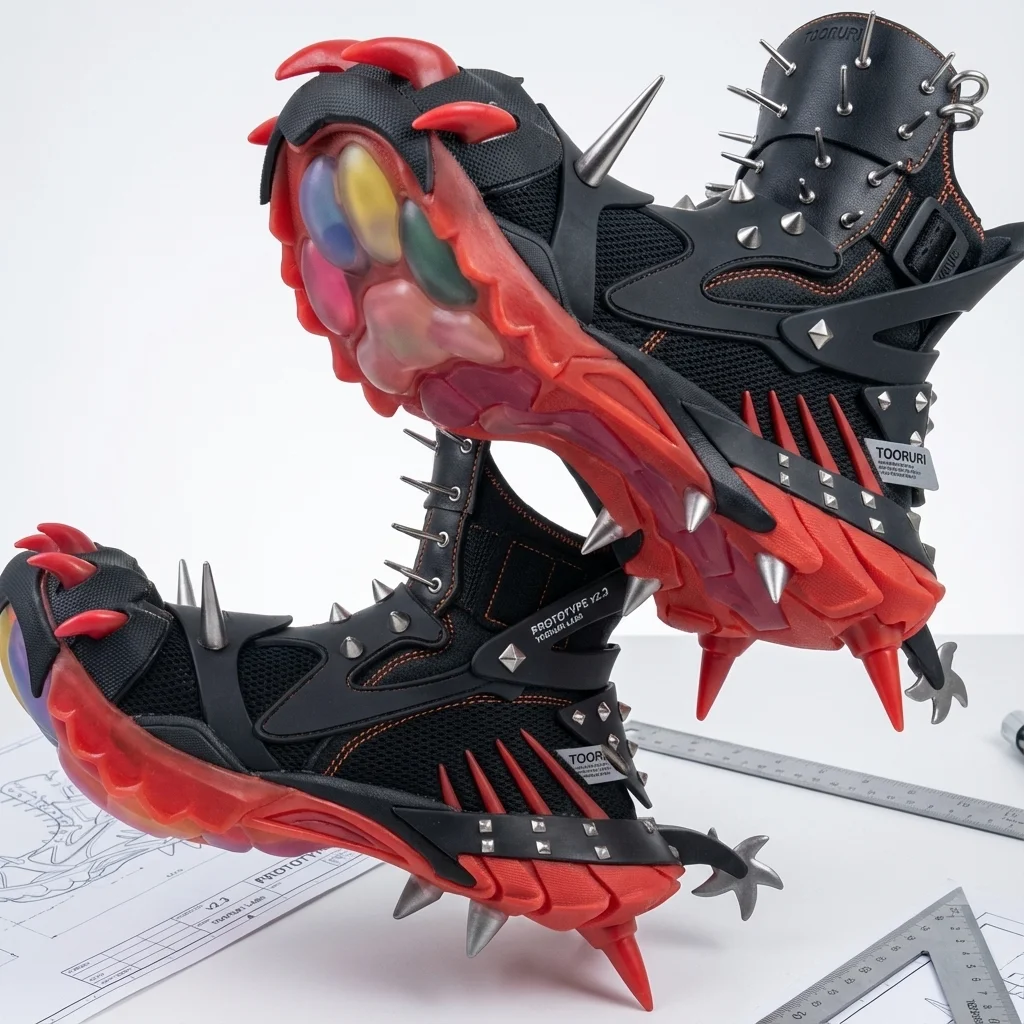 After
Real uploads and results from sneaker designers who pay for P20V and shared them publicly. No retouching.
Footwear photography normally needs a finished sample, a studio and a photographer — and a new sample for every colourway. For a small sneaker brand that means weeks and real money before there is a single image to show a buyer or post on a pre-order page.
The sneaker designers who use P20V work the other way round. They upload the flat digital sketch from their design file and get back a realistic photo of the shoe in suede, leather and mesh, lit like a studio packshot. Because the tool keeps the silhouette and panel lines of the sketch, the image shows their design, not a generic sneaker.
Typical jobs from paying users:
The designers with the best results always say what is locked and what may change. A good instruction reads: "Use the attached sneaker image as the final base design. Keep the silhouette, upper pattern, panel layout, proportions and sole. Apply a white and off-white upper with muted purple accents. Studio light, white background." Then change one thing per step.
For a whole new shoe concept from a sketch, use the sneaker designer tool. For clothing, bags, watches and jewellery, the tools below use the same editor with prompts set up for those products.
Drop a sketch, render or sample photo of the shoe into the box above (JPG, PNG or WebP).
In about 30 seconds you get the same shoe as a studio product photo with real materials and light.
Type material, colour, logo or background changes in plain words, then download the images.
Basic is $9.99 per month for 25 images; Starter is $29/month for 50 images ($14.50 for the first month), Pro $79/month for 200 images, Studio $199/month, billed in USD. EU buyers pay VAT on top; no tax is added outside the EU. Every plan includes commercial use, so you can show the designs to customers and print from them. Cancel anytime. See plans
It turns an image of your shoe into a product photo of that same shoe. Upload a flat digital sketch, a 3D render, a photo of a sample on your desk or an existing product shot. In about 30 seconds you get a studio or editorial photo with real materials, soft light and a clean background, and the design stays as you drew it.
Yes. That is how most sneaker designers on P20V use it: the first two examples above started as flat digital sketches. The result is a realistic image of the shoe for a pitch, a pre-order page or a factory brief. Label it as a render until the real product exists.
Not if you say what is fixed. Write instructions the way our sneaker designers do: "keep the silhouette, upper pattern, panel layout, sole and branding exactly as in the image; change only the materials to suede and mesh". The tool then changes the materials, colours, light or background and leaves the construction alone.
Yes. Upload one approved shoe and ask for the next colourway: "black dominant upper with silver accents", "earthy browns with one bold accent colour", "white and off-white with muted purple". The examples show one designer’s range built that way, from cowhide to denim accents on the same pattern.
No. P20V is a paid tool: Basic is $9.99 per month for 25 images; Starter is $29 per month for 50 images and its first month is $14.50. Every plan includes commercial use, so the images can go on your shop, Kickstarter or lookbook. Cancel anytime.
Yes. Upload the shoe as the first image and your logo as the second, then say where it goes: "place the logo on the lateral side panel, centred", "small logo on the tongue tag", "text logo on the heel tab". The tool places it on the shoe with the right perspective.
No. The output is an image. It is for deciding the design, showing it to buyers and customers, and making product and campaign photos. Patterns and the tech pack for the factory are made separately.
The same editor, set up for each kind of product. All tools