
Upload a photo or mockup of your garment and get the product photos your shop needs — a clean flat lay, a hanger or ghost mannequin shot, or a model wearing it — in about 30 seconds, with your print and colours intact.
Drop a photo or mockup of your garment here
JPG, PNG or WebP • large photos are resized automatically
Each pair is a paying P20V user’s upload and the image the editor returned.
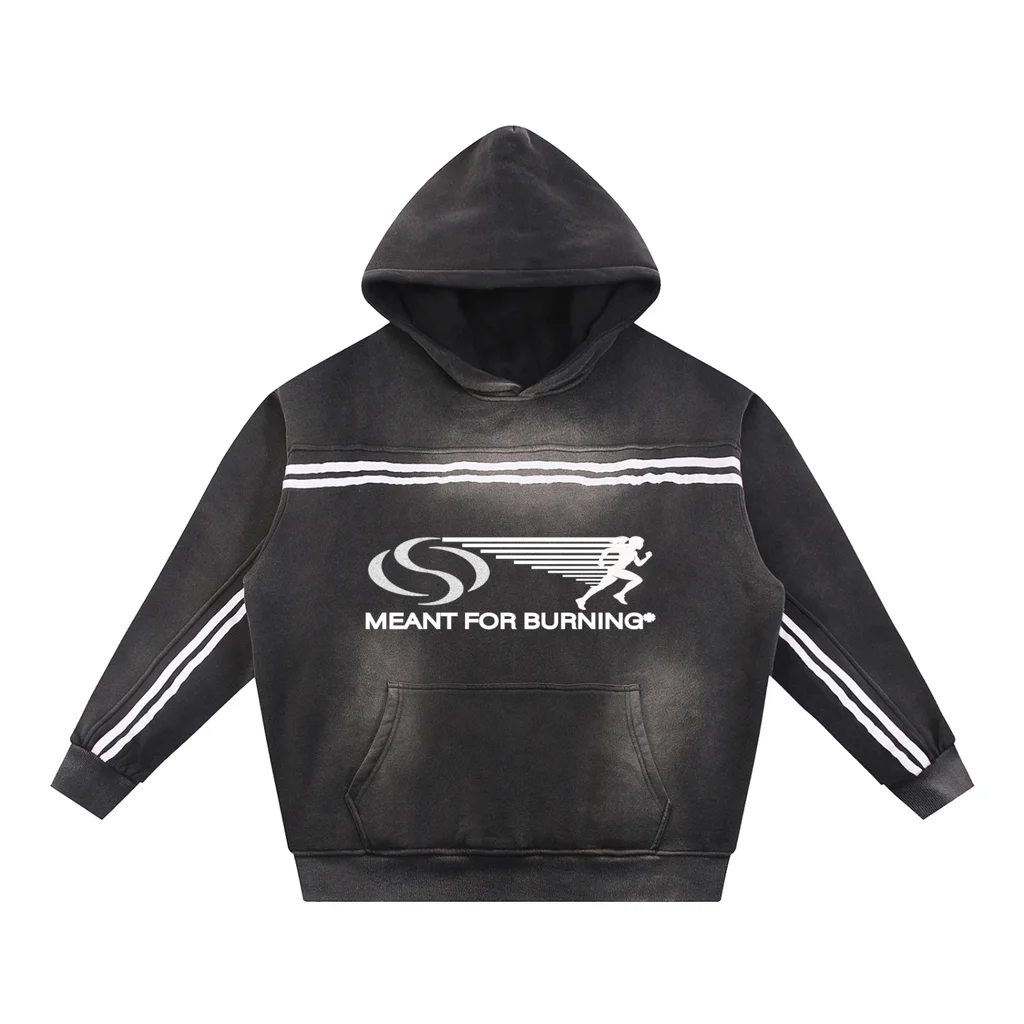 Before
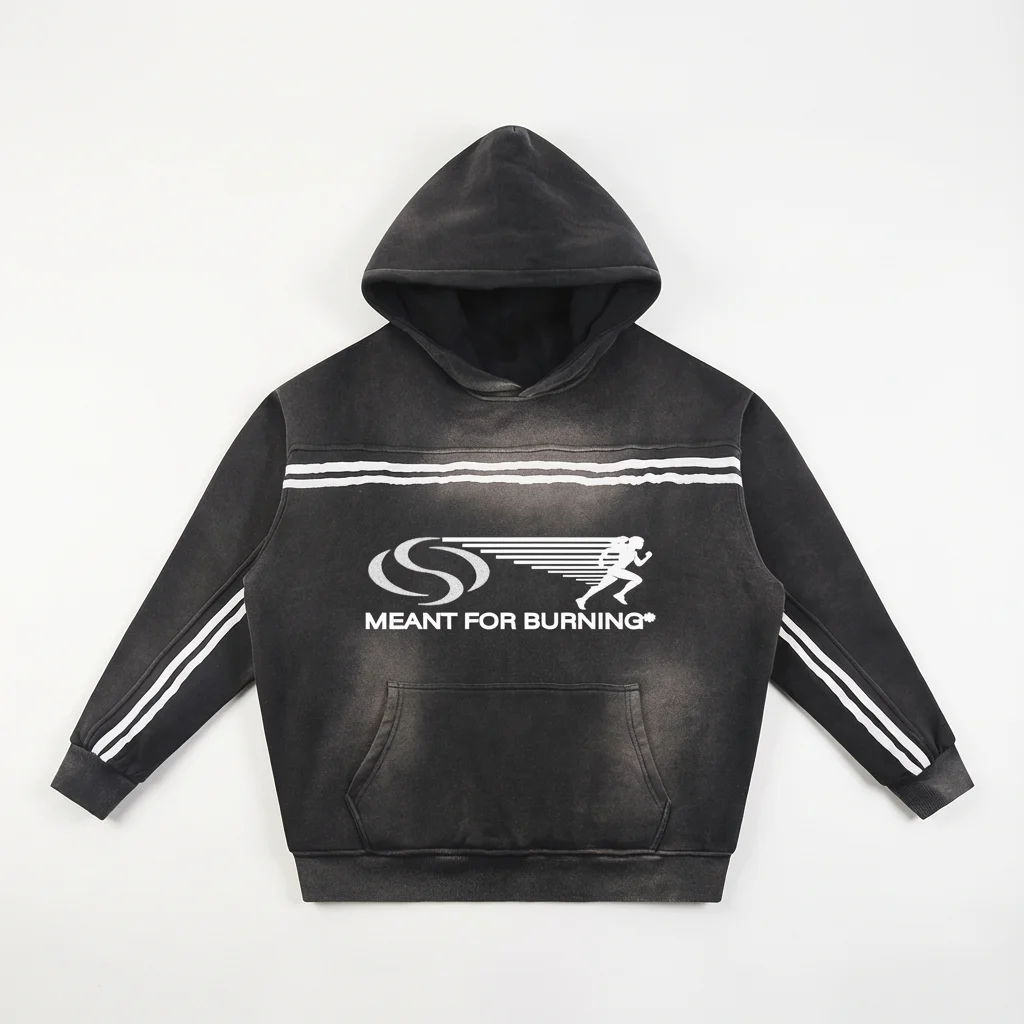 After
After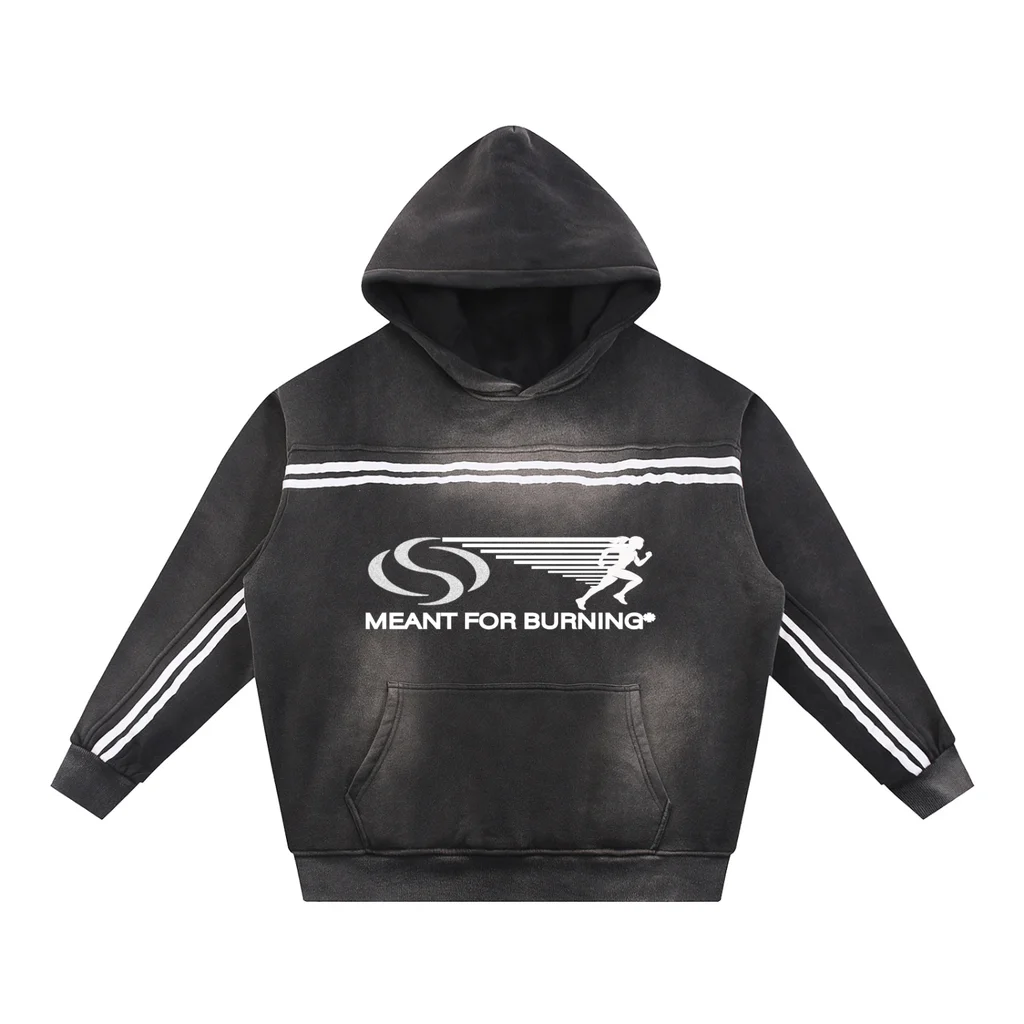 Before
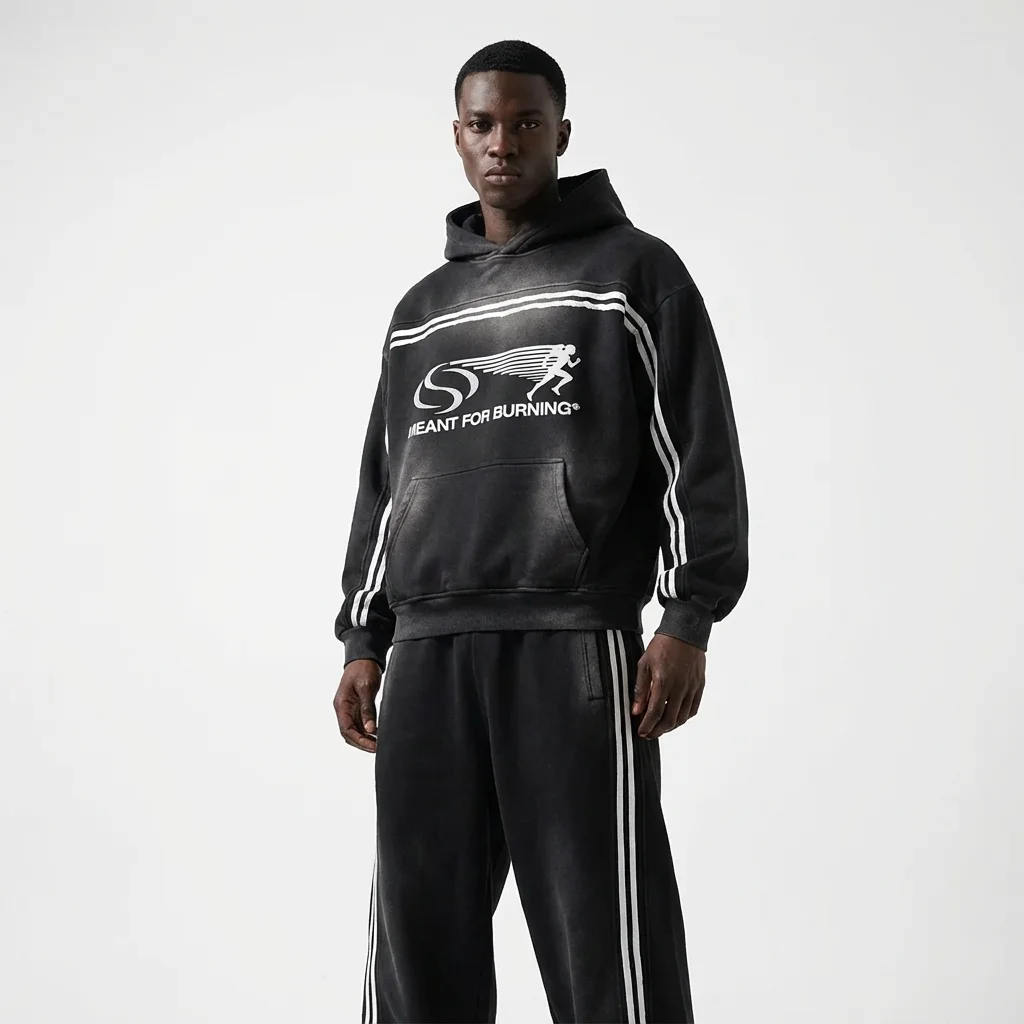 After
After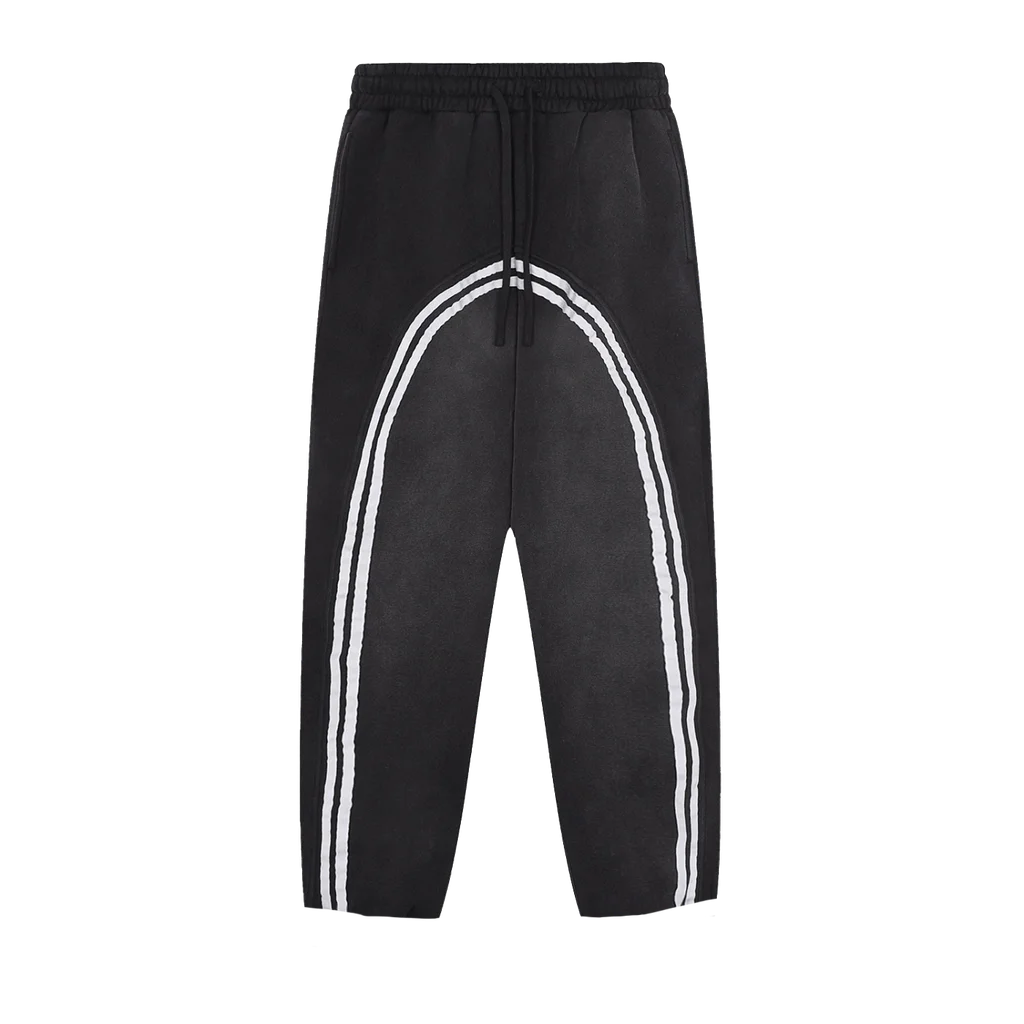 Before
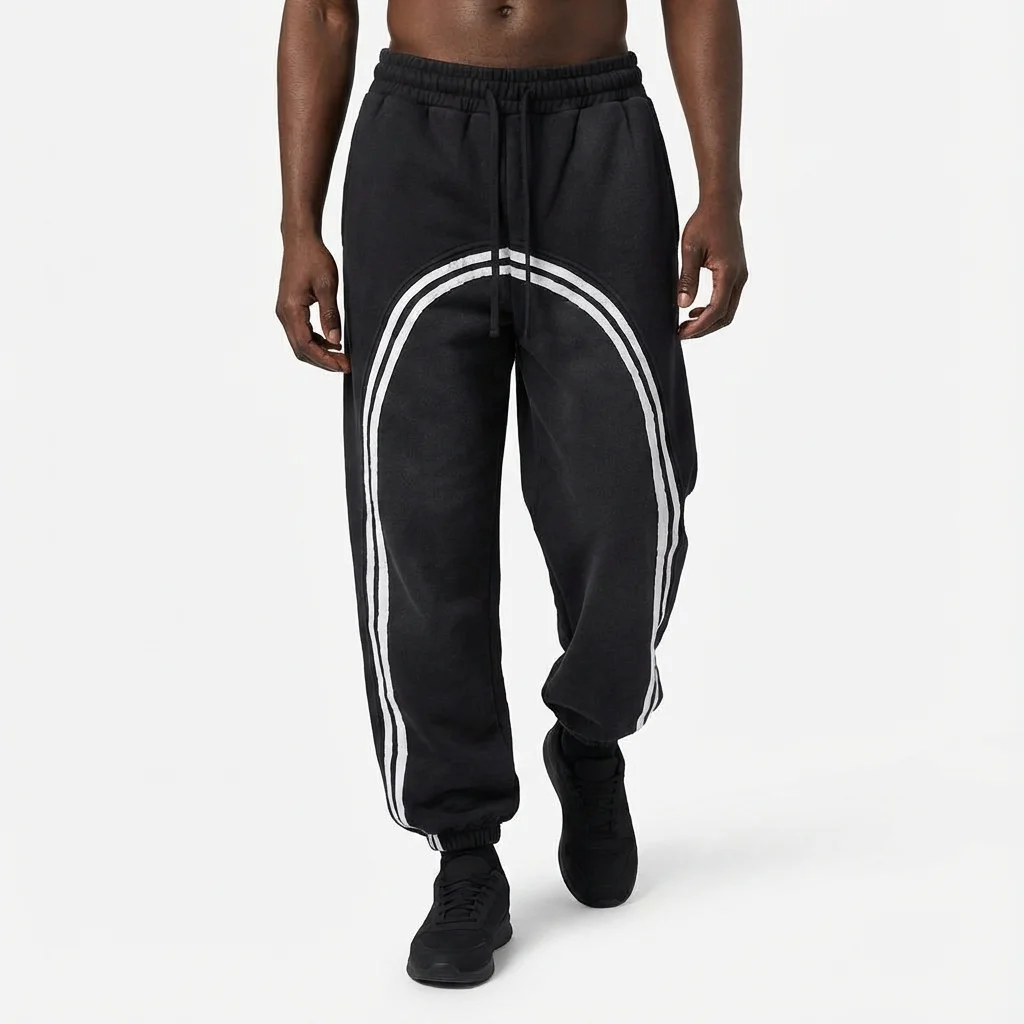 After
After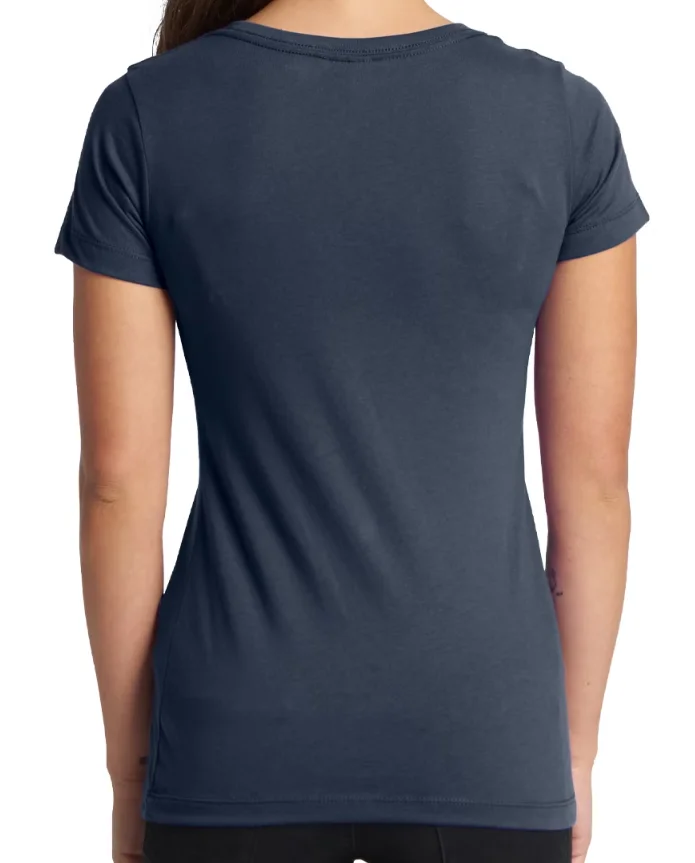 Before
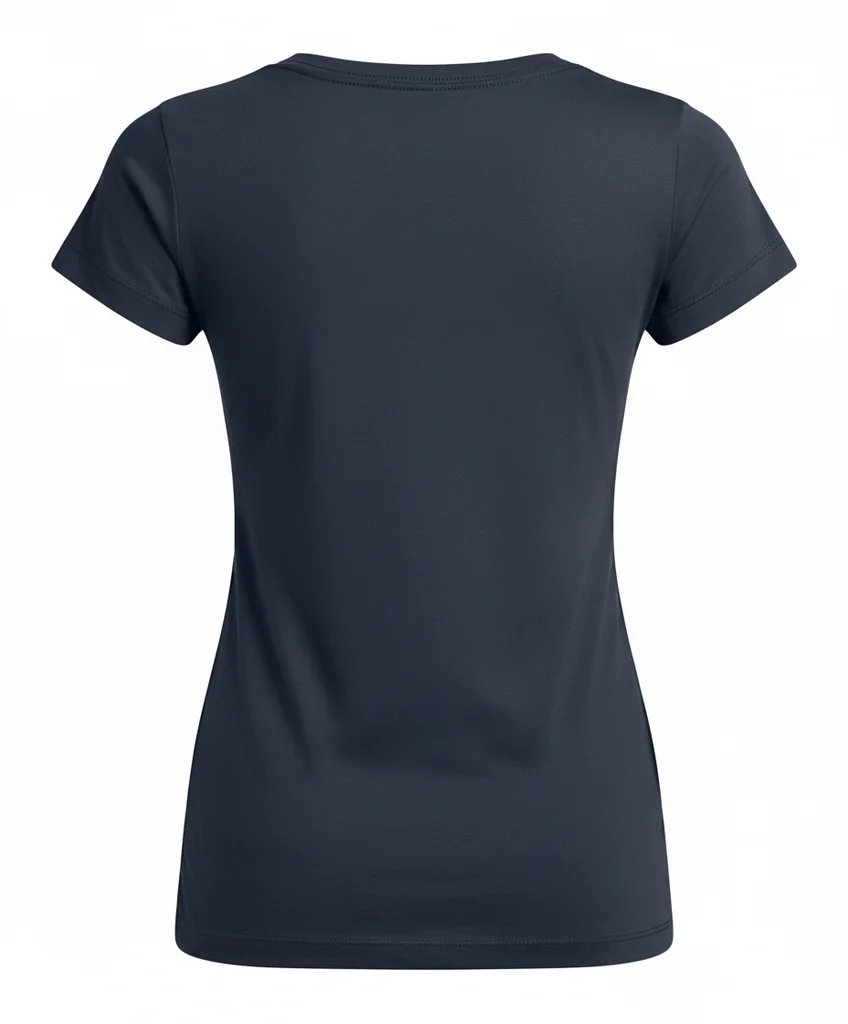 After
After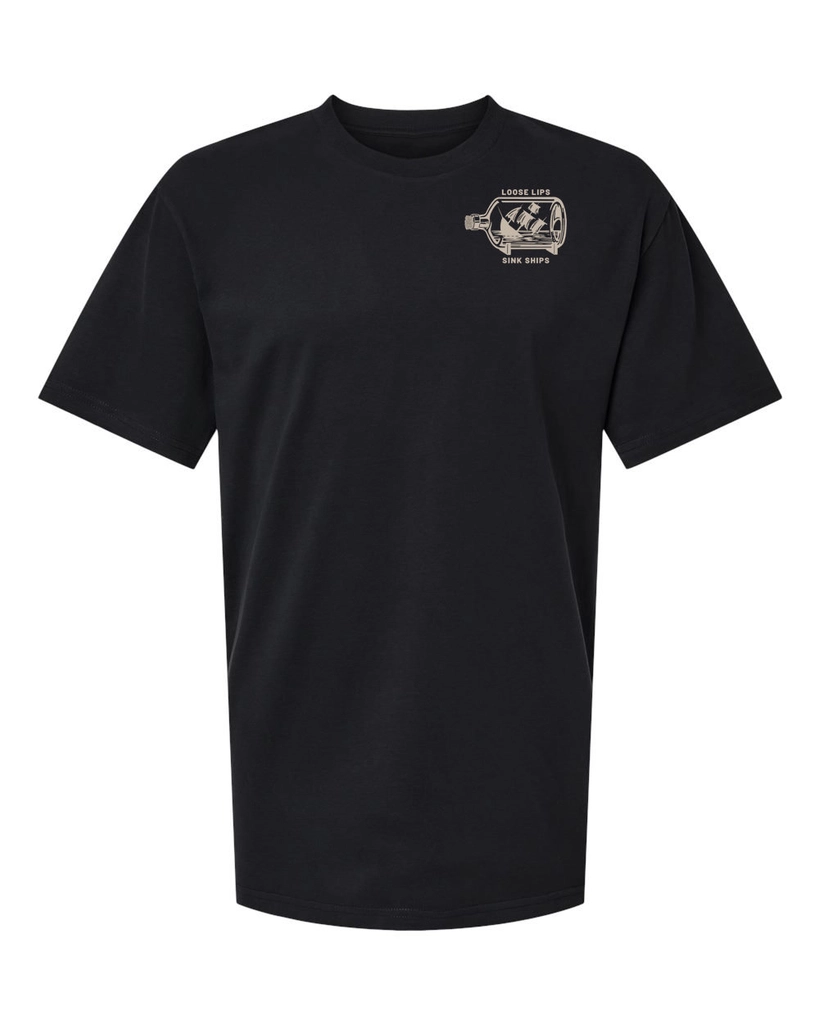 Before
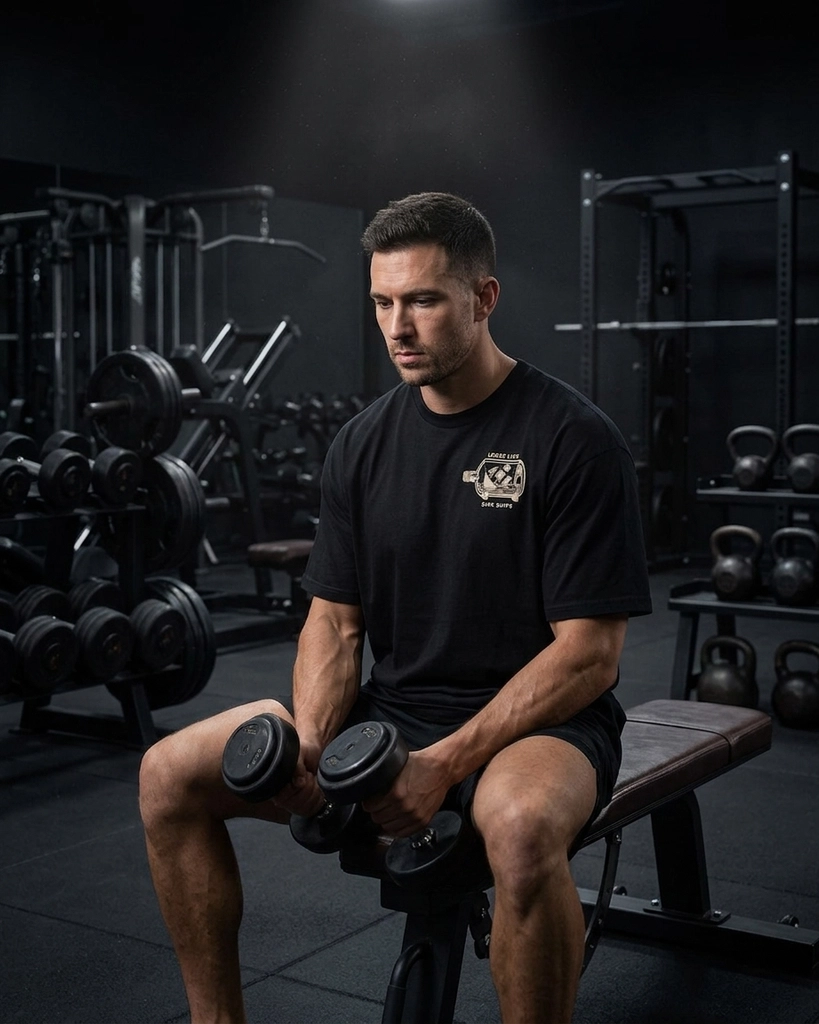 After
After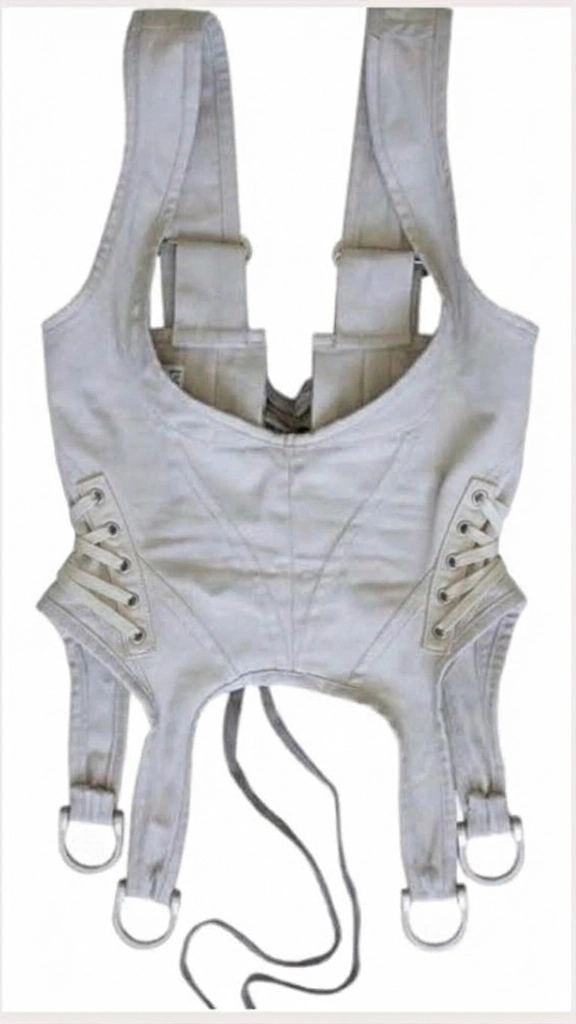 Before
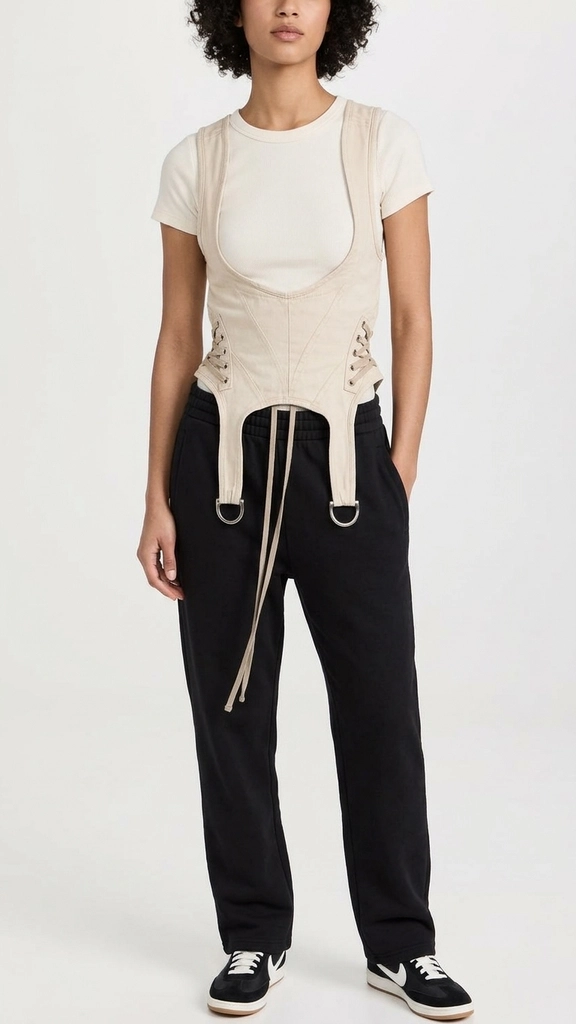 After
AfterReal uploads and results from apparel brands who pay for P20V and shared them publicly. No retouching.
A small clothing brand needs the same set of pictures for every piece: a clean flat lay or hanger shot for the product page, a ghost mannequin view to show the shape, and photos of someone wearing it for ads and social media. Booking a photographer and a model for each new drop costs more than many first runs earn.
The streetwear, fitness and fashion brands that pay for P20V upload one image of the garment and generate the rest. In the examples, one brand turned a hoodie mockup into a clean flat product photo and then into a studio model shot with the matching track pants; another put the same tee on a model in a gym and on a city street for two different ads.
Typical jobs from paying users:
Start with "keep the garment exactly as is" and then describe the presentation: "on a wooden hanger against a light grey wall, front view", "flat lay on white, sleeves folded behind", "worn by a faceless model, front view, white background". If the fit should change on the model, say so: "regular fit, not too tight", "oversized".
For sneakers, bags and accessories, the tools below use the same editor with prompts set up for those products.
Drop a photo or flat mockup of the piece into the box above (JPG, PNG or WebP).
Ask for a flat lay, a hanger or ghost mannequin shot, or a model wearing it, in plain words.
Make the front, back and lifestyle shots one after another, then download them for your shop and ads.
Basic is $9.99 per month for 25 images; Starter is $29/month for 50 images ($14.50 for the first month), Pro $79/month for 200 images, Studio $199/month, billed in USD. EU buyers pay VAT on top; no tax is added outside the EU. Every plan includes commercial use, so you can show the designs to customers and print from them. Cancel anytime. See plans
It turns a photo or mockup of your garment into the product photos a shop needs. Upload the piece — a phone photo on the floor, a flat mockup from your design file, or a sample on a hanger — and ask for a flat lay on a clean background, a ghost mannequin shot or a model wearing it. Each image takes about 30 seconds and keeps your print, colours and cut.
Yes. Ask for exactly the presentation you sell with: "flat lay on a white background, sleeves folded in", "on a wooden hanger against a light grey wall", "ghost mannequin, front view". The first example above is a hoodie mockup turned into a clean flat product shot.
Yes, that is the most common job among the apparel brands that pay for P20V. Describe the model and the setting: "male fitness model in a dark gym", "faceless model, front view, white studio", "female model showing the back of the shirt on a gritty street". Keep the same model across a series by saying "same model and background as before".
The tool keeps what is on your garment, including logos and prints. Large, clear prints come through best. If a detail moves, say what must not change: "keep the chest logo exactly, same size and position". Always check text on the final image before you publish it.
No. P20V is a paid tool: Basic is $9.99 per month for 25 images; Starter is $29 per month for 50 images and its first month is $14.50. Every plan includes commercial use, so the photos can go on Shopify, Etsy, Amazon or social ads. Cancel anytime.
Yes. Several pattern makers use the same editor to turn a garment photo into a black and white flat sketch for a tech pack: "create a flat sketch of this garment in black and white, all details, no colour".
One garment per image, fully visible, on a plain background, in even light. A flat mockup from Illustrator or a phone photo on a white sheet are both fine. JPG, PNG or WebP up to 5 MB.
The same editor, set up for each kind of product. All tools