
Upload your logo, a dial sketch or a photo of your watch and get a photoreal dial concept back in about 30 seconds: field colour, indices, hands and printing on a real case.
Drop your logo, dial sketch or watch photo here
JPG, PNG or WebP • large photos are resized automatically
Each pair is what a P20V user uploaded and the dial the tool returned with the prompt this page sends.
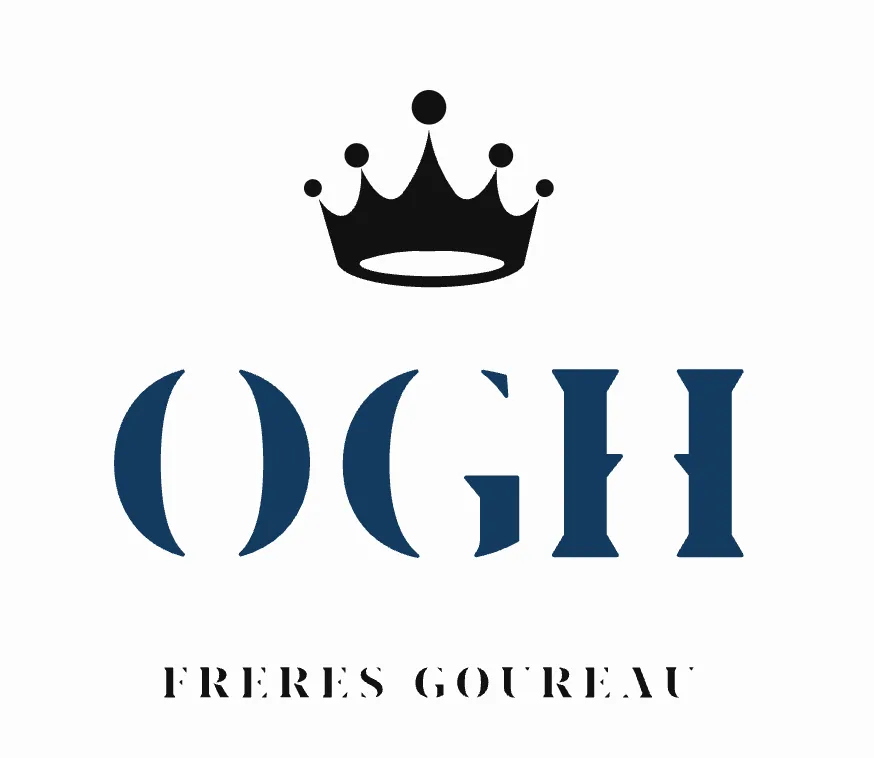 Before
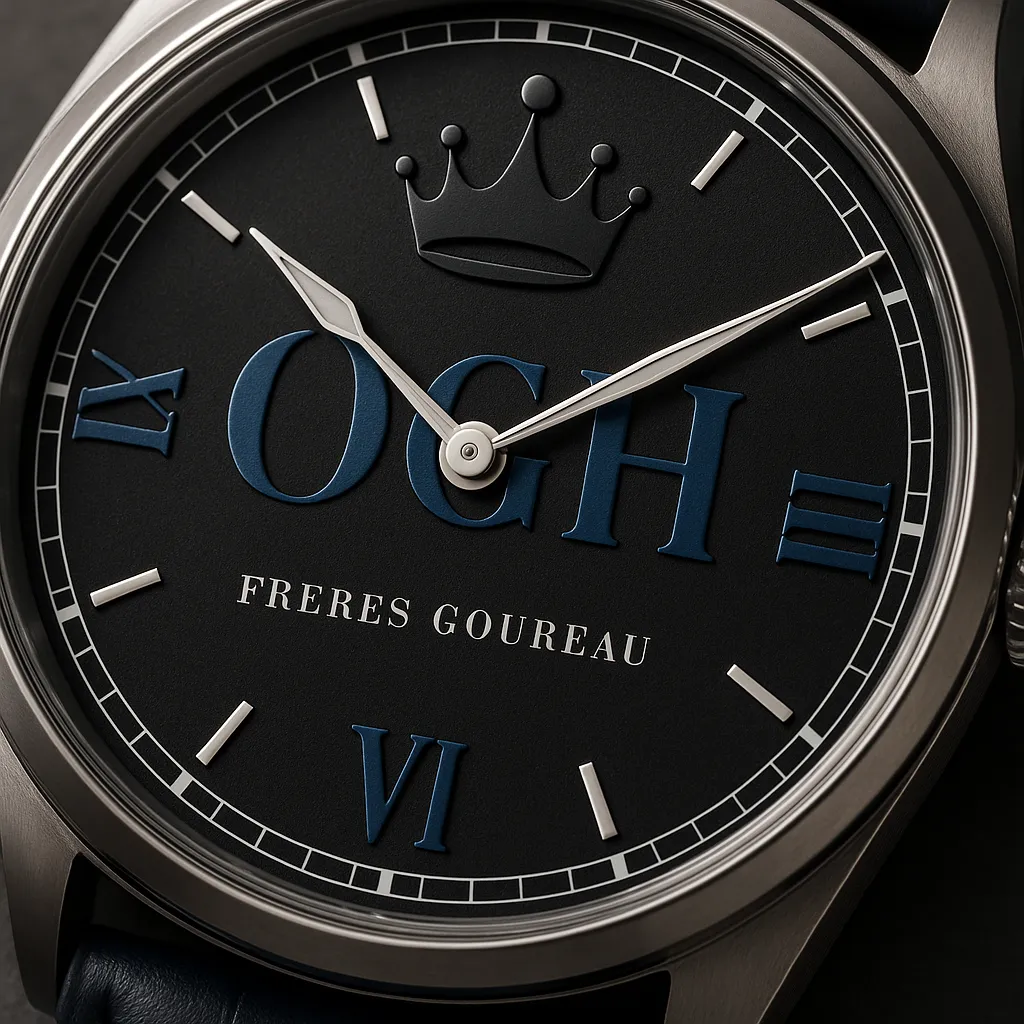 After
After Before
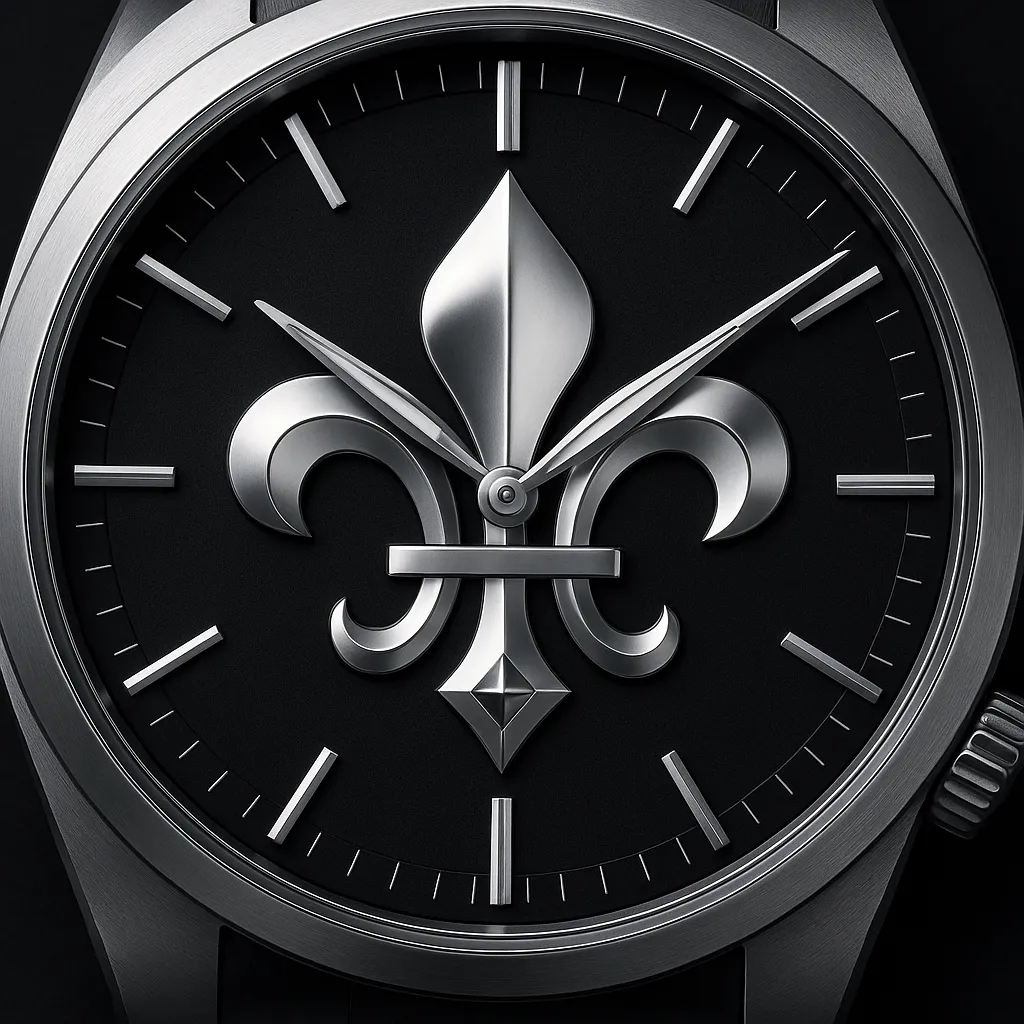 After
After Before
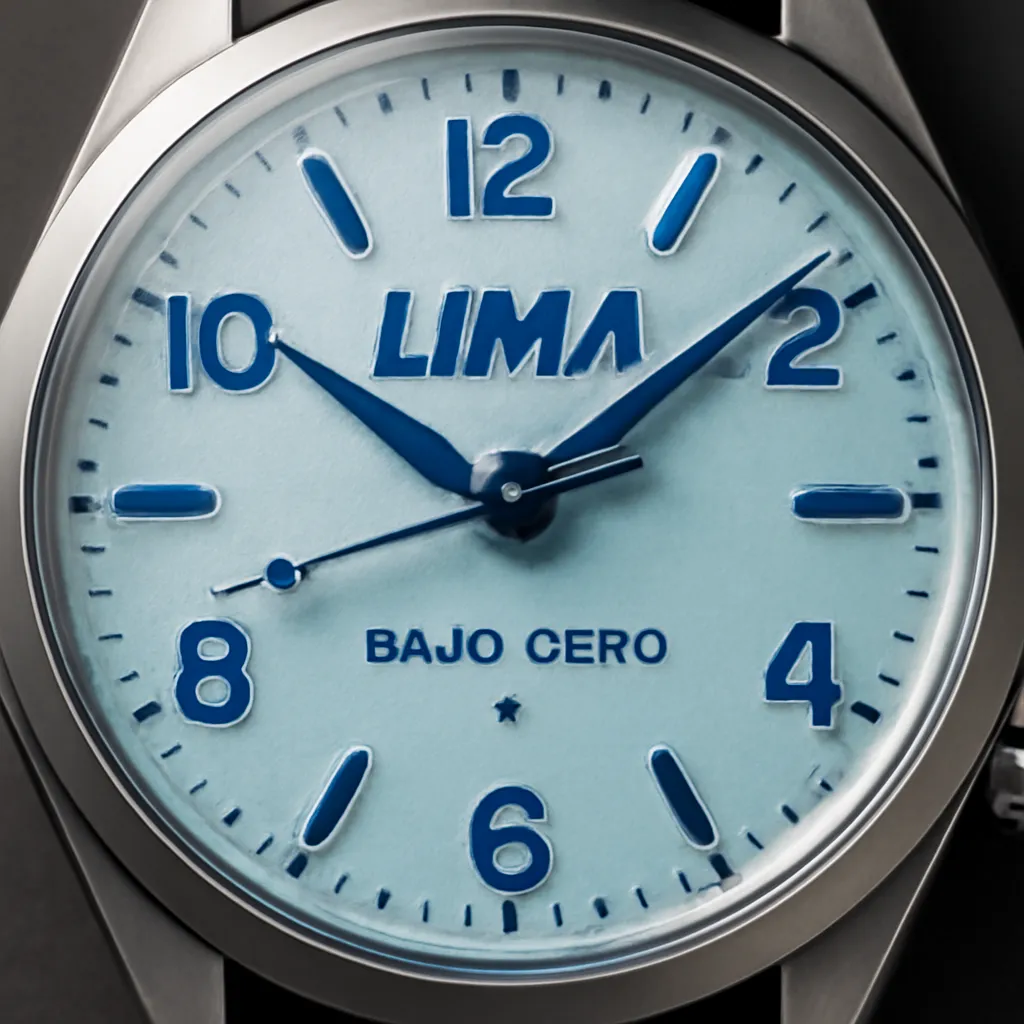 After
After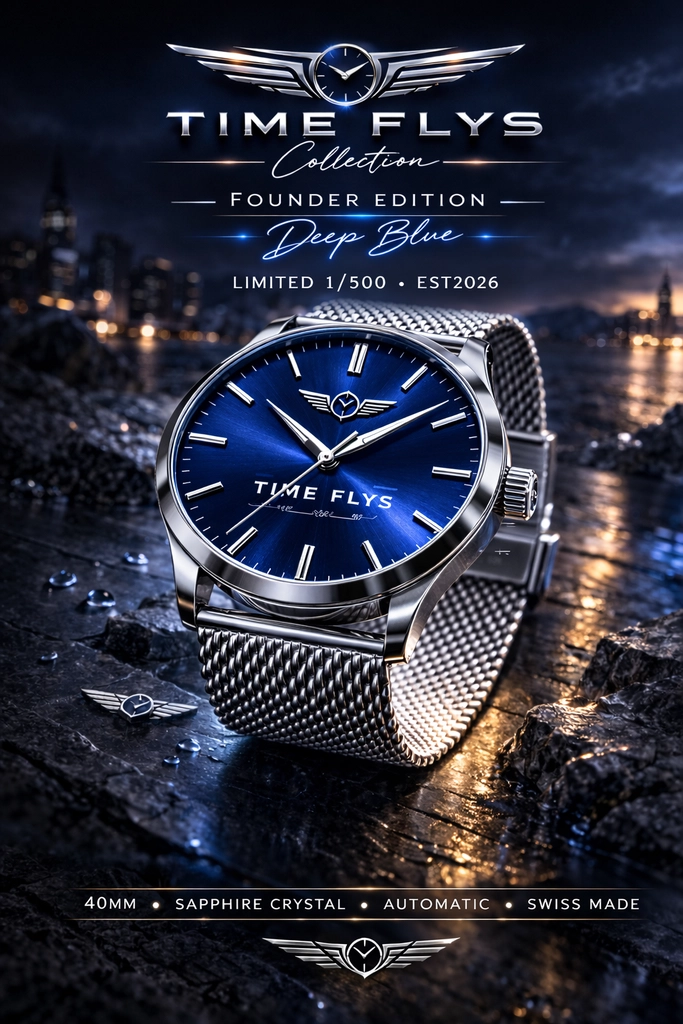 Before
 After
After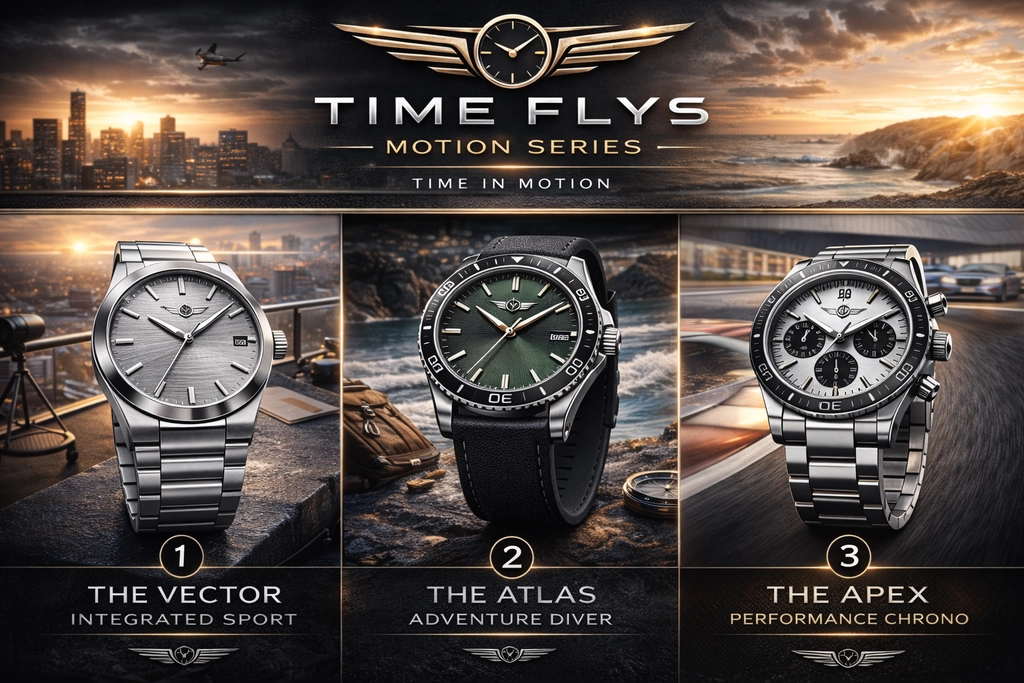 Before
 After
After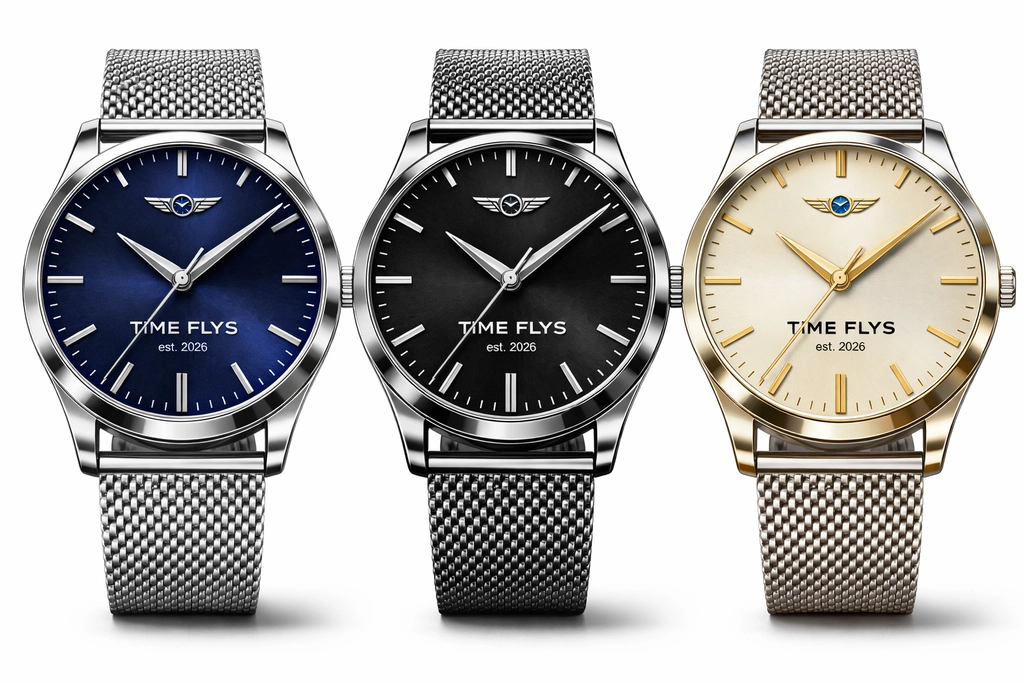 Before
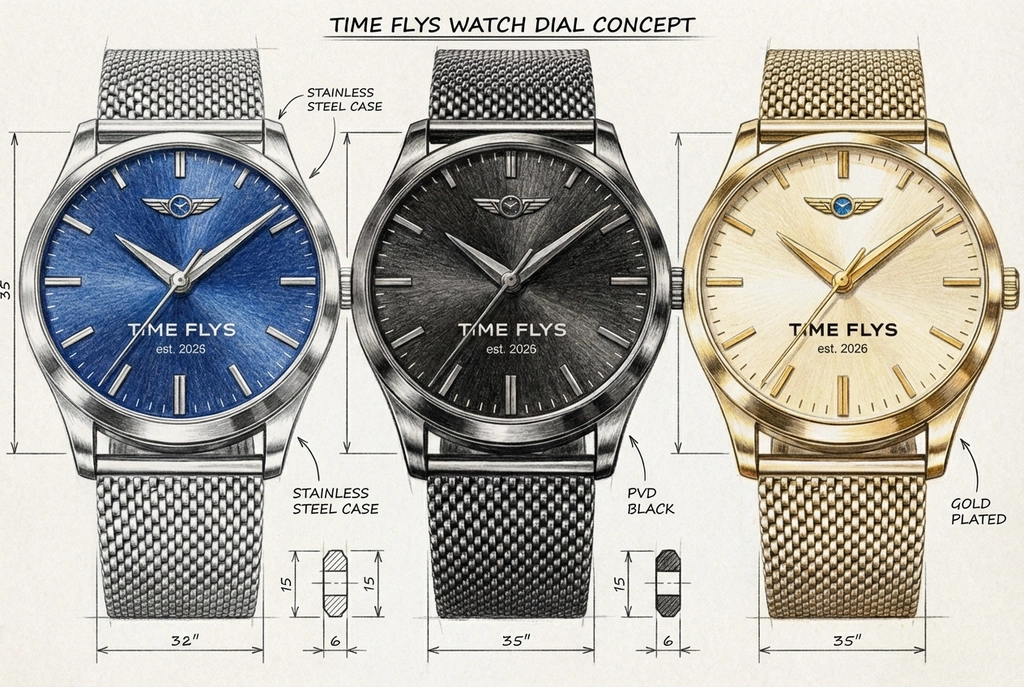 After
AfterReal uploads and results that P20V users shared publicly. No retouching.
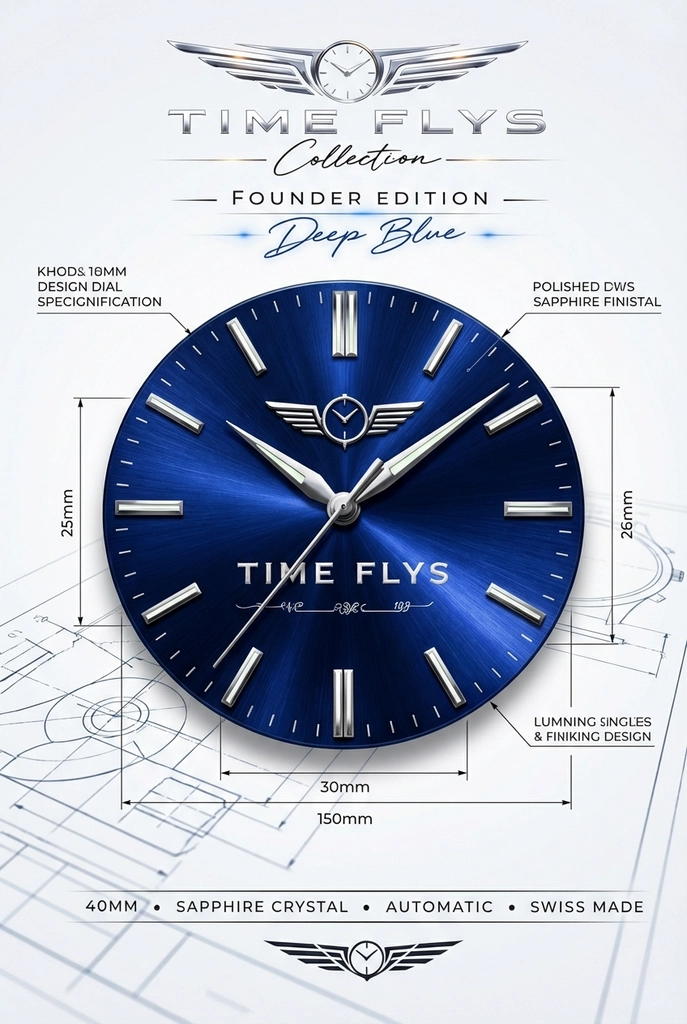
Most watch projects start with a name and a logo, not with a dial drawing. Getting from the logo to something that looks like a watch normally means a designer in Illustrator, then a 3D artist, then rounds of changes. The first two examples above show the short way: a flat brand logo goes in, and a dial with that logo, indices and hands comes out, mounted in a case and lit like a product photo.
Because the tool works from your image, the result stays recognisably yours. The monogram keeps its letters, the emblem keeps its outline, and colours follow the logo unless you ask for others. You can then try dial colours, index styles and hand shapes in plain words, each change in about 30 seconds.
Typical jobs from people who use the dial designer:
After the first result, open it in the P20V editor and describe changes the way you would to a dial printer: "sunburst navy field", "lume-filled baton indices", "remove the date window", "applied steel logo instead of printed", "cream dial, blue hands, 38 mm case". The editor changes what you ask for and keeps the rest of the dial.
Keep in mind what the images are: photoreal concepts. They are ideal for choosing a design and selling it, but a dial maker still needs vector artwork and exact dimensions. For bracelets, cases and other accessories, the handbag, jewellery and sneaker tools below use the same editor with prompts set up for those products.
Drop a logo, a dial sketch, a photo of your watch or a poster into the box above (JPG, PNG or WebP).
In about 30 seconds you get a photoreal dial with indices, hands and printing in a case.
Type colour, index, hand or case changes in plain words, then download the image for your client, supplier or launch page.
Basic is $9.99 per month for 25 images; Starter is $29/month for 50 images ($14.50 for the first month), Pro $79/month for 200 images, Studio $199/month, billed in USD. EU buyers pay VAT on top; no tax is added outside the EU. Every plan includes commercial use, so you can show the designs to customers and print from them. Cancel anytime. See plans
It turns an image of your idea into a photoreal watch dial. Upload a brand logo, a pencil sketch of a dial, a photo of an existing watch or a marketing poster, and in about 30 seconds you get a dial concept: field colour, indices, hands, printing and the case around it. Then change any detail in plain words.
Yes, that is the most common use. Upload the logo on a plain background. The first result places it on a dial the way a dial printer would (usually under 12 or as the centre motif). Then say what to change: "logo smaller, under 12 o’clock", "applied silver logo instead of print", "sunburst blue field".
It keeps what you uploaded. A logo stays a logo; the layout of a sketch (hour markers, sub-dials, date window) stays where you drew it. The AI adds materials, light and the case. If you want variations instead, ask for them: "three versions: black, green, salmon".
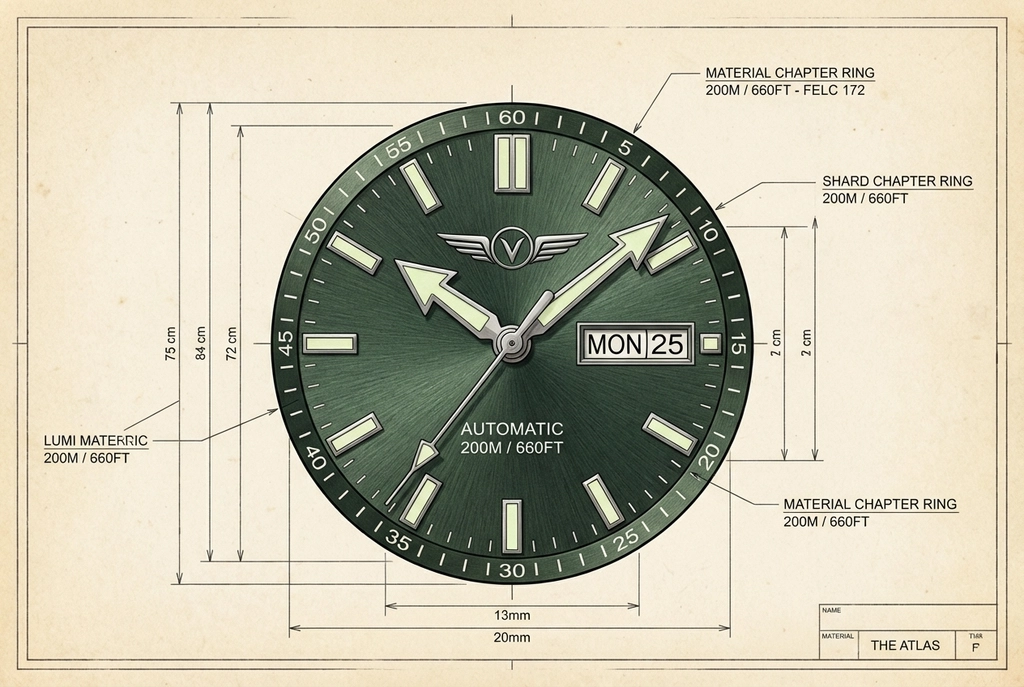
It can produce a presentation sheet with a front view, labelled parts and dimensions, as the examples above show. Treat the numbers as layout notes, not as engineering drawings: check every dimension against your case and movement before you send anything to a dial maker.
Not on P20V. Basic is $9.99 per month for 25 images; Starter is $29 per month for 50 images and its first month is $14.50. Every plan includes commercial use, so you can use the images in a Kickstarter page, a quote or a product listing. Cancel anytime.
Microbrand founders testing a first collection, watch modders who order custom dials for Seiko and other base watches, companies ordering branded watches as corporate gifts, and designers who need dial variations for a client meeting.
Other companies’ trademarks. Design dials with your own name or logo; the tool will reproduce what you upload, so you are responsible for the rights to it.
JPG, PNG or WebP up to 5 MB. A phone photo of a paper sketch works. For logos, a flat file on a white background gives the cleanest print on the dial.
The same editor, set up for each kind of product. All tools