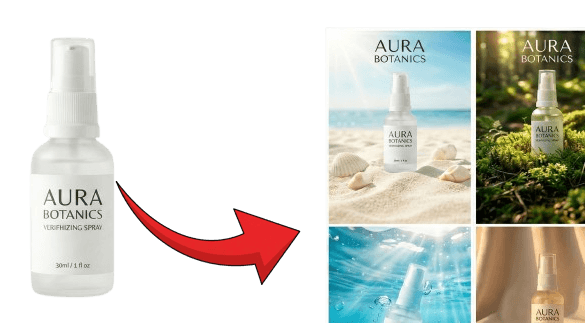
One product photo turned into four AI product scenes with P20V

500K+ hours saved · 80K+ designs

AI Image
Editor

Upload, describe, done in 30 seconds

or drop a file,

paste an image with Ctrl+V

No image?
Try one of these:

By uploading an image you agree to our Terms of Service. To learn how P20V handles your data, see our Privacy Policy.
Edits that look real

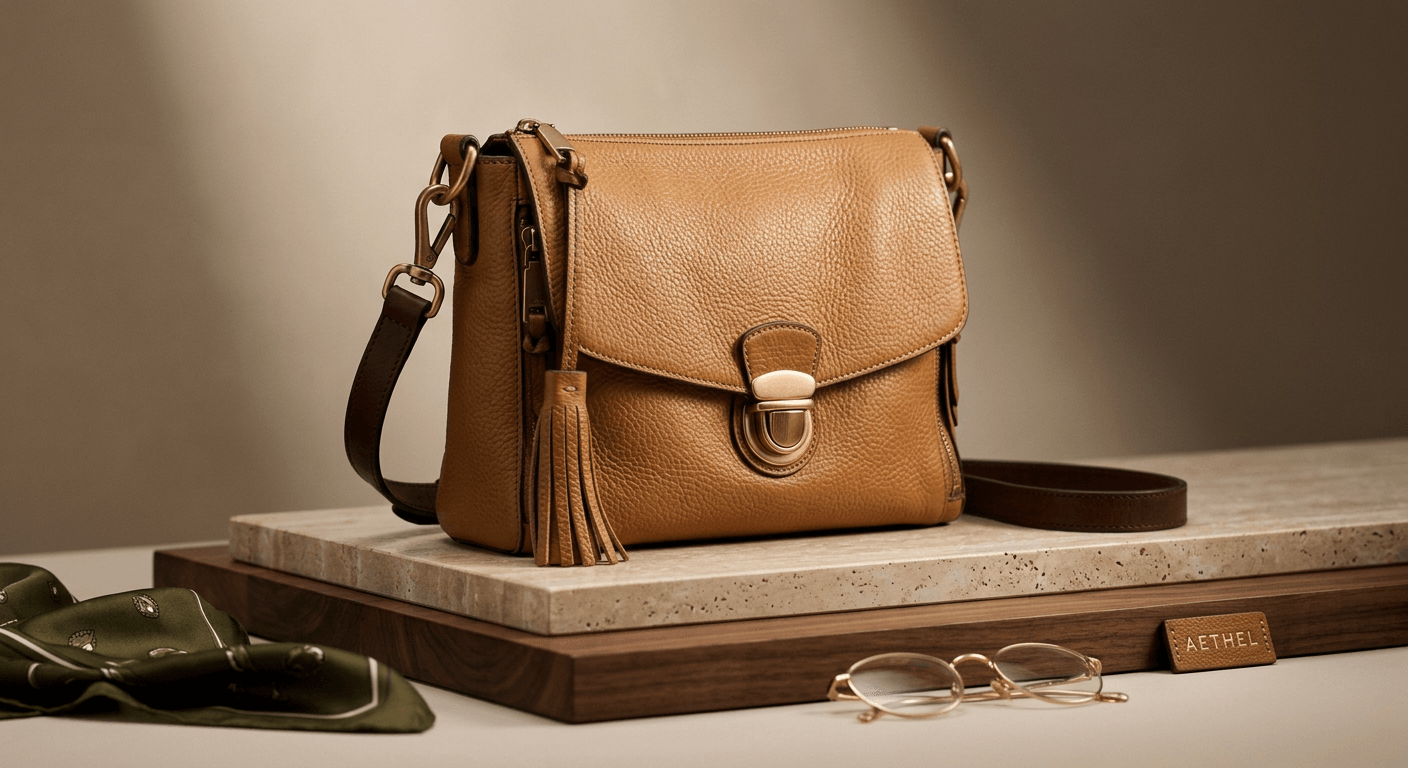
After: Handbag photography: Create premium handbag and purse product photos that rival luxury brand campaigns.
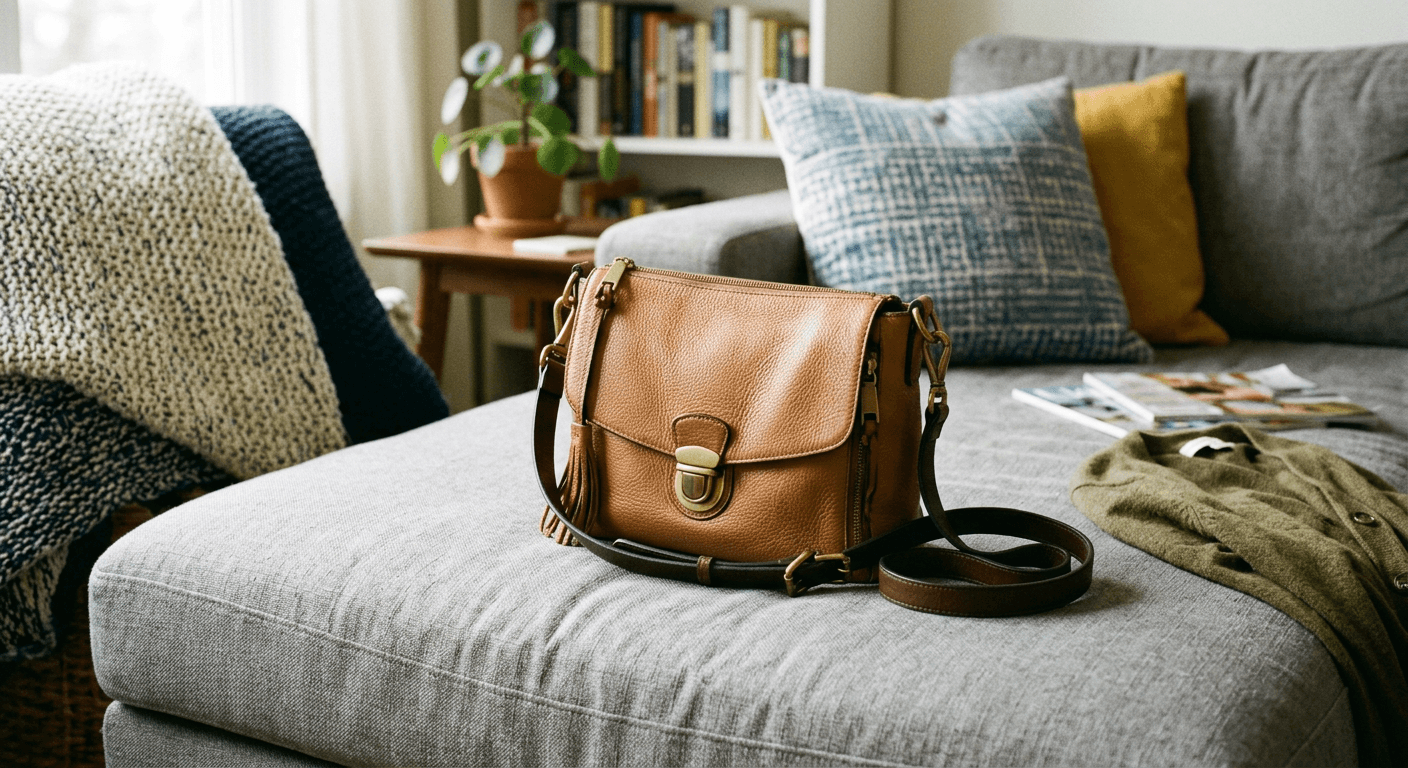
Before: Handbag photography: Create premium handbag and purse product photos that rival luxury brand campaigns.
BeforeAfter

A phone snapshot on a sofa, turned into a studio product shot. Try the handbag photography tool

See more examples

P20V — AI image editor for product photos, virtual staging and marketing visuals

P20V creates and edits images from a prompt or from your own photo. Describe the change you want, or upload a picture and tell the editor what to fix: the background, the lighting, the colour, the room, the missing part.

The editor keeps the rest of the picture and changes only what you asked for, so the label, shape and colours of a real product stay the way they are. That is the difference to a generator that starts from scratch every time.
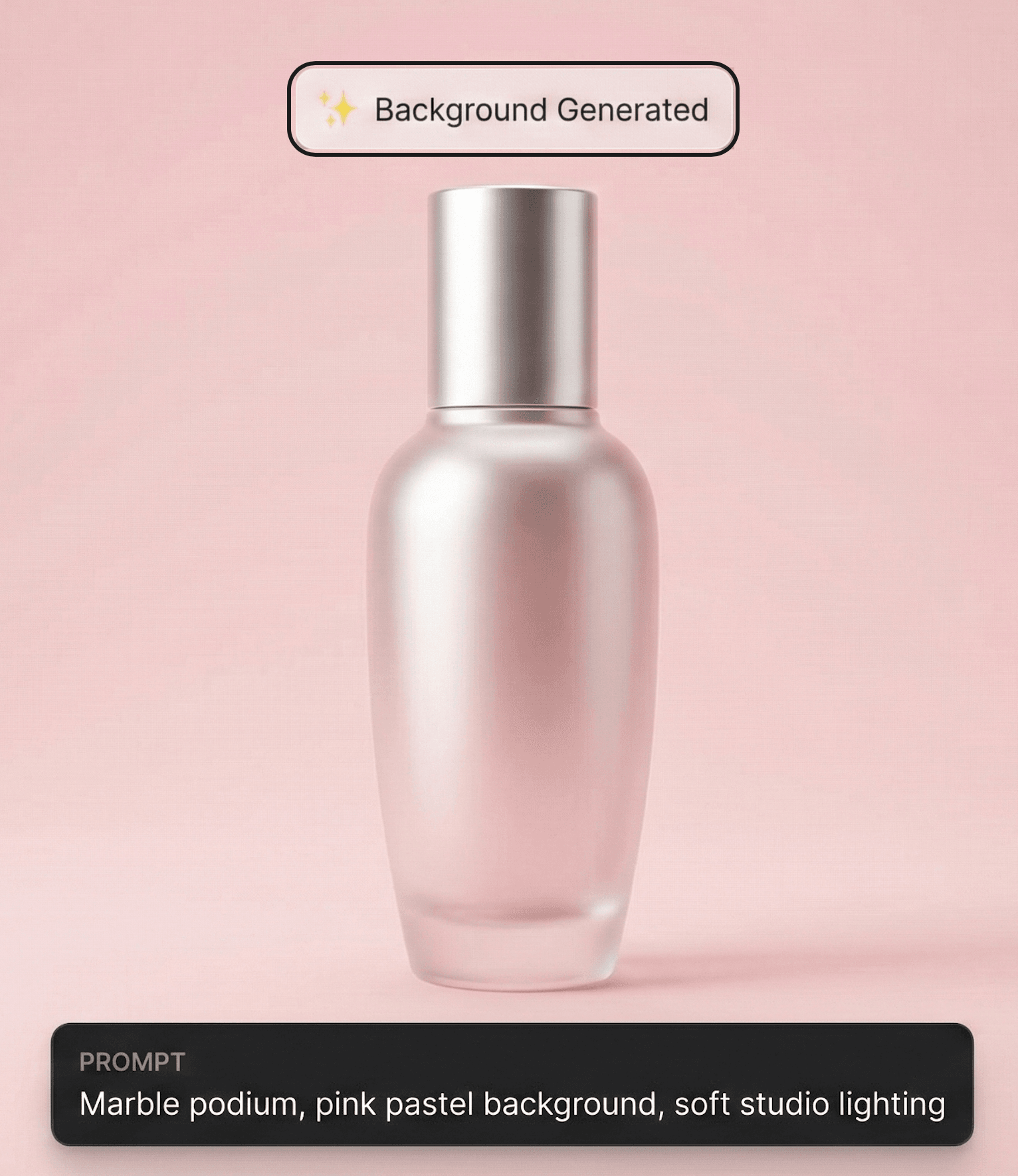
A skincare bottle placed on a pastel studio podium by the P20V background generator

One editor, endless uses

Upload one product shot and get clean white-background listings, lifestyle scenes and packaging mockups. Furnish an empty room or fix the lawn and the sky for a listing photo. Turn a product or a sketch into banners and social posts, or render a facade, a car concept or an anatomy diagram from a reference image.

Create stunning shoe product photos with professional lighting and clean backgrounds for online stores.Generate luxury fragrance photography with dramatic lighting and premium bottle presentation.Generate luxury skincare product photos with spa-like settings and premium aesthetic.Create tech-forward headphone and earbud product photos with clean modern presentation.Create warm lifestyle mug product photos for print-on-demand and drinkware sellers.Generate clean professional photos of kitchen products, cookware, and utensils for online listings.Create rich warm coffee product photos for beans, equipment, and cafe brands.Create premium handbag and purse product photos that rival luxury brand campaigns.Visualize product packaging designs in photorealistic mockups before printing.

Studio-quality product photos without the studio

Each image comes back in about half a minute at 2K resolution, and you can keep typing the next prompt while one renders.

Every plan includes commercial usage rights for product listings, ads, client work and print. Plans start at $9.99/month for 25 images(Starter: $29/month for 50 images, $14.50 the first month), and you can cancel anytime.

Just picture it

Original: Coffee bag
Edited with P20V: Café scene
Café scene →
Original: Cluttered desk
Edited with P20V: Studio perfume shot
Studio perfume shot →

Edit your first image

Upload a photo and describe the change. 2K result in about 30 seconds.

or drop a file,

paste an image with Ctrl+V

No image?
Try one of these:

By uploading an image you agree to our Terms of Service. To learn how P20V handles your data, see our Privacy Policy.

Questions people ask

Can I edit a photo I already have?
Yes. Upload your image and describe the change. The editor keeps the rest of the picture and changes only what you asked for, which is the difference to a generator that starts from scratch every time.
Is there a free version?
No. P20V is paid: Basic is $9.99 per month for 25 images; Starter is $29/month (50 images, $14.50 for the first month), Pro $79/month (200 images) and Studio $199/month. Every plan includes commercial usage rights.
Can I use the images commercially?
Yes, on every plan — product listings, ads, client work and printed material included.
How long does one image take?
About 30 seconds for a 2K image. You can keep typing the next prompt while one renders.

Get help and updates

Ask questions, share results and hear about new tools first in the P20V Discord.