
Upload a car sketch or drawing and get a rendered concept car that follows your lines, in about 30 seconds. Then change paint, wheels, view and setting in plain words.
Drop a car sketch or drawing here
JPG, PNG or WebP • large photos are resized automatically
Each pair is the uploaded image and the tool’s unedited first result with the prompt this page sends.
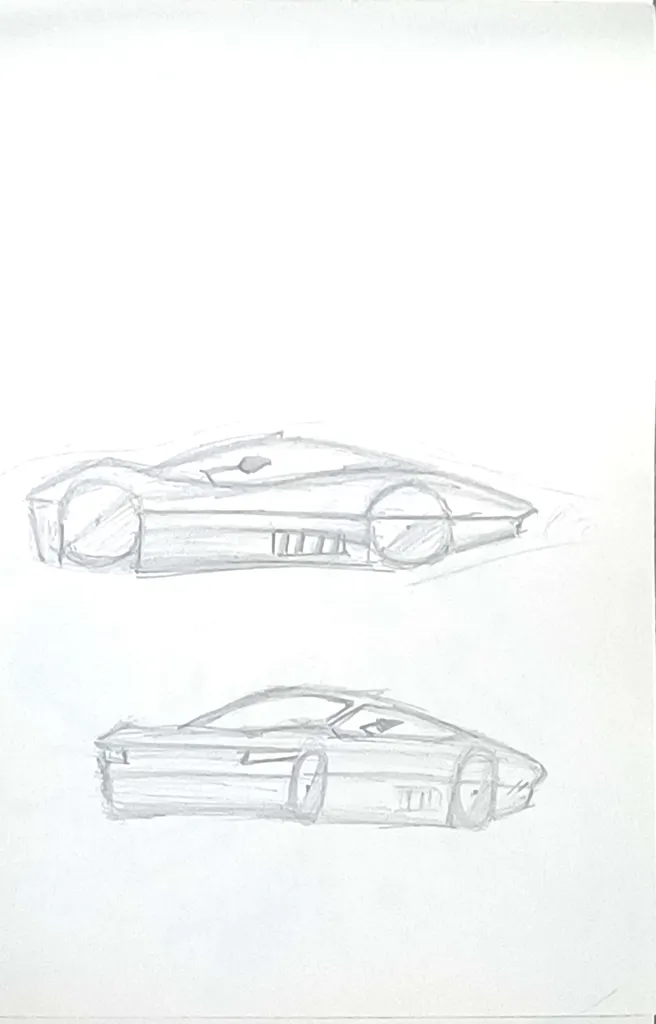 Before
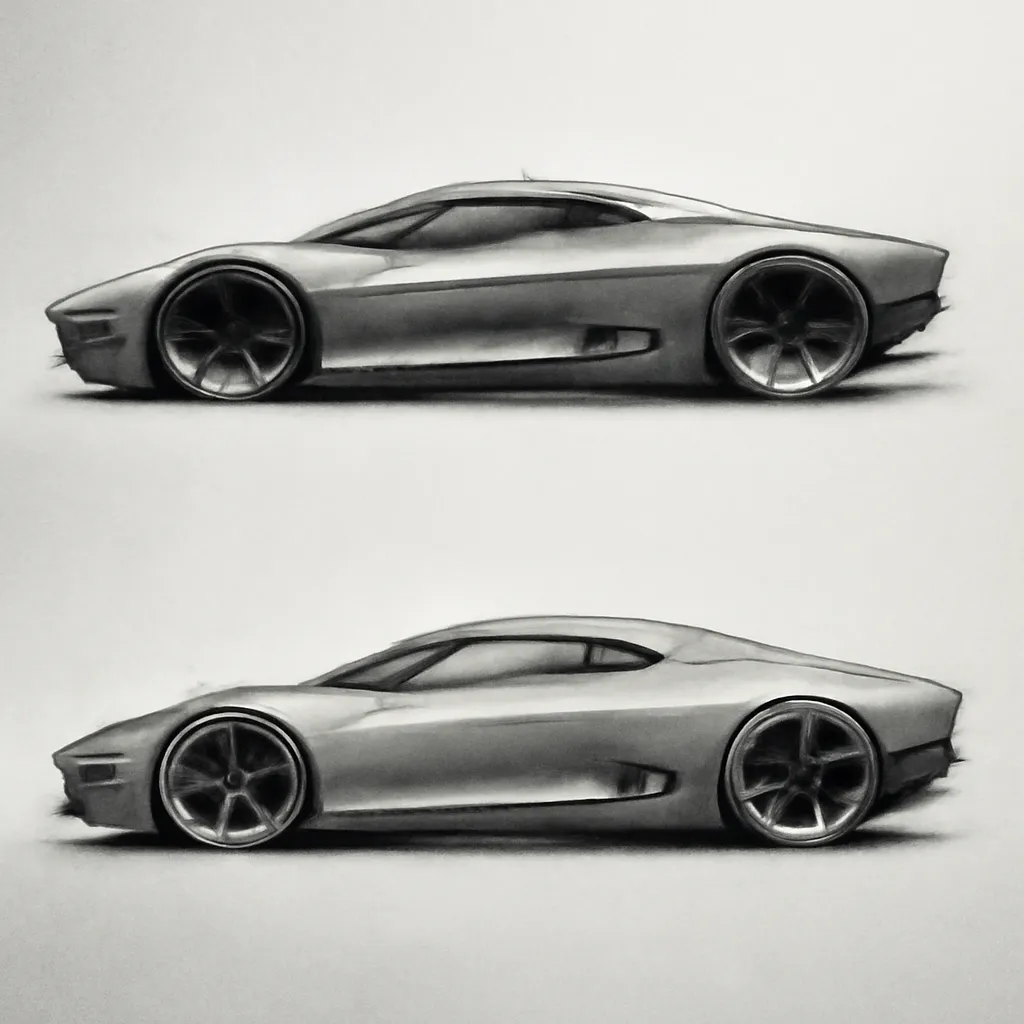 After
After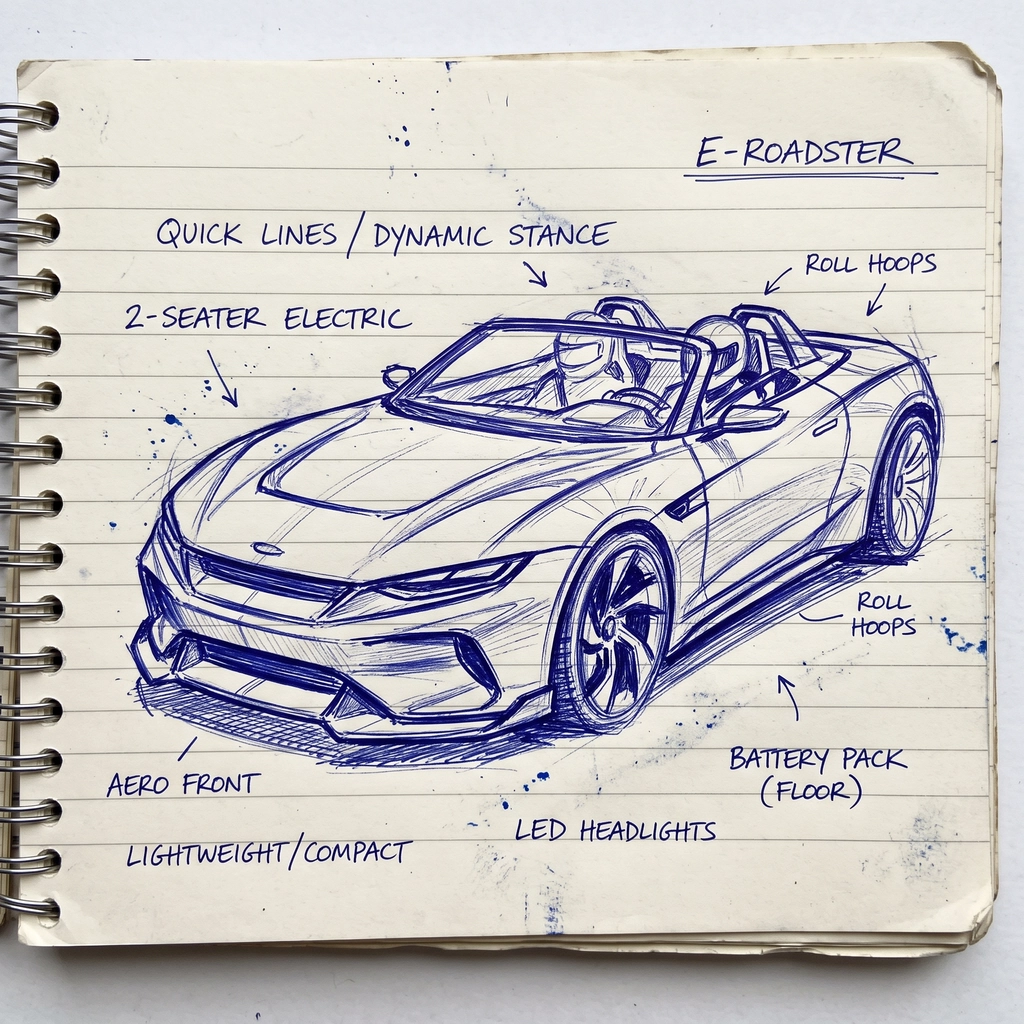 Before
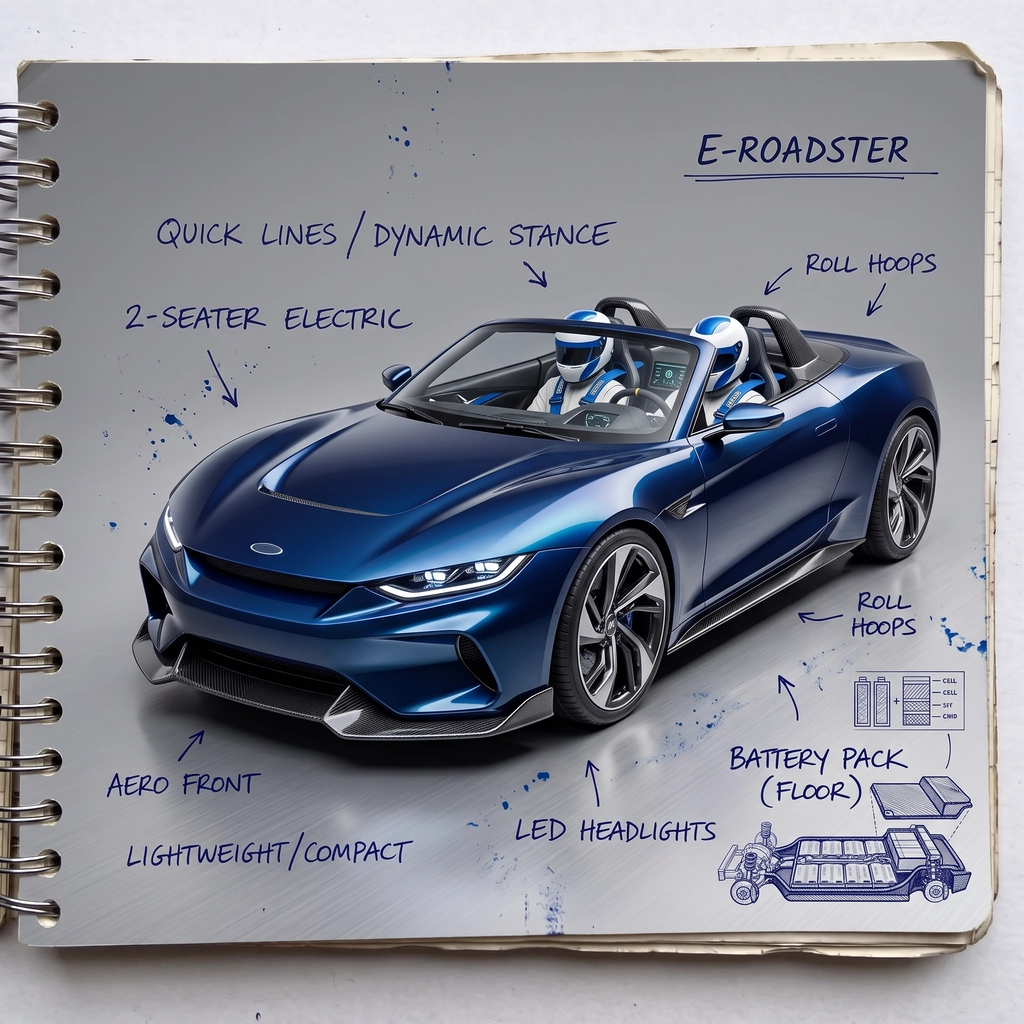 After
After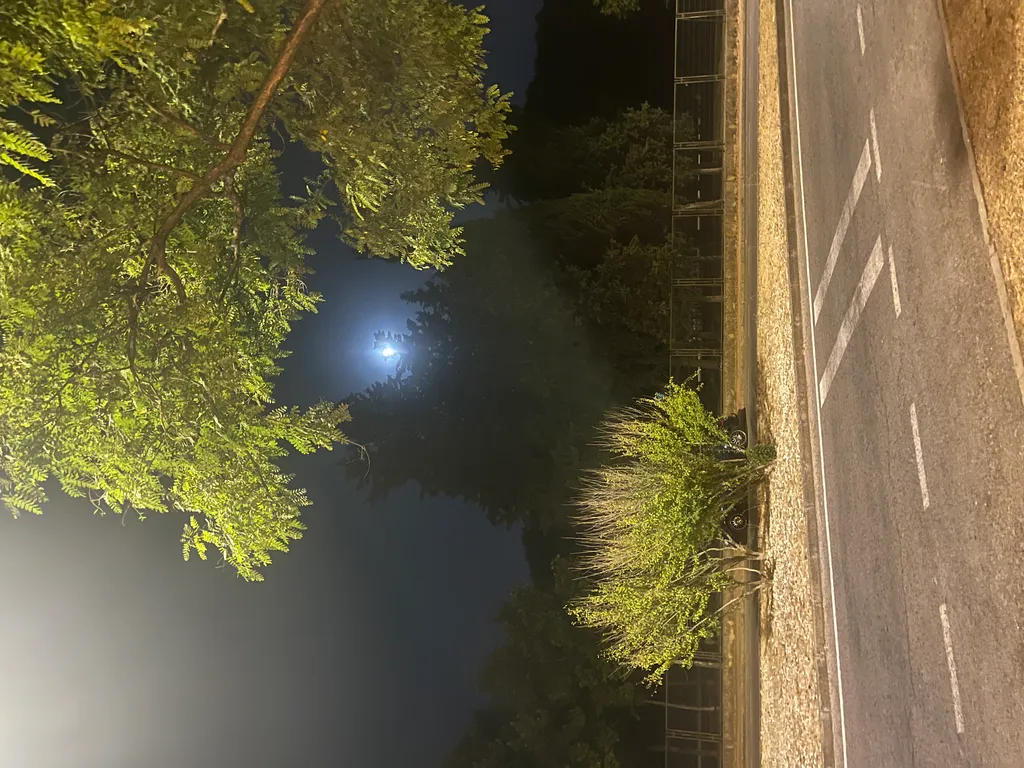 Before
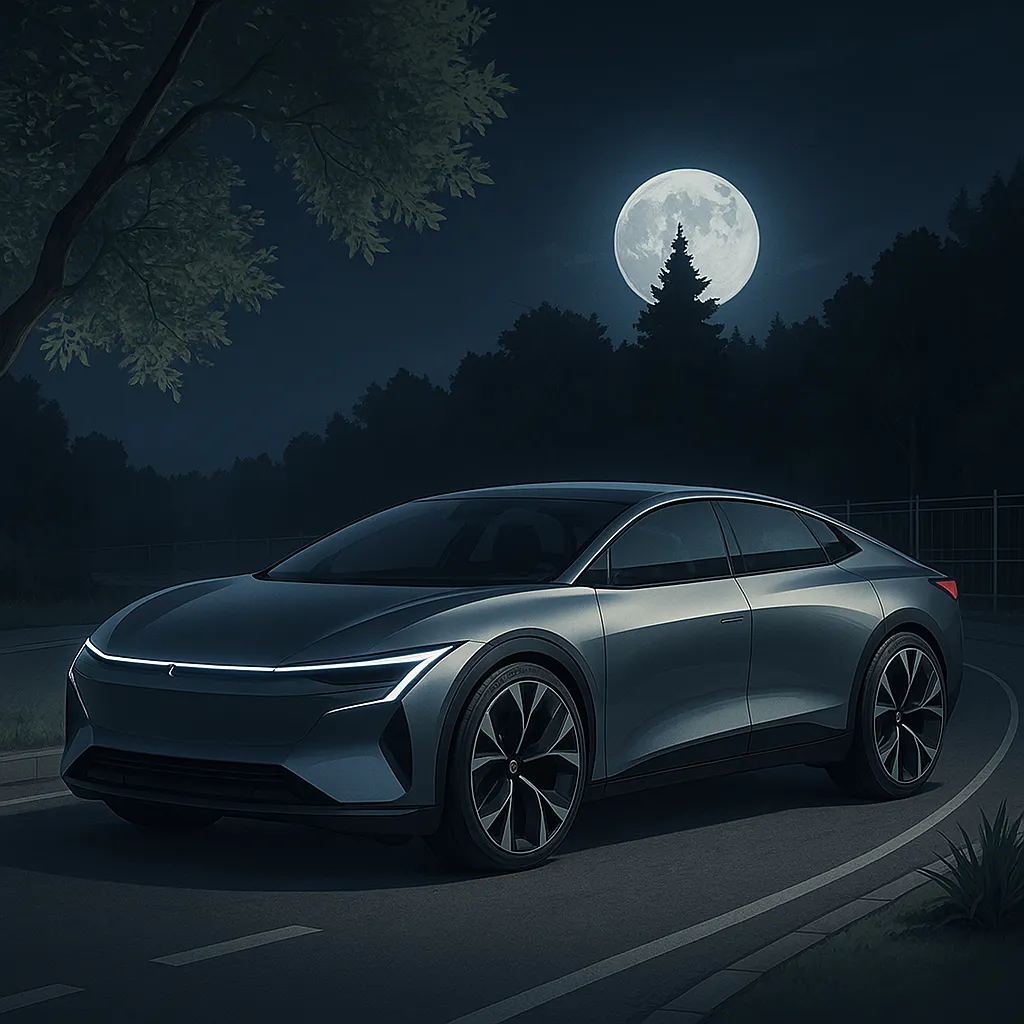 After
AfterThe coupe sketch and the road photo are P20V users’ public uploads; the roadster sketch was made as a sample input for this page. No retouching.
Text-to-image car generators give you a car somebody else designed. Designers and students need the opposite: their own sketch, rendered. This tool reads the profile, the wheel positions, the glasshouse and the feature lines in your drawing and renders that car, so a page of ideation sketches becomes a page of presentation images.
A render takes about 30 seconds. That makes it practical to render every sketch on the wall before a review, not only the two you had time to paint, and to try paint, wheel and lighting variants on the one that wins.
Typical jobs:
Every result opens in the P20V editor. Type the change: "matte green paint with gloss black roof", "bigger wheels, 22 inch, bronze", "make it a shooting brake", "rear three-quarter view", "on a wet city street at dusk". The editor changes what you ask for and keeps the rest of the car.
Working on a real car instead? The wrap, livery and colour-change tools below keep the car from your photo and change only its paint and graphics.
Drop a JPG, PNG or WebP photo or scan of your car sketch or drawing into the box above.
In about 30 seconds the generator returns a rendered concept car that follows your lines.
Type paint, wheel, view or setting changes in plain words, then download the image for your review, portfolio or deck.
Basic is $9.99 per month for 25 images; Starter is $29/month for 50 images ($14.50 for the first month), Pro $79/month for 200 images, Studio $199/month, billed in USD. EU buyers pay VAT on top; no tax is added outside the EU. Every plan includes commercial use, so you can show the designs to customers and print from them. Cancel anytime. See plans
Upload a car sketch, a drawing, a clay-model photo or a photo of a scene. The generator returns a rendered concept car in about 30 seconds: shaded surfaces, paint, glass, wheels and light, following the lines you drew. Then open it in the editor and type changes such as "satin black paint, bronze wheels", "lower the roofline", "studio photo, three-quarter front view".
It keeps your design. The silhouette, proportions and main lines of the sketch stay; the AI adds surfaces, materials and lighting. In the first example above the two side views of the coupe come back as two renders with the same profile. If you want variations, ask for them in the next instruction.
Yes. The first result often keeps the look of the sheet (paper, annotations). Type "render this car as a photoreal studio photo, three-quarter front view, keep the proportions" to get a clean render. Do not use real car brand names or logos in prompts for your own design.
That is a common use: turning ideation sketches into presentation images for a portfolio, a studio review or an application, in minutes instead of a night of Photoshop rendering. Say in your portfolio that the renders were made with AI from your sketches.
No. The output is an image. It is for ideation, reviews, pitches and posts. Class-A surfacing, Alias or Blender models stay a separate step.
No. P20V is a paid tool: Basic is $9.99 per month for 25 images; Starter is $29 per month for 50 images and its first month is $14.50. Every plan includes commercial use. Cancel anytime.
No, use the AI Car Wrap Design Creator or the Car Livery & Decal Designer: they keep your real car from the photo and change only the paint and graphics. This page is for designing the car itself.
The same editor, set up for each kind of vehicle job. All AI vehicle design tools