
Upload a photo of a loose stone, a ring sketch or a piece you own and get ring, pendant and earring designs built around it in about 30 seconds. Then change metal, setting and style in plain words.
Drop a gemstone photo or jewelry sketch here
JPG, PNG or WebP • large photos are resized automatically
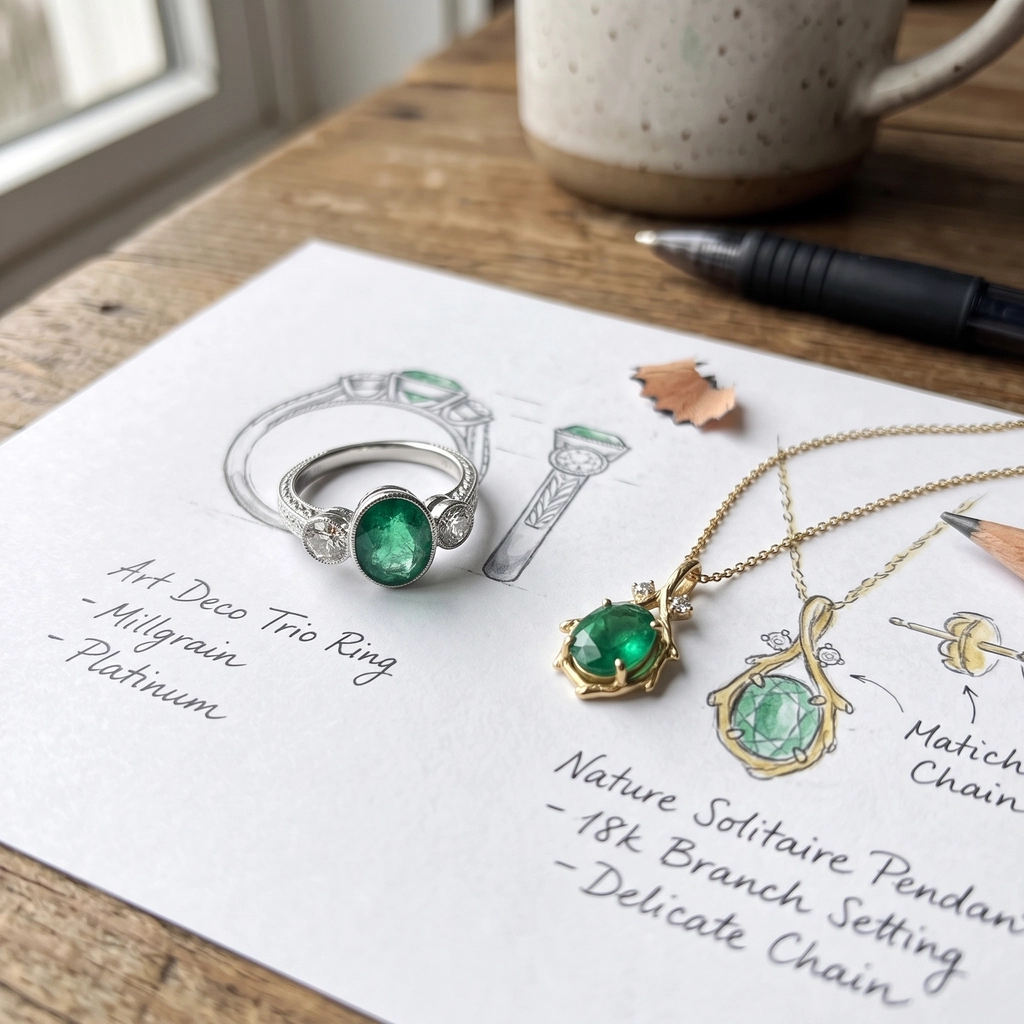
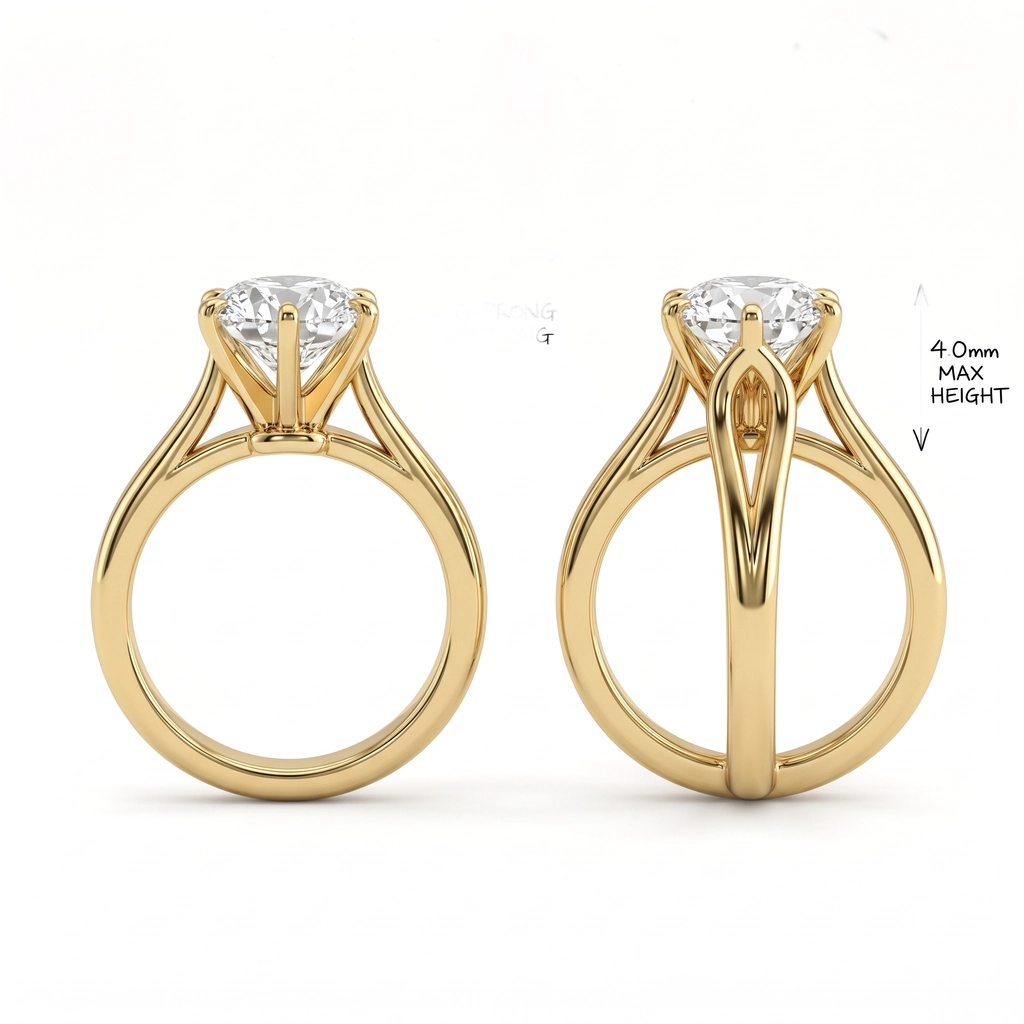
Each pair is the uploaded image and the result. The first three are unedited first results with this page’s prompt; the last one used a typed instruction.
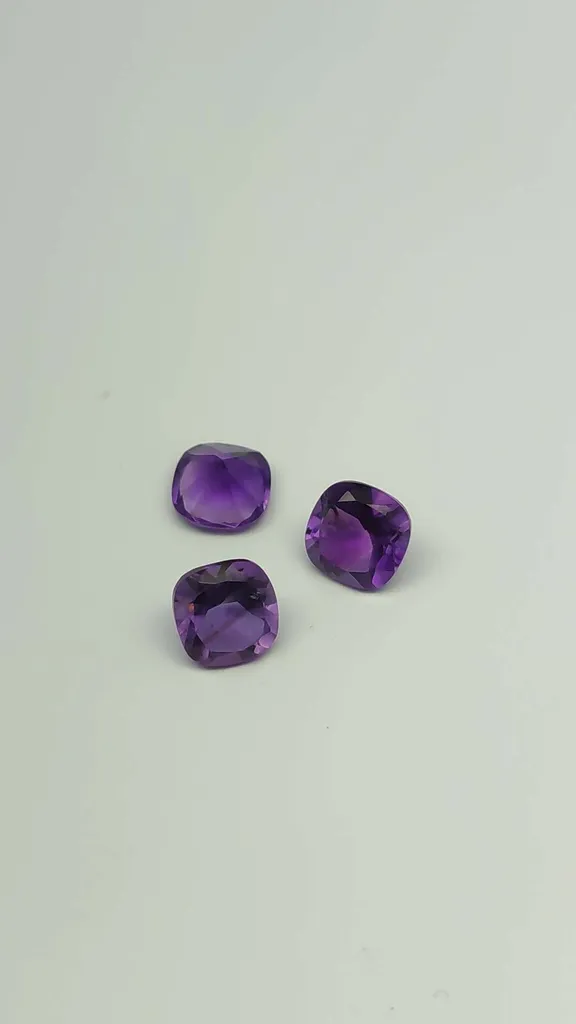 Before
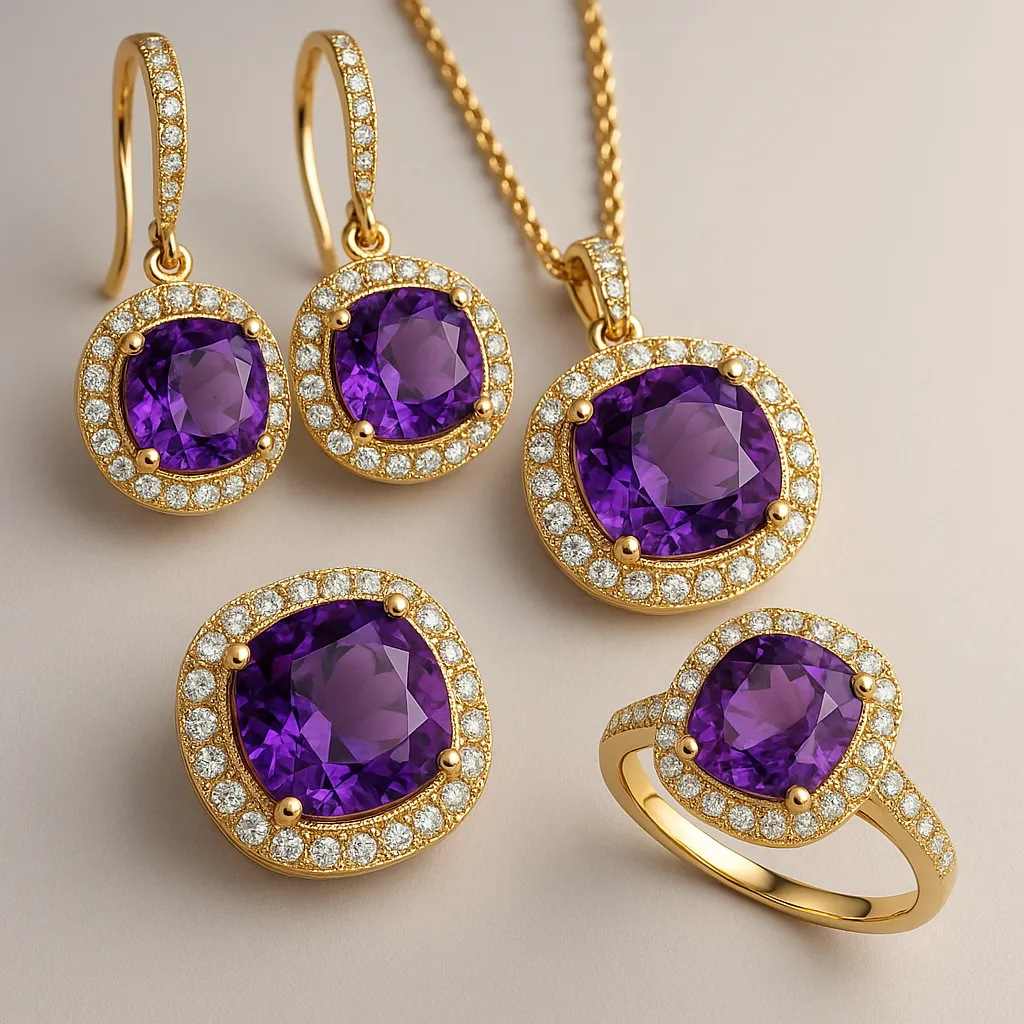 After
After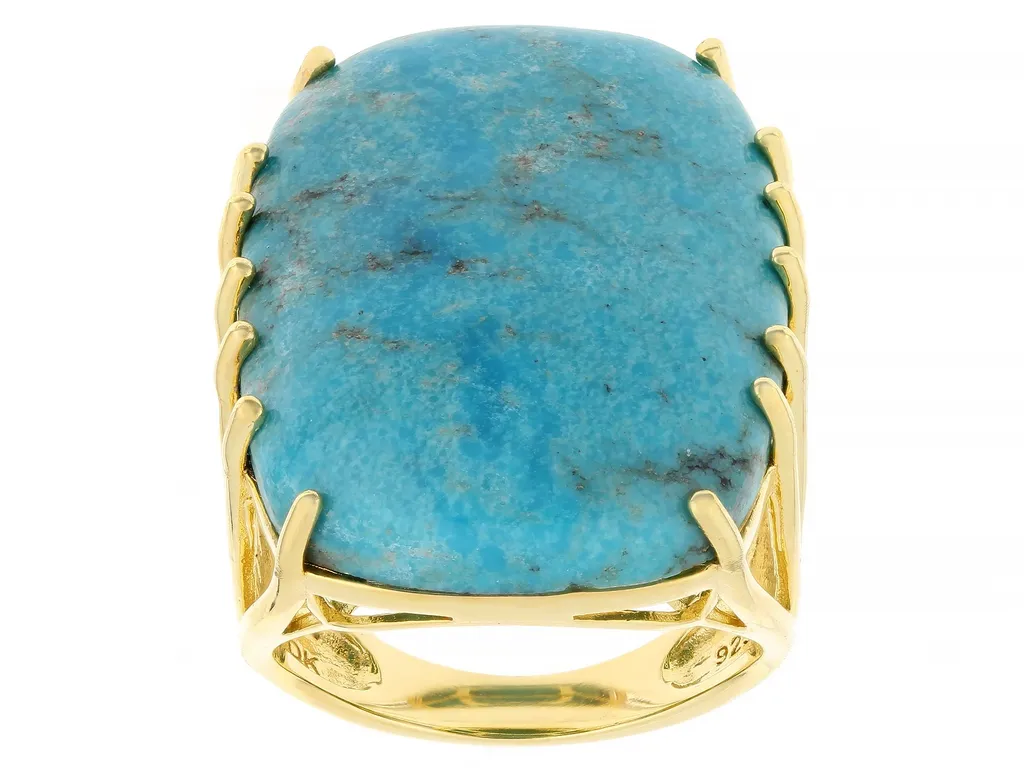 Before
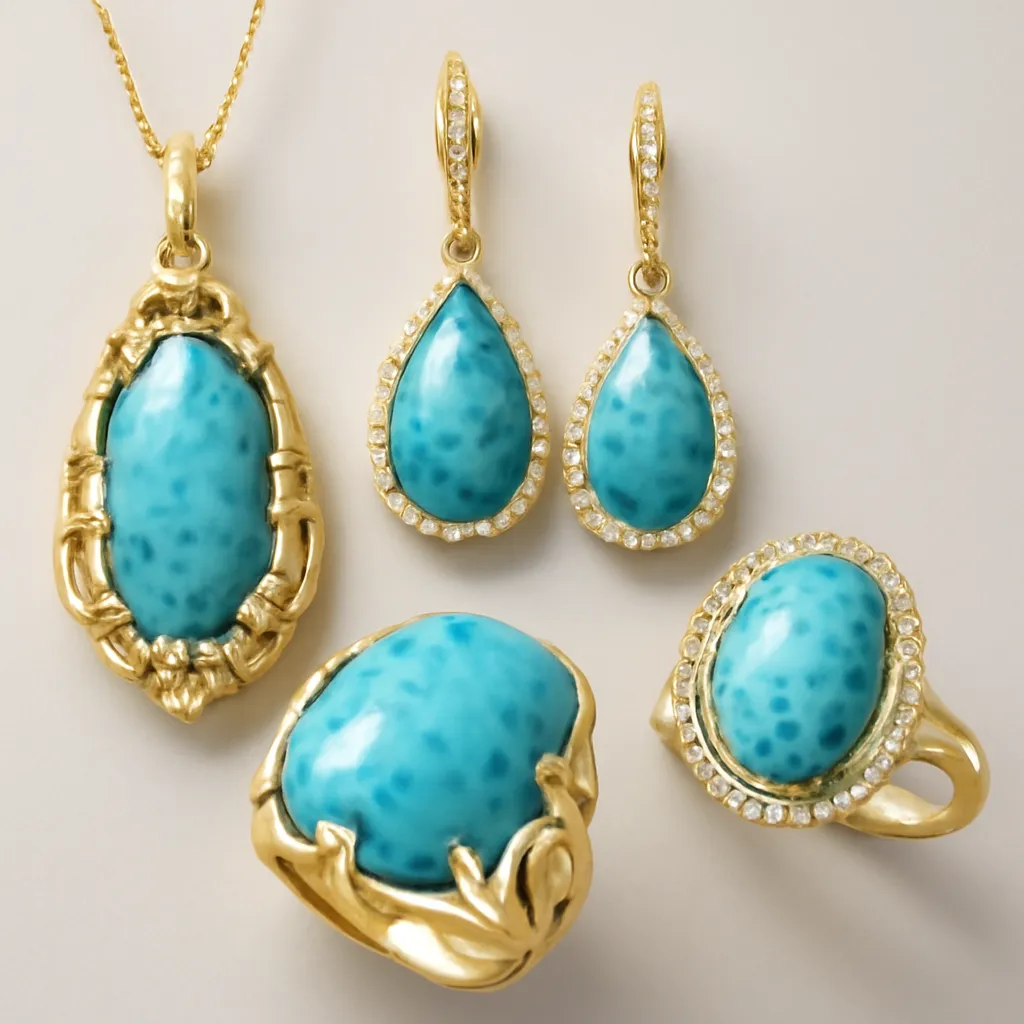 After
After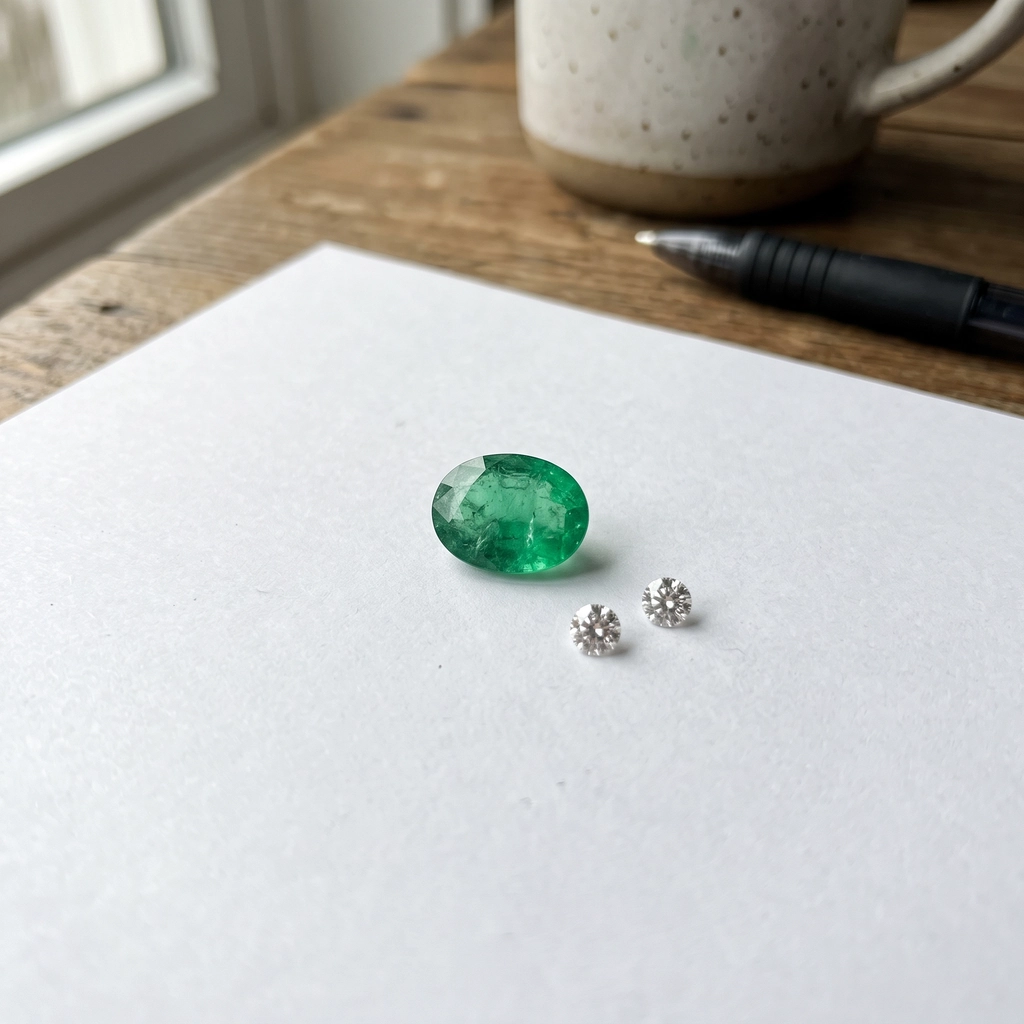 Before
 After
After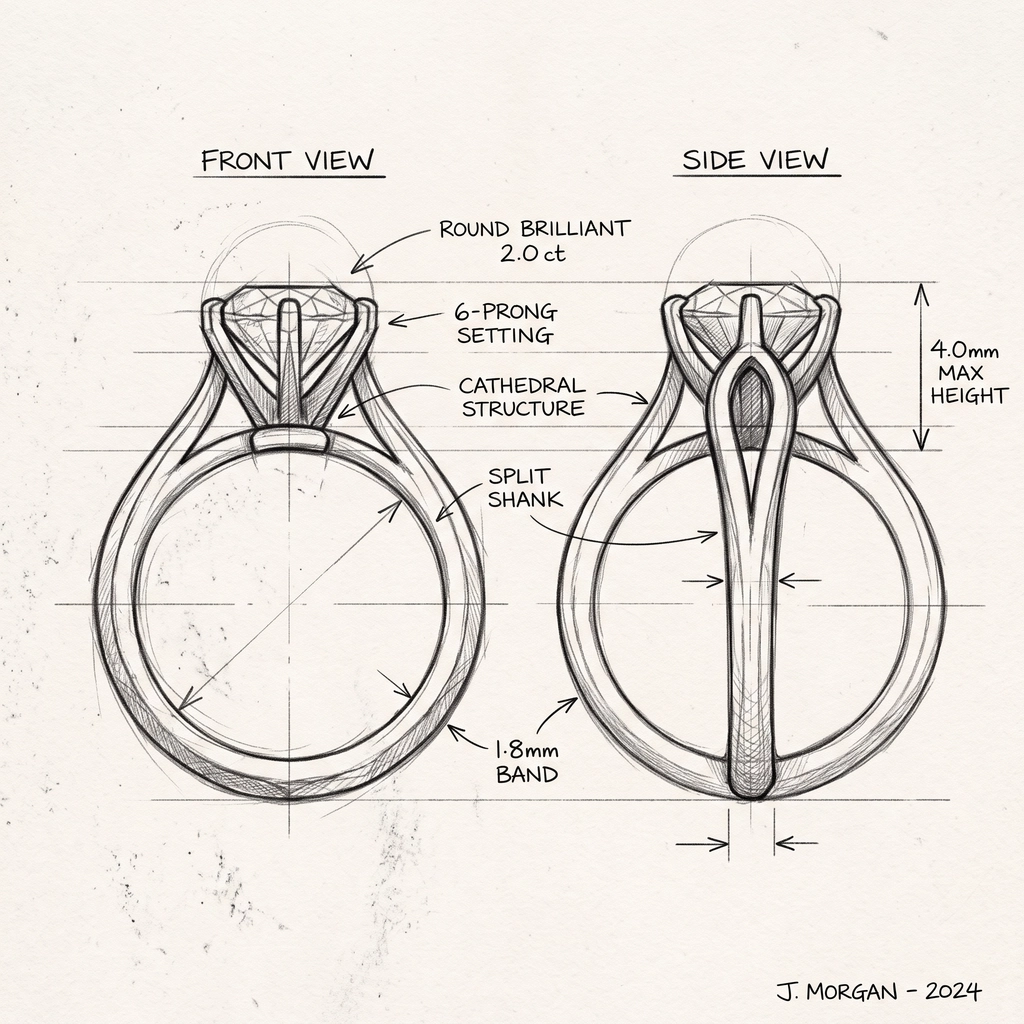 Before
 After
AfterThe amethyst and turquoise pairs are P20V users’ uploads. The emerald photo and the ring sketch were made as sample inputs for this page. No retouching.
Most AI jewelry generators start from a text prompt and give you a ring that cannot be made with the stone on your bench. This one starts from an image. Upload the stone, and the designs use that stone’s colour and cut. Upload a ring you already sell, and you get pendants and earrings that match it, which is how a single ring becomes a collection.
A design takes about 30 seconds, so you can show a customer ten settings for their stone during one appointment instead of drawing three by hand and booking a second meeting.
Typical jobs:
Every result opens in the P20V editor. Type the change you want: "platinum", "rose gold with milgrain edges", "bezel setting instead of claws", "add small diamonds on the shank", "art deco style", "product photo on white", "on a model’s hand". The editor changes what you ask for and keeps the rest.
For watches, sneakers, handbags or furniture, use the matching tools below; each sends a prompt set up for that product.
Drop a JPG, PNG or WebP photo of a loose gemstone, a jewelry sketch or a piece you own into the box above.
In about 30 seconds the generator returns ring, pendant and earring designs built around your image.
Type metal, setting or style changes in plain words, then download the image for your customer or listing.
Basic is $9.99 per month for 25 images; Starter is $29/month for 50 images ($14.50 for the first month), Pro $79/month for 200 images, Studio $199/month, billed in USD. EU buyers pay VAT on top; no tax is added outside the EU. Every plan includes commercial use, so you can show the designs to customers and print from them. Cancel anytime. See plans
Upload a photo of what you start from: a loose stone, a sketch, a CAD screenshot or a piece you already own. The AI jewelry design generator returns ring, pendant and earring designs built around it in about 30 seconds. Open a result in the editor and type changes such as "rose gold instead of yellow", "make the halo smaller", "six claws instead of four" or "product photo on white".
Yes, that is the most common use. Photograph the stone on plain paper in daylight, upload it, and you get settings designed around that stone’s colour and cut. In the amethyst example above the three stones from the photo became a halo pendant, earrings and a ring.
Yes. Upload the sketch and type what it should be made of, for example "render this ring as a product photo, 18k yellow gold, round brilliant diamond, exactly as drawn". The last example above is that instruction on a pencil sketch. Small annotations from the sketch can survive into the image, so check the result and ask for a clean version if needed.
No. The output is an image for deciding on a design, showing a customer, or a product listing before the piece exists. Stone sizes and metal weights in the image are not measured. For casting or printing, a jeweller or CAD designer builds the model from the design you choose.
No. P20V is a paid tool: Basic is $9.99 per month for 25 images; Starter is $29 per month for 50 images and its first month is $14.50. Every plan includes commercial use, so the designs can go in customer proposals, listings and ads. Cancel anytime.
Independent jewellers and bench jewellers who quote custom pieces, stone dealers who show what a stone could become, small jewellery brands planning a collection, and people designing an engagement ring with their jeweller.
One stone or one piece per photo, sharp, in daylight on a plain background. JPG, PNG or WebP up to 5 MB. Strong reflections and busy backgrounds make the result less faithful.
The same editor, set up for each kind of product. All tools