
Upload a photo of your car or bike and get it back in a full racing livery — stripes, numbers, sponsor decals and colour blocks that follow the real body lines.
Drop a photo of your car or bike here
File size limit: 5MB
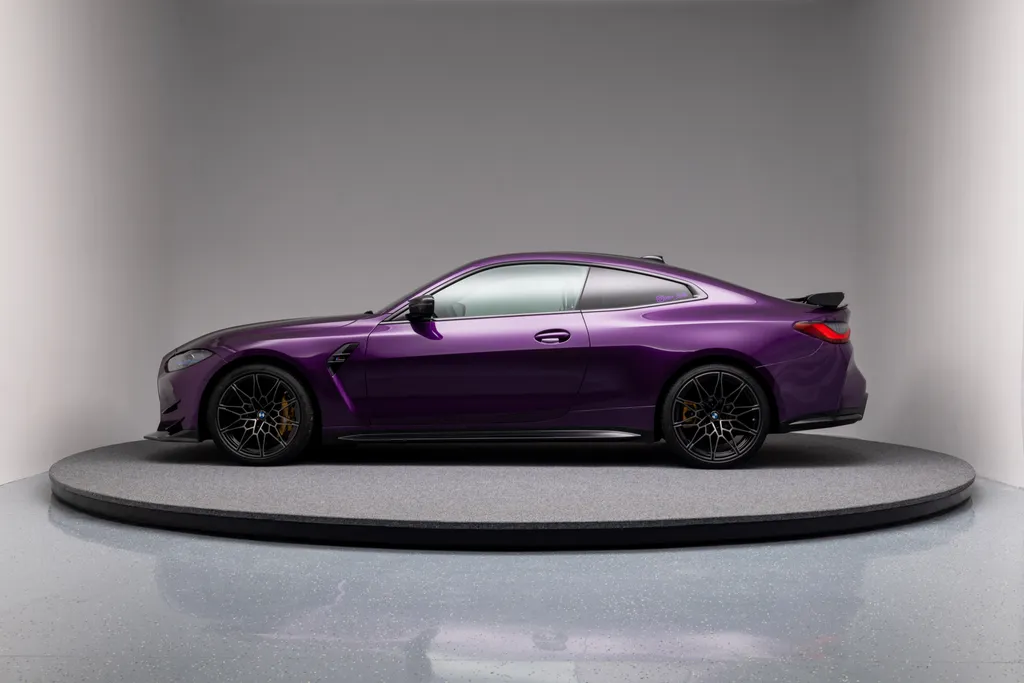 Before
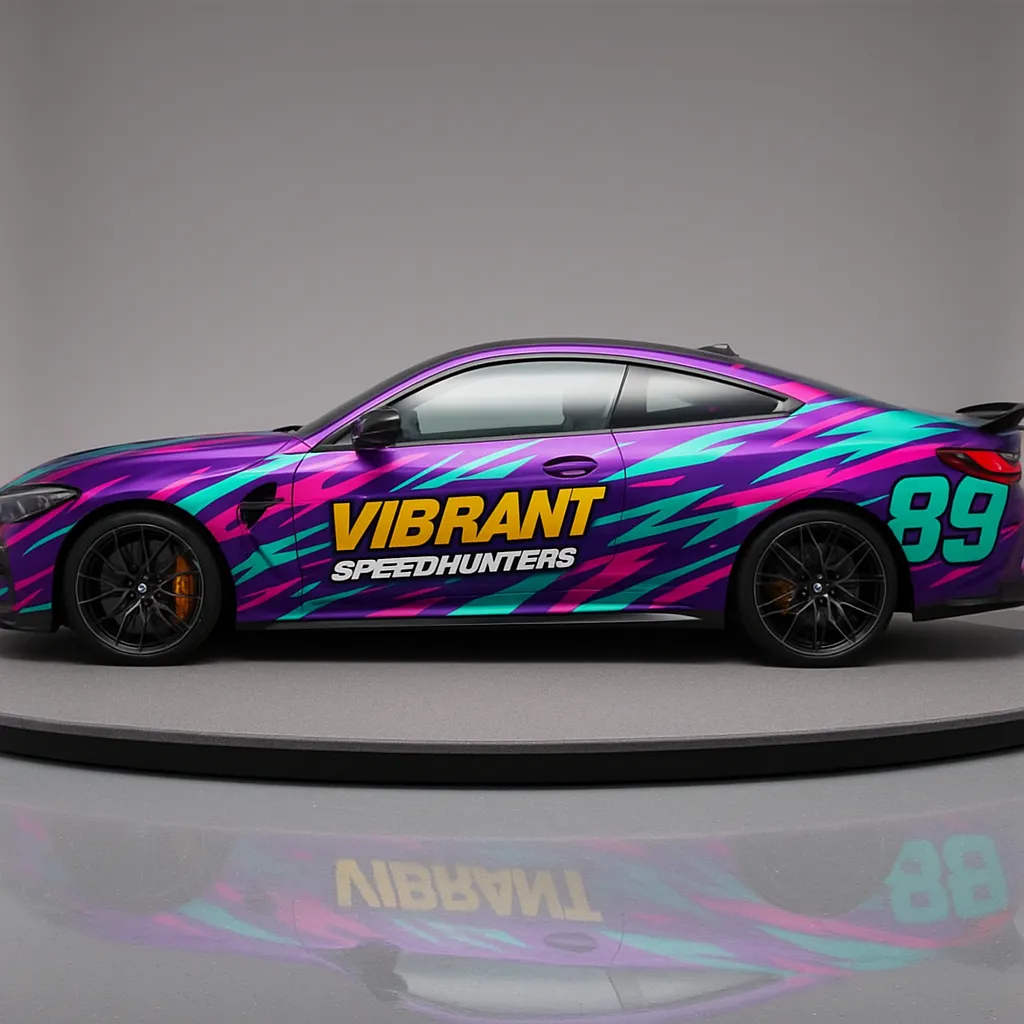 After
After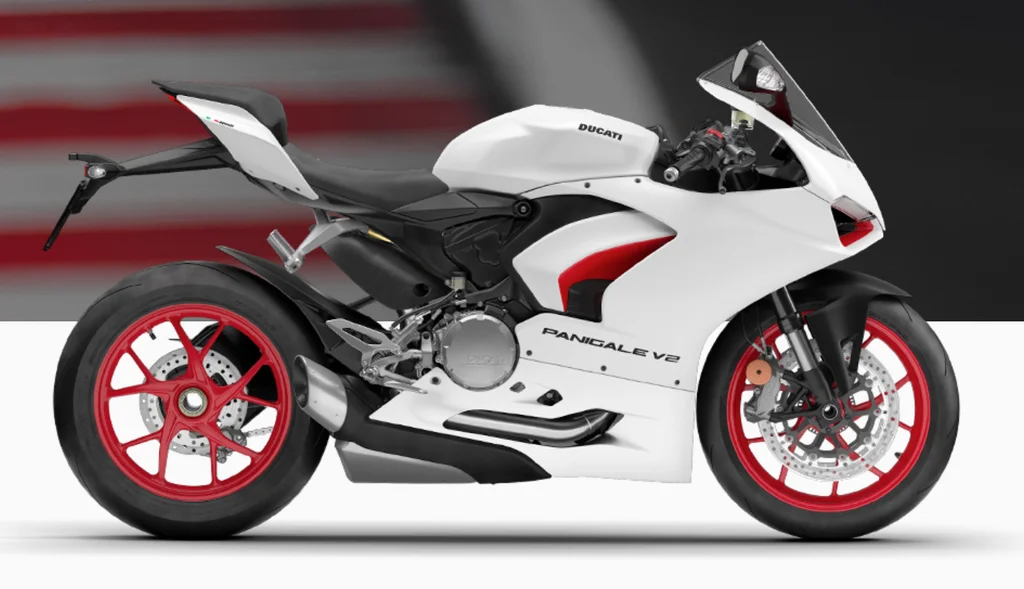 Before
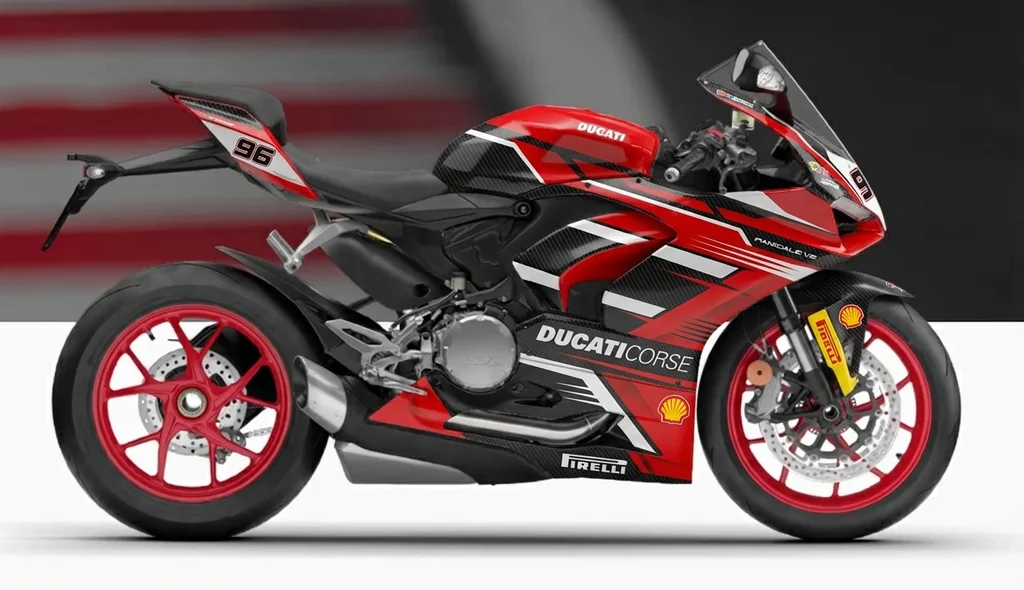 After
After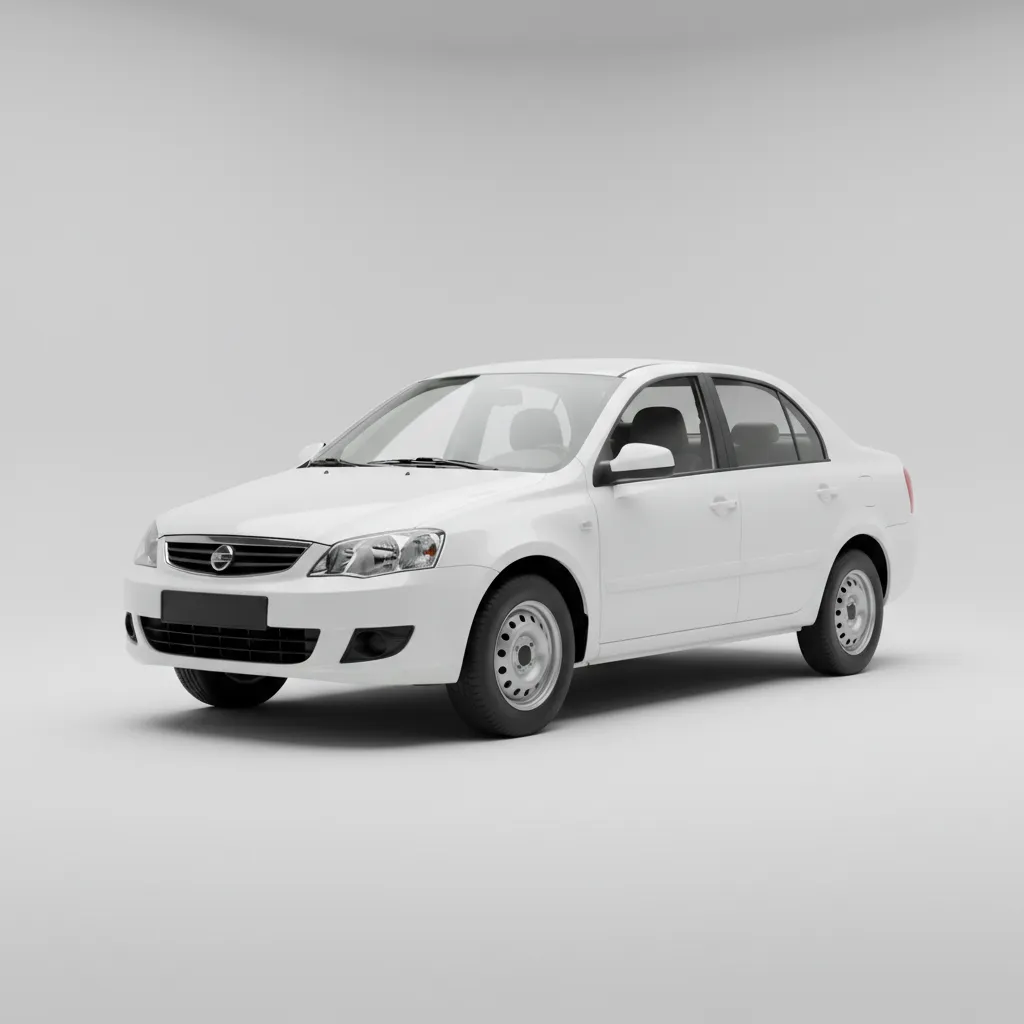 Before
 After
After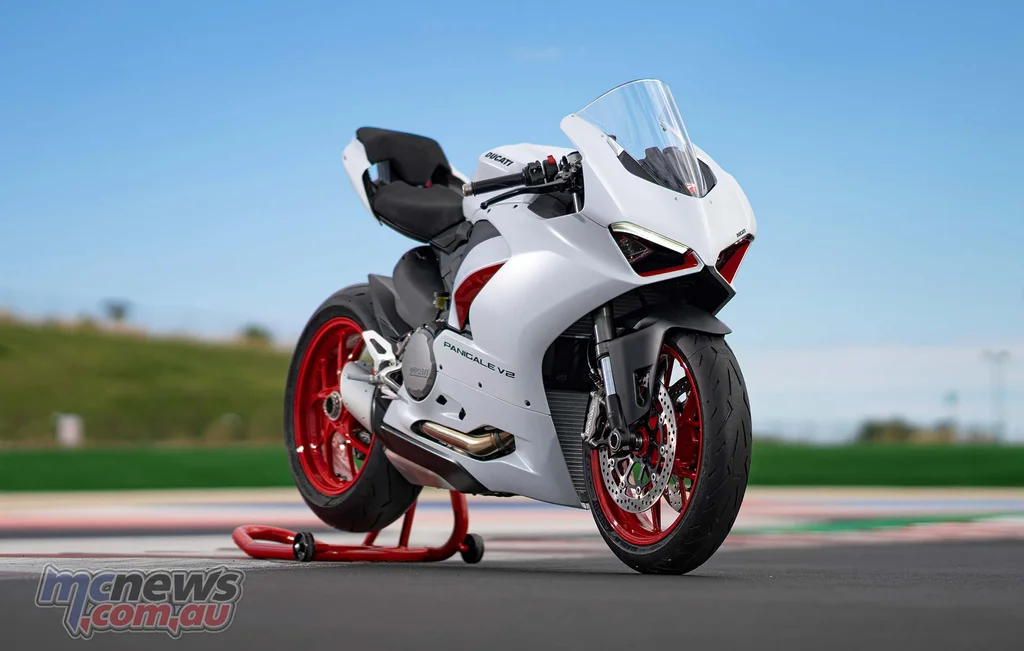 Before
 After
After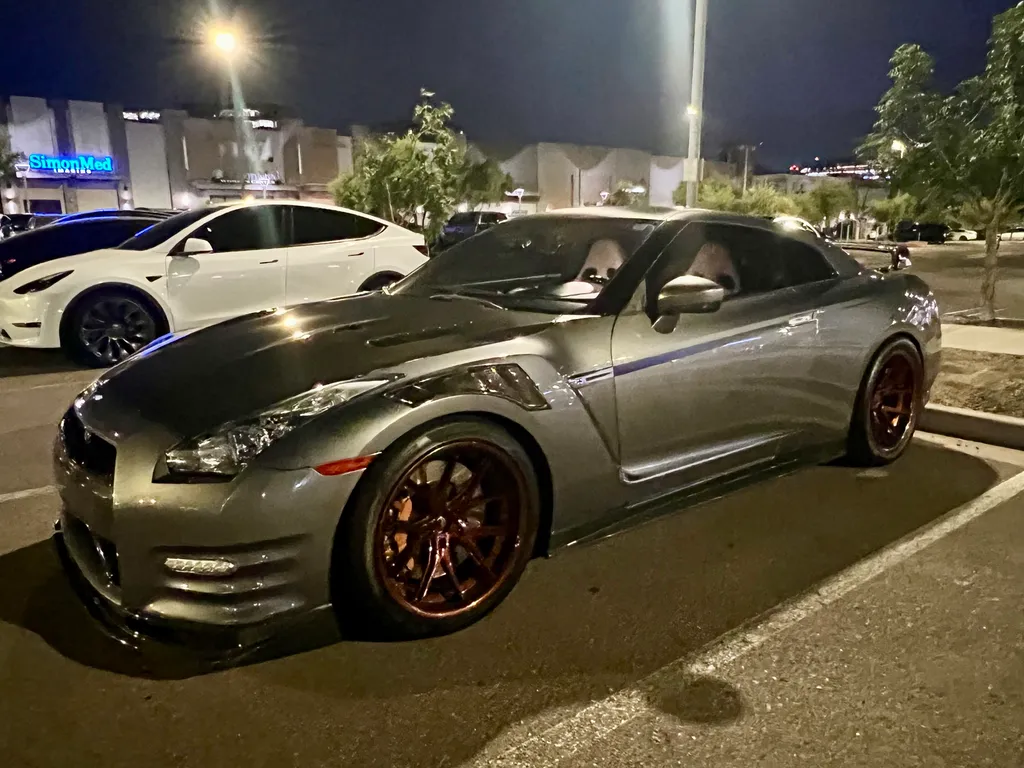 Before
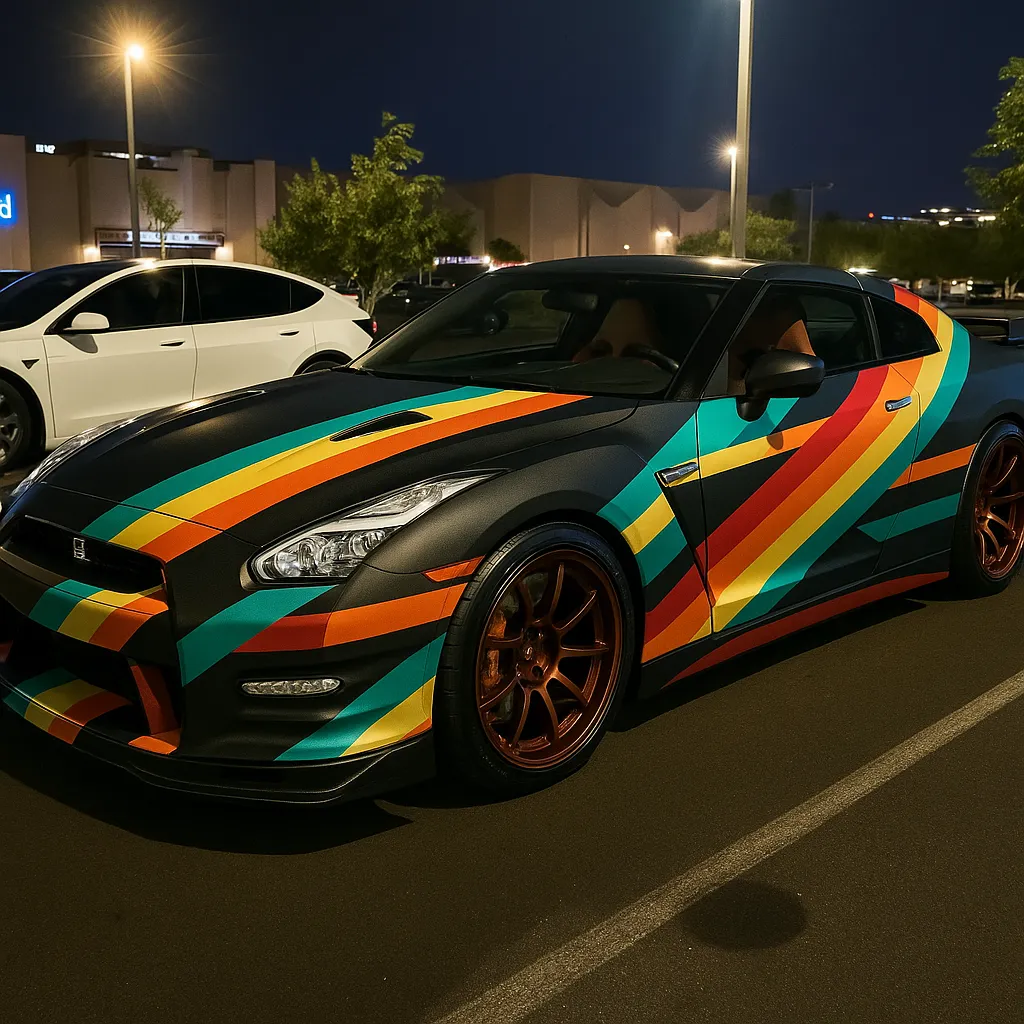 After
After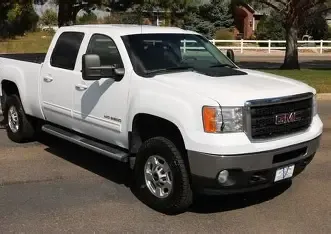 Before
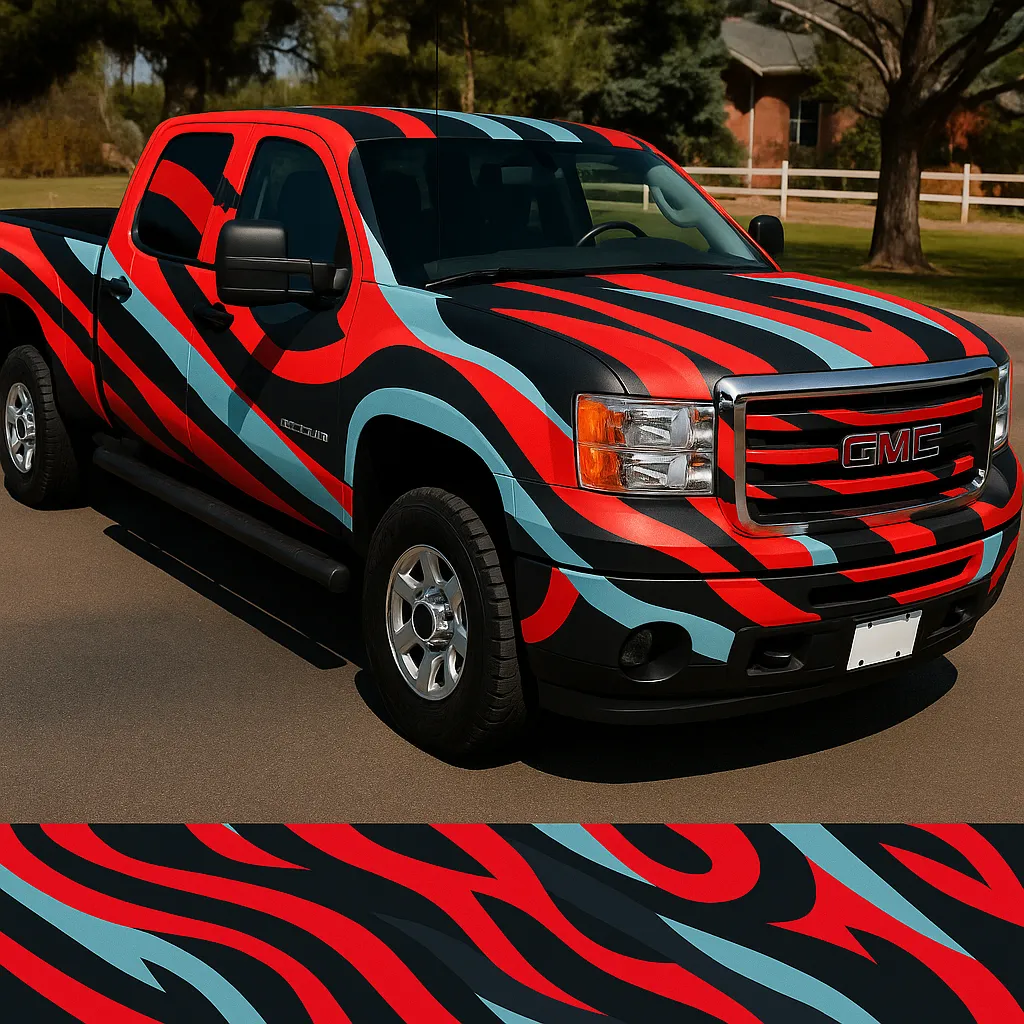 After
AfterReal results P20V users generated and shared publicly. No retouching.
Livery design usually happens on a side-view template in a vector program. That is necessary for production, but it is slow for the part that matters first: deciding the look. Every idea has to be drawn before you can judge it, and a flat drawing never looks like the car in the paddock.
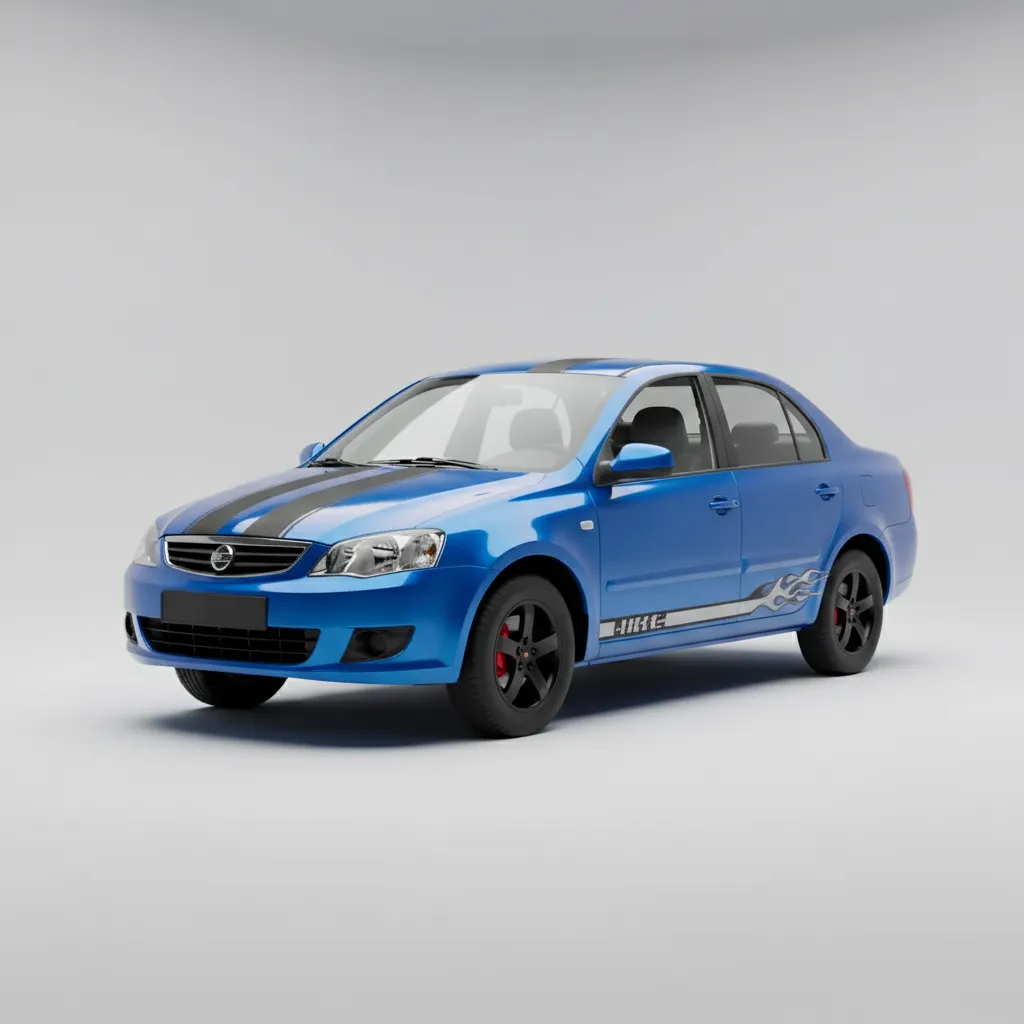
The P20V Car Livery & Decal Designer starts from a photo of the real car. The AI follows the doors, wings, bonnet and roof line and puts stripes, numbers, sponsor panels and colour blocks where they belong on that car, with the photo’s reflections and lighting intact. You can compare five completely different schemes in a few minutes and only then spend time on the template.
Users have asked for everything from "the logo arranged randomly across the entire car" on an Audi A3 Sportback to a red and black race livery on a white Ducati Panigale.
Use a side or three-quarter photo with the whole car in frame. Describe the base colour, the main graphic, the number and the logos in one sentence, then refine one thing at a time: "make the stripes thinner", "move the number to the front doors", "remove the roof graphic". If you have real sponsor logos, add them as images so the result uses them instead of invented ones.
Liveries with very small text are hard to read at 2K; keep sponsor names large and few, as on a real race car where they must be readable from the grandstand.
The result is a photorealistic image you can show to a team, a sponsor or a wrap shop. Once the scheme is agreed, the wrap shop draws it on the vehicle template and prints the decals. The preview saves the rounds of proofs and makes sure everyone signs off on the same picture.
Side or three-quarter view, JPG/PNG/WebP up to 5 MB.
In about 30 seconds you get the same car in a full racing livery with stripes, number and decals.
Change colours, numbers and sponsor logos in plain words, then download the 2K image.
Starter is $29/month for 50 images ($14.50 for the first month), Pro $79/month for 200 images, Studio $199/month. Every plan includes commercial use, so you can show the designs to customers and print from them. Cancel anytime. See plans
Upload a photo of the car above and the livery maker returns the same car in a complete racing livery. Then refine it in plain words: "white base, two blue stripes over the roof, number 27 on the doors, sponsor logos on the front wings". Add your own logos as extra images if you have them.
A wrap covers whole panels in vinyl. Decals are individual cut or printed graphics — stripes, numbers, logos — on top of the paint or wrap. A livery is the overall design scheme of a race or brand car, usually a mix of both. This page is set up for liveries and decal kits; for full colour-change wraps use the AI Car Wrap Design Creator.
Not on P20V. The Starter plan is $29 per month for 50 designs, with the first month at $14.50, full-resolution images and commercial use.
You can use the images as a design reference for a sim livery, but the tool does not export game paint files or UV templates. It produces photorealistic images of a real car photo.
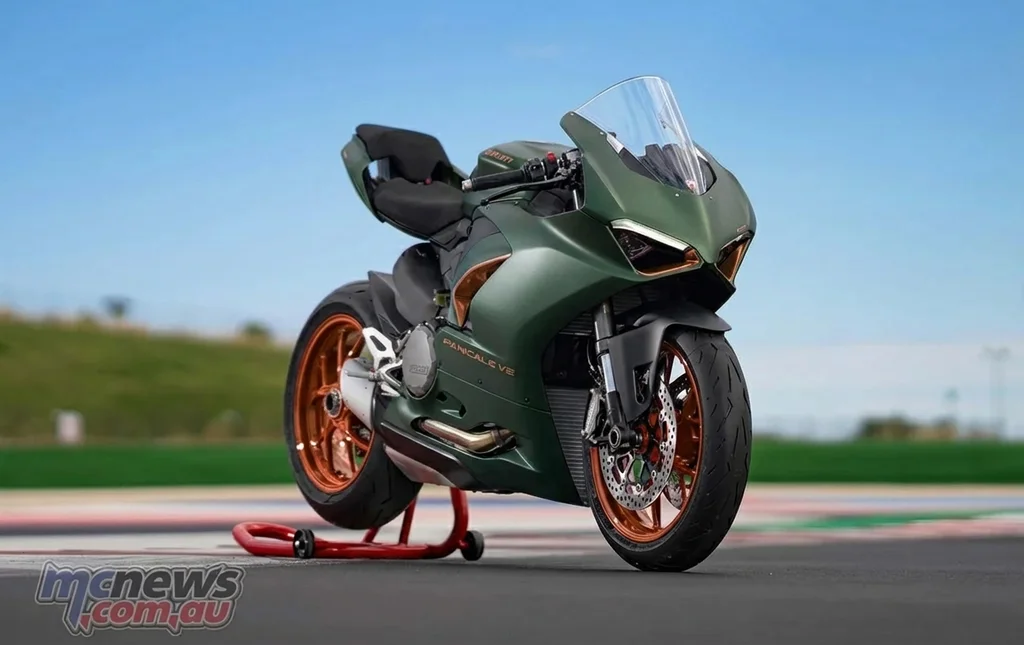
Yes. Sportbikes, track bikes, karts, rally cars and bicycles all work from a photo. For motorcycles see the Motorcycle Decal & Wrap Designer, and for bicycle frame colours the Custom Bike Frame Designer.
Yes. Write it into the instruction: "keep the red paint exactly, add only black bonnet stripes and a small number on the doors". The editor changes only what you ask for.
About 30 seconds per design at 2K resolution.
The same editor, set up for each kind of vehicle job. All AI vehicle design tools