
Upload a photo of your car and see it wrapped. The AI keeps your exact car and puts a complete custom wrap design on it — colours, graphics, stripes and lettering — in about 30 seconds.
Drop a photo of your car here
File size limit: 5MB
Each pair is a photo a P20V user uploaded and the wrap design the tool returned for that exact car.
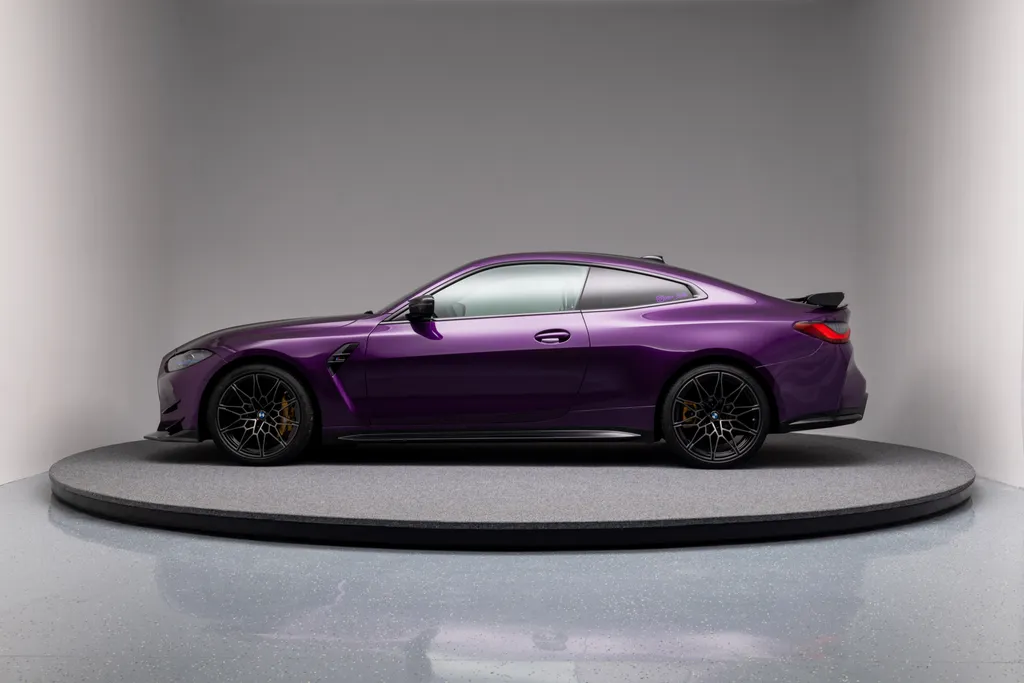 Before
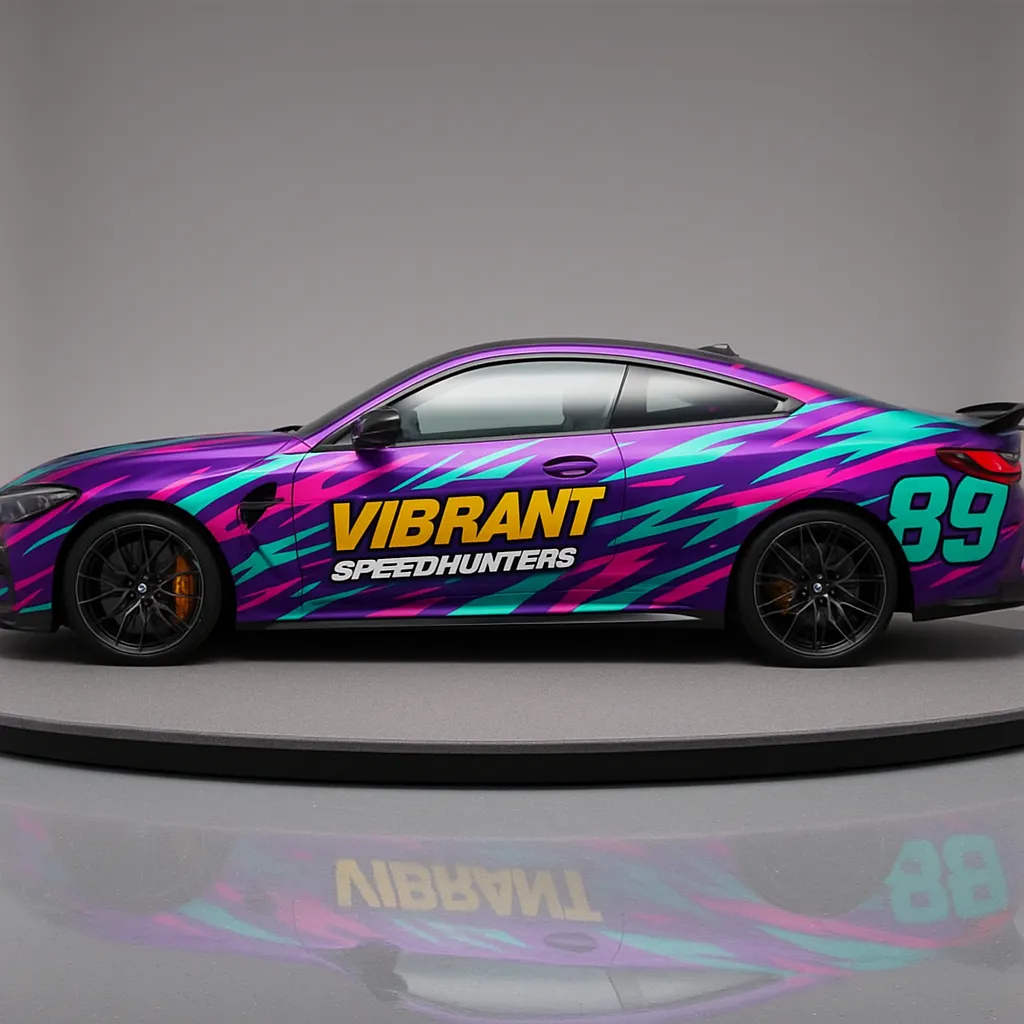 After
After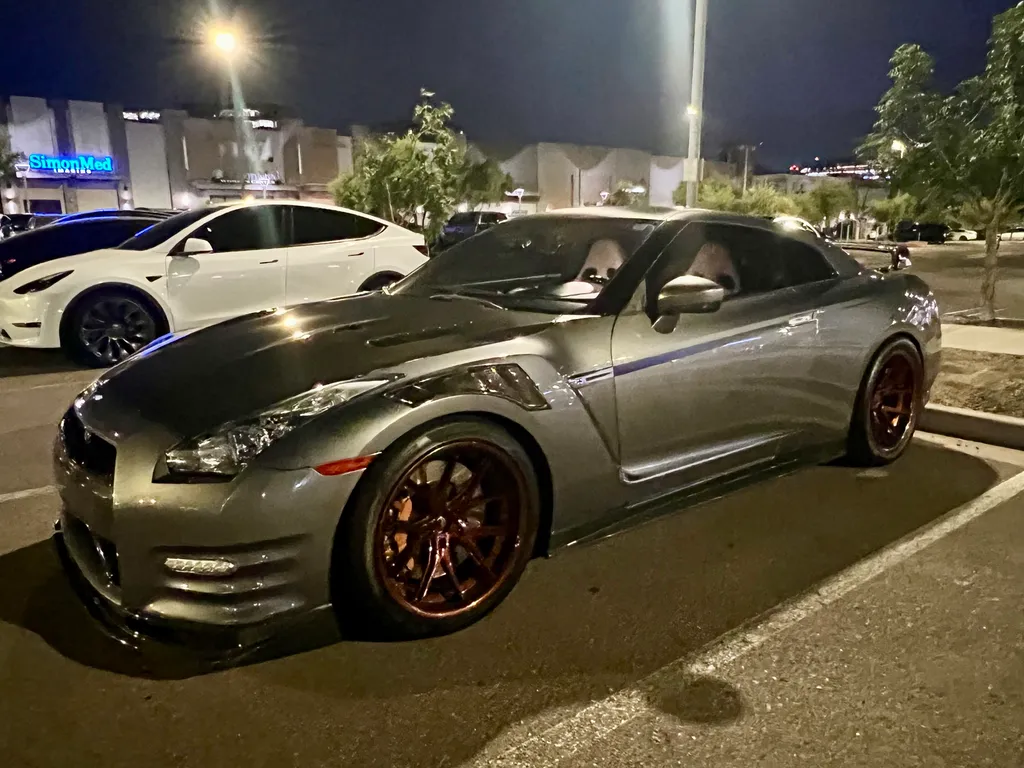 Before
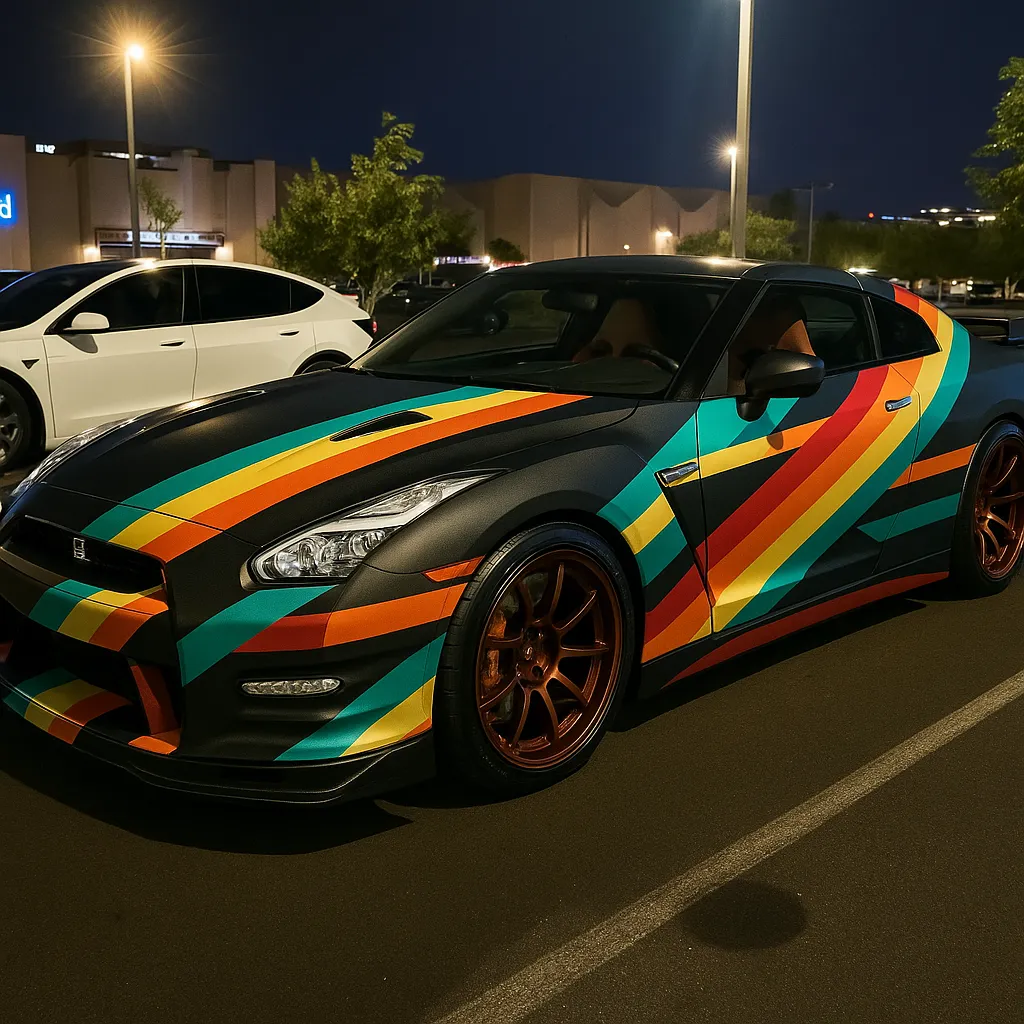 After
After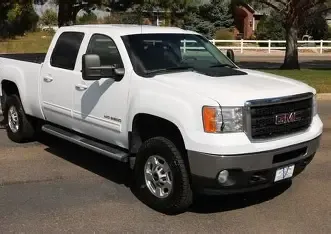 Before
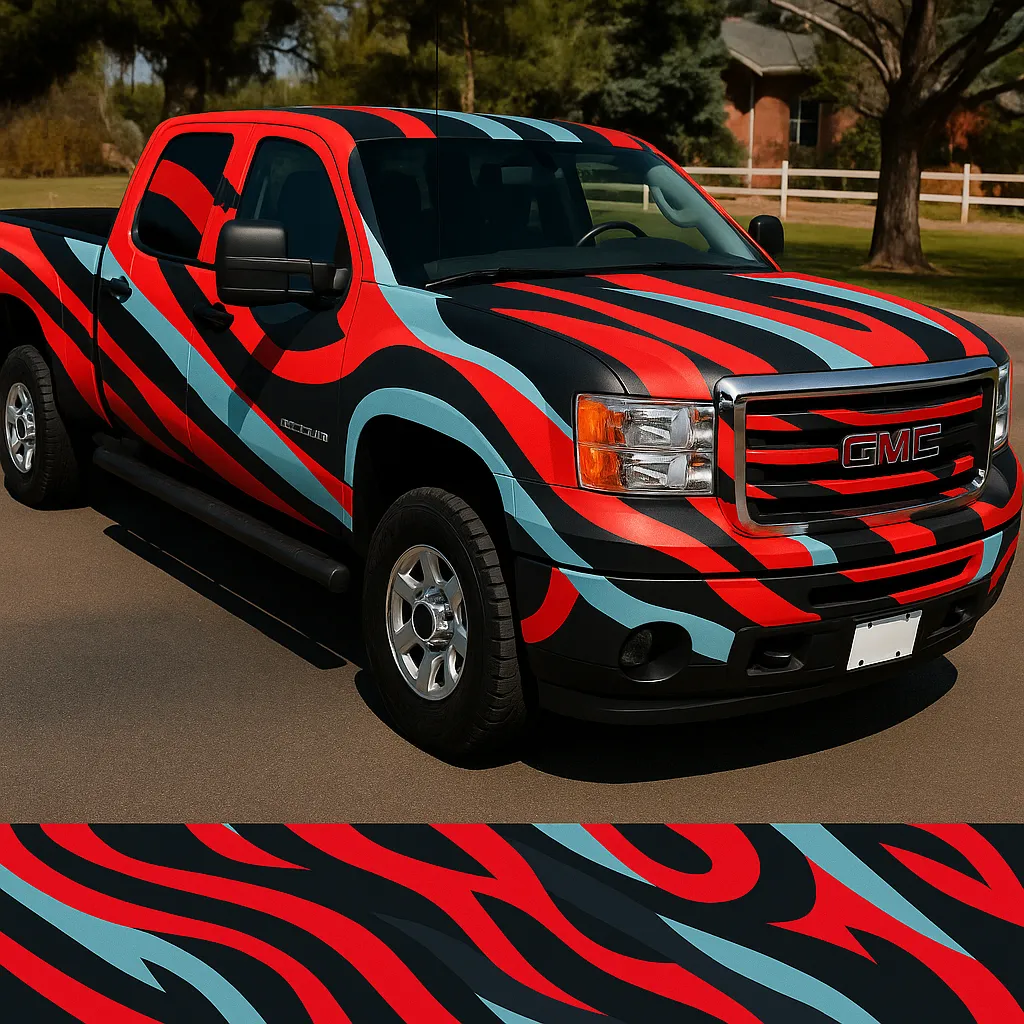 After
After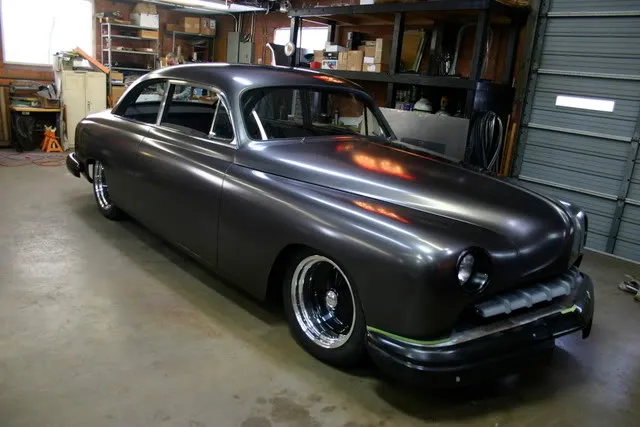 Before
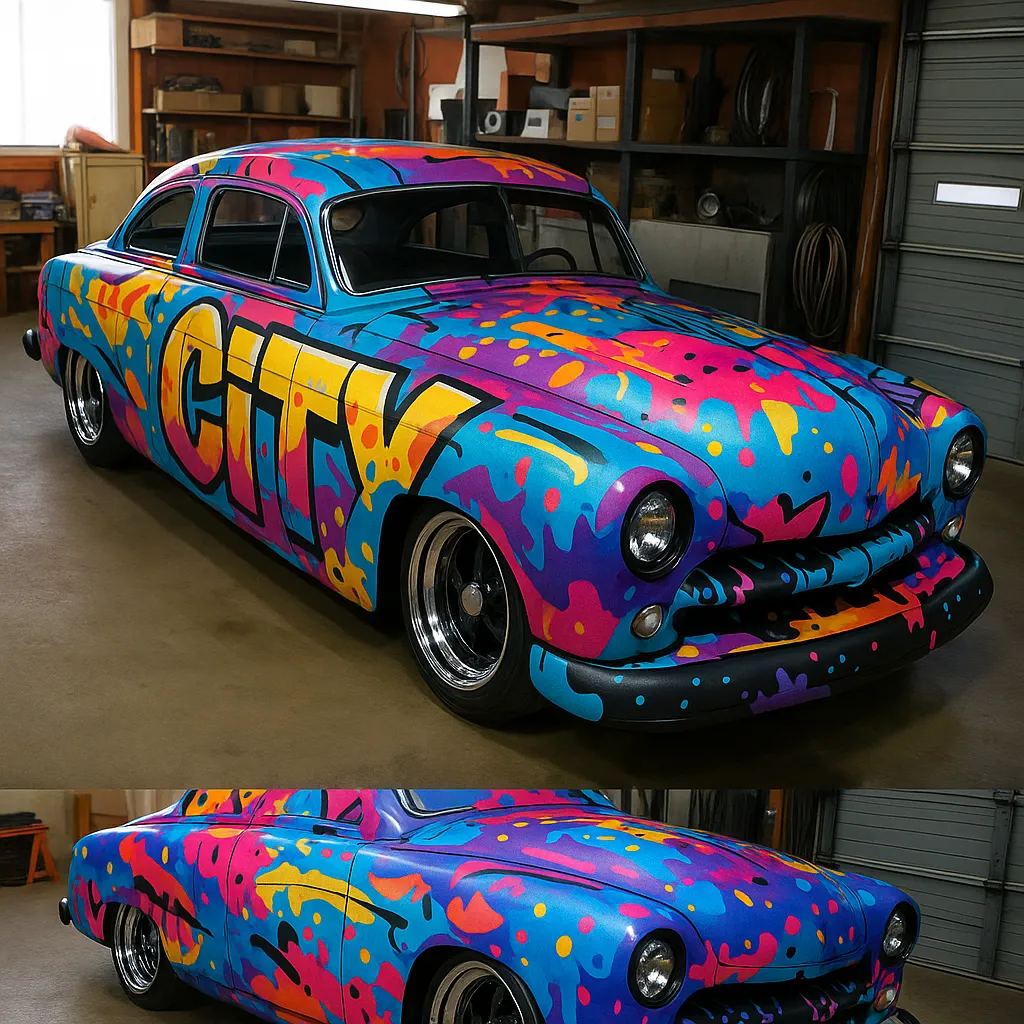 After
After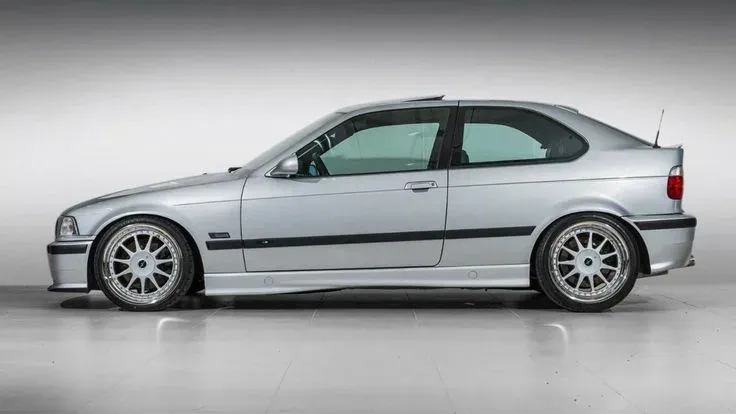 Before
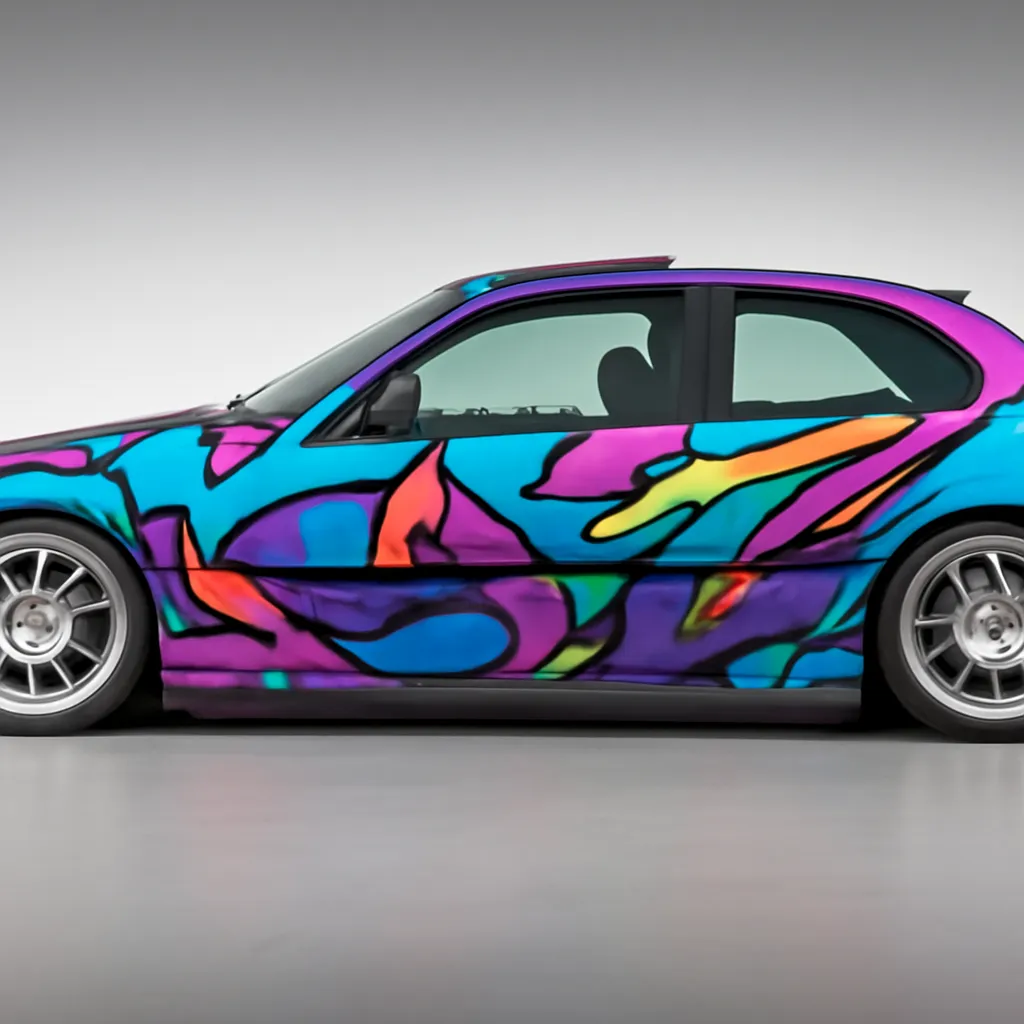 After
After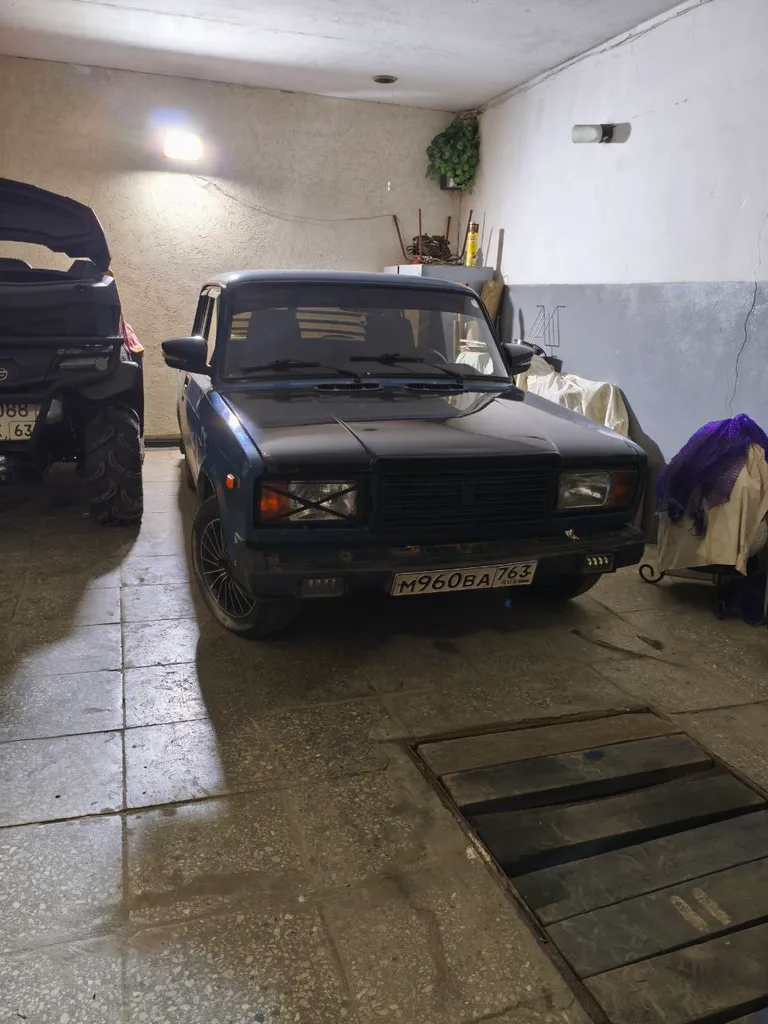 Before
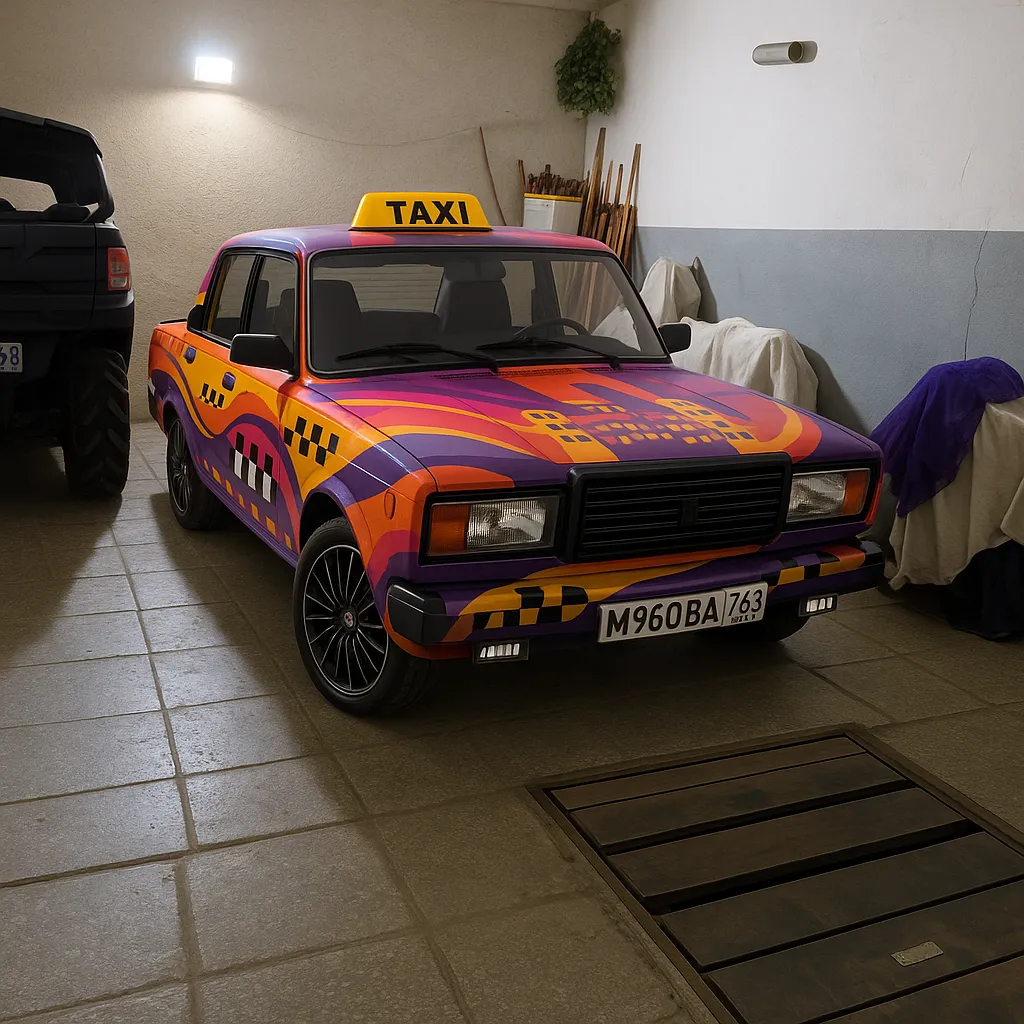 After
AfterReal results P20V users generated and shared publicly. No retouching.
Most car wrap design software starts from a flat vehicle template. That is how the print file is made, but it is a poor way to decide what the car should look like: a customer looking at an outline of a generic hatchback cannot picture their own car in it, and the designer has to redraw every idea before anyone can say yes or no.
The P20V AI Car Wrap Design Creator works the other way round. You start from a normal photo of the real vehicle. The AI reads the panels, the window line, the wheel arches and the light in the photo, and paints a wrap design onto that surface. Reflections, shadows and the background stay where they were, so the result looks like a photo of the finished car rather than a render.
Because a design takes about 30 seconds, you can try ten directions in the time it takes to draw one: full colour change, two-tone, race livery, camouflage, graffiti, gradient, carbon accents, chrome delete. Keep the ones the customer likes and refine them with plain-language instructions.
The people who pay for this tool fall into three groups:
The first result for every upload is a complete custom wrap chosen by the AI for that car. From there, open the image in the P20V editor and describe exactly what you want. Typical instructions from users: "satin nardo grey with gloss black roof and mirrors", "matte pine green metallic with copper pinstripes", "the logo arranged randomly across the entire car", "partial wrap on the doors and rear only", "keep the bumpers in the original paint".
Colour changes, finishes (gloss, satin, matte, metallic, chrome, colour-shift), stripes and racing numbers, sponsor decals, camouflage and geometric patterns, sticker bombs, art and graffiti wraps, and branded commercial wraps all work. For full racing liveries and decal kits see the Car Livery & Decal Designer; for vans and company vehicles with lettering see Vehicle Wrap Design.
Shoot the car from the side or at a three-quarter angle so the doors and at least one end are visible. Daylight or an evenly lit garage gives the cleanest result; a car park at night works too, as one of the examples above shows. Keep the whole car in the frame, with a little space around it, and remove people standing in front of it. Dirty paint does not matter: the wrap replaces the surface.
If a design changes something you wanted to keep — the wheels, the badges, a black roof — say so in the next instruction ("keep the wheels and the roof exactly as in the photo"). The editor changes only what you ask for.
Click "Choose a file" or drop a JPG, PNG or WebP photo of the vehicle into the box above.
In about 30 seconds the tool returns the same car with a full custom wrap design on it, at 2K resolution.
Type changes in plain language — colour, finish, logo, stripes — then download the image and send it to your customer or wrap shop.
Starter is $29/month for 50 images ($14.50 for the first month), Pro $79/month for 200 images, Studio $199/month. Every plan includes commercial use, so you can show the designs to customers and print from them. Cancel anytime. See plans
Take a side or three-quarter photo of the car in good light, upload it above and the AI Car Wrap Design Creator returns the same car with a complete wrap design on it in about 30 seconds. Upload again for another direction, or open the result in the editor and type changes such as "make it matte black with red pinstripes" or "add my logo on the doors".
Not here. P20V is a paid tool: the Starter plan is $29 per month for 50 designs and the first month is $14.50. In exchange you get full-resolution 2K images, no watermark and commercial usage rights, so a wrap shop can send the designs to customers and print mock-ups from them.
It keeps your car. The model, the body lines, the wheels, the background and the angle of your photo stay the same; only the paint surface changes. That is what makes it useful for wrap previews: the customer sees their own vehicle, not a stock render.
Yes. Upload the car photo, then add your logo as a second image in the editor and describe where it goes: "logo large on both front doors, phone number on the rear quarter panel, website on the tailgate". For vans, pickups and fleets use the Vehicle Wrap Design page, which is set up for lettering and branding.
Cars, sports cars, SUVs, pickups, vans, box trucks, motorcycles and even trailers. Users have wrapped a classic Lada, a GT-R in a car park at night, a Ford Transit, a GMC Sierra and a Ducati Panigale with it. The clearer and less cropped the photo, the better the wrap follows the panels.
No. The output is a photorealistic visualization (a 2K image) that shows how the wrap looks on the car. Wrap shops use it to sell the job and agree the design with the customer, then build the print file to the vehicle template in their usual software.
JPG, PNG or WebP up to 5 MB. A phone photo is fine. Avoid strong reflections, people standing in front of the car and photos where the car is cut off at the edge.
About half a minute per design at 2K resolution. You can upload the next photo or type the next change while one is rendering.
The same editor, set up for each kind of vehicle job. All AI vehicle design tools