
Upload a photo of your bike or frameset and see it in a new paint job. Choose RAL or Pantone colours, fades, splatter and decals — the AI changes the frame and keeps the rest of your bike.
Drop a photo of your bike or frame here
JPG, PNG or WebP • large photos are resized automatically
A frame brand testing catalogue colours, and riders previewing a respray on their own bikes.
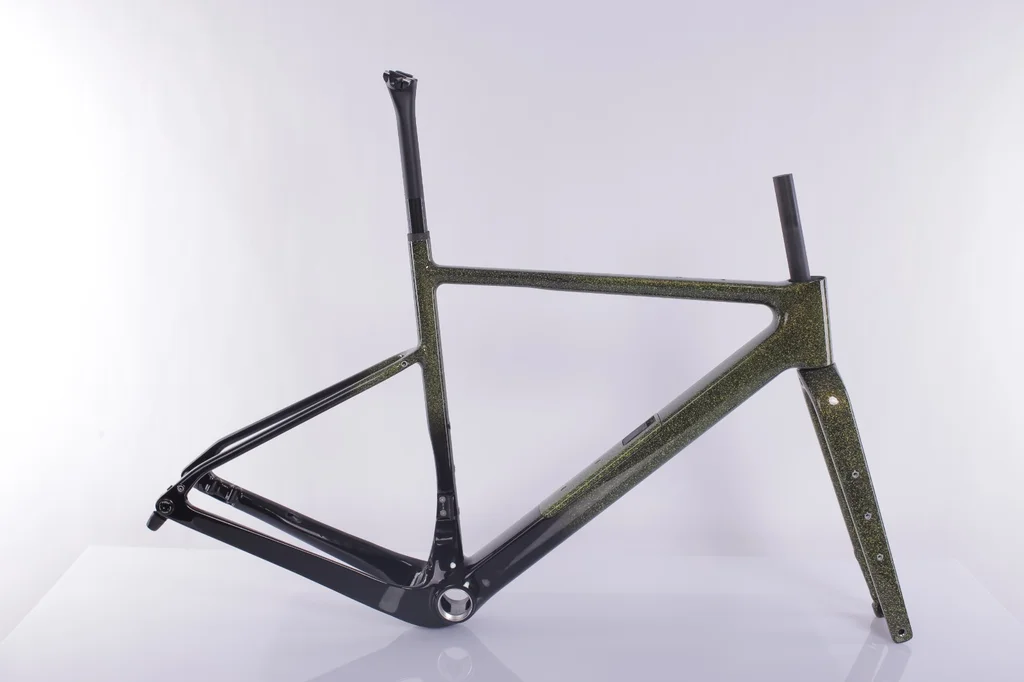 Before
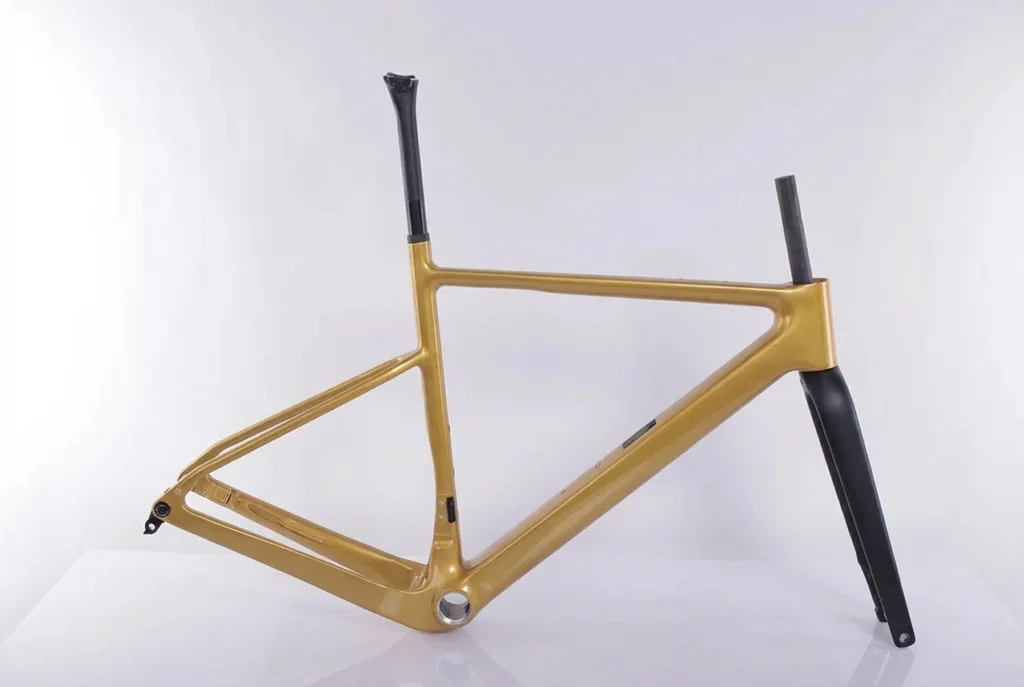 After
After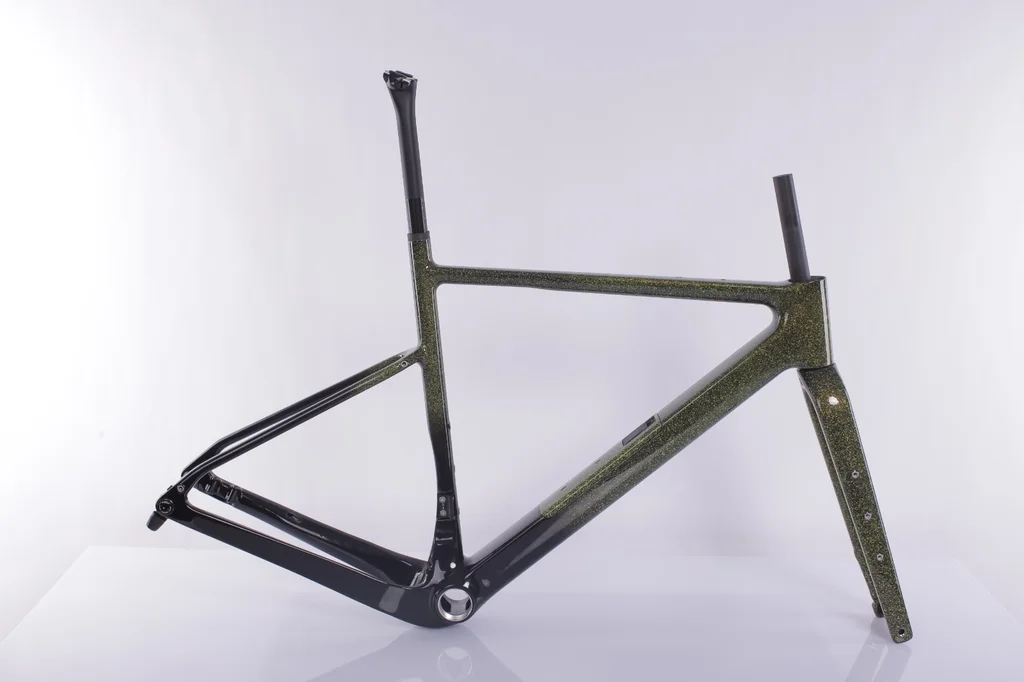 Before
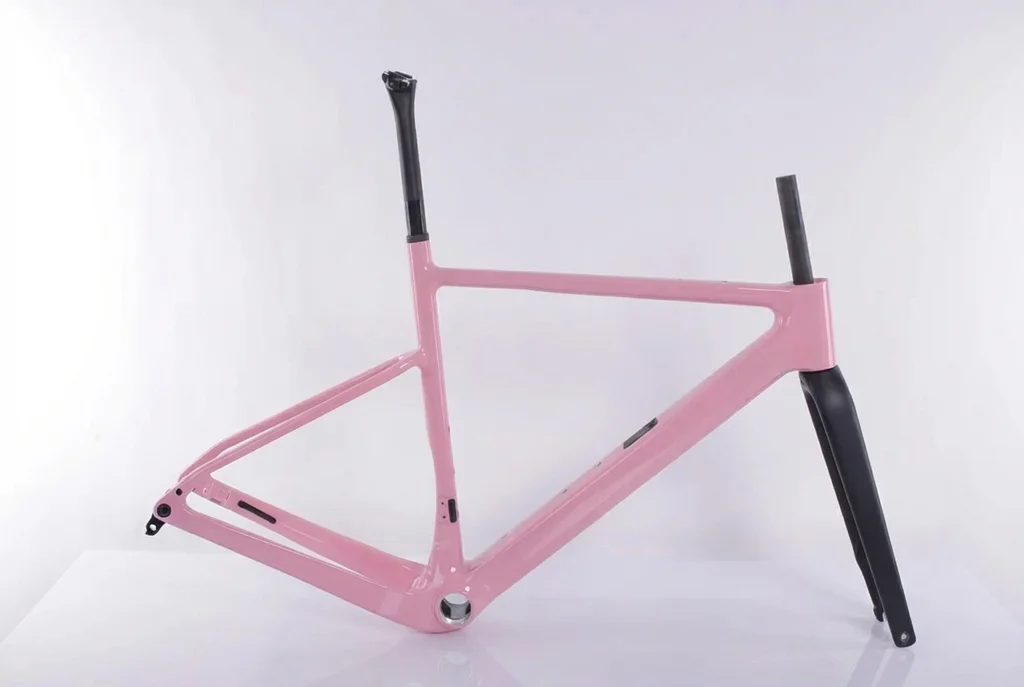 After
After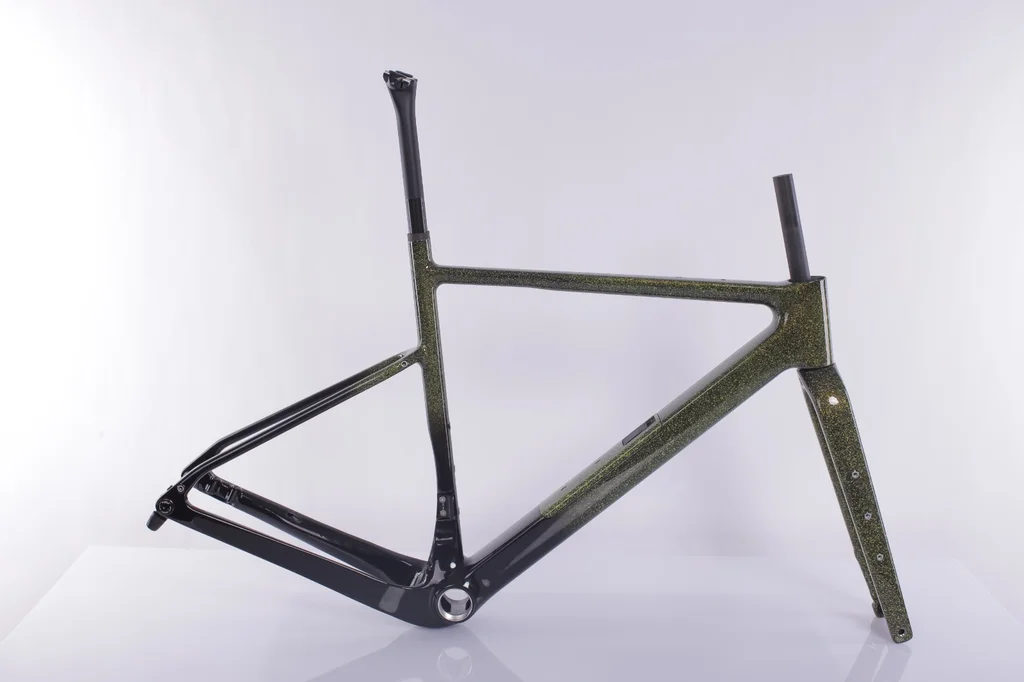 Before
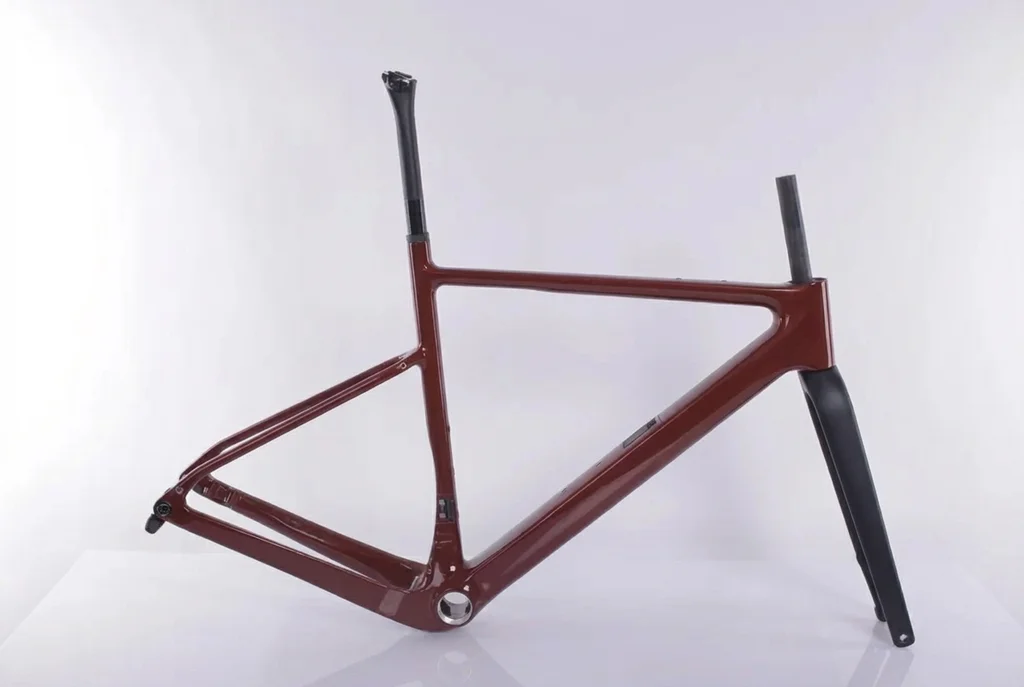 After
After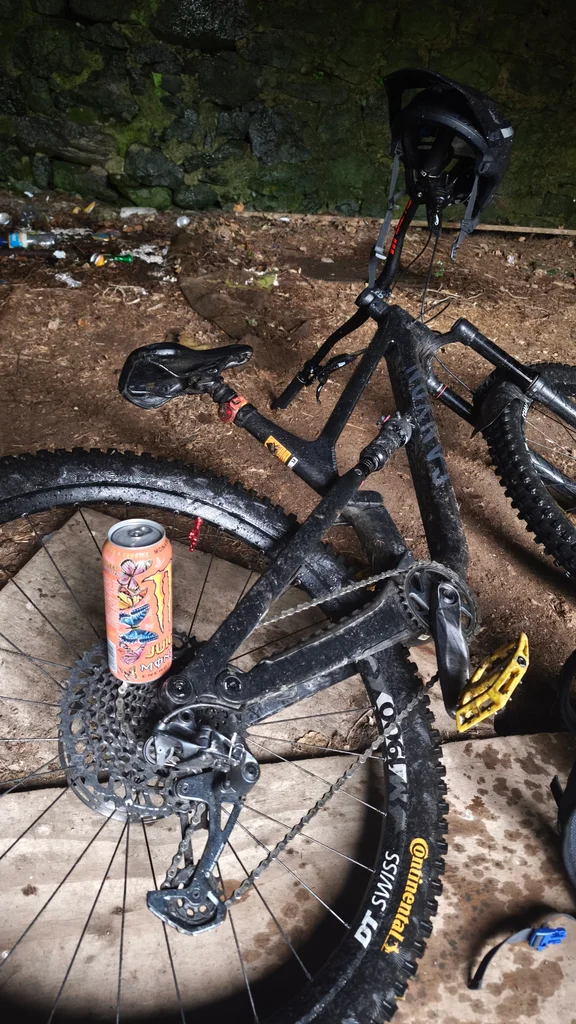 Before
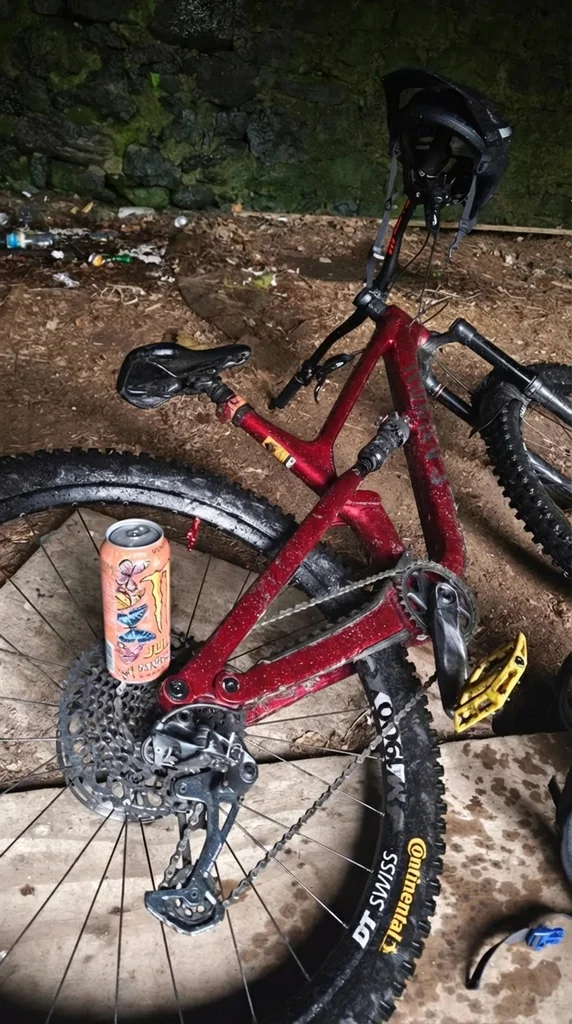 After
After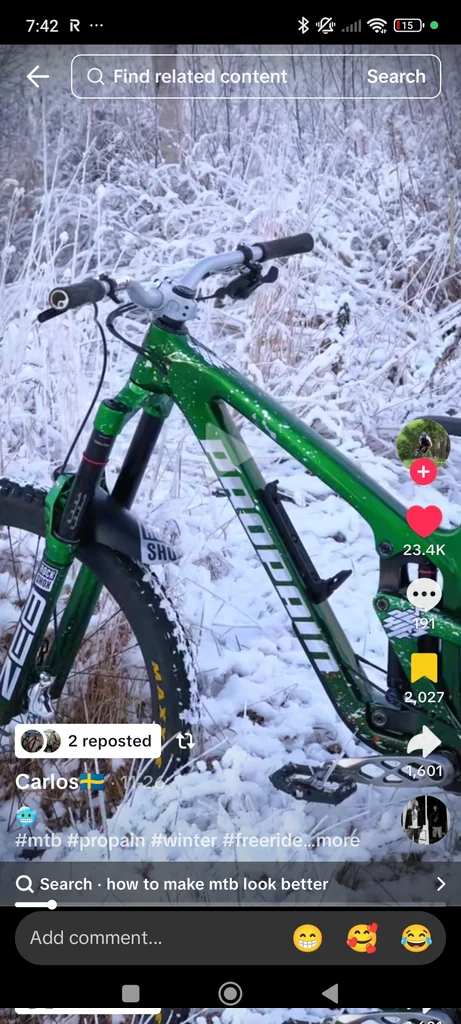 Before
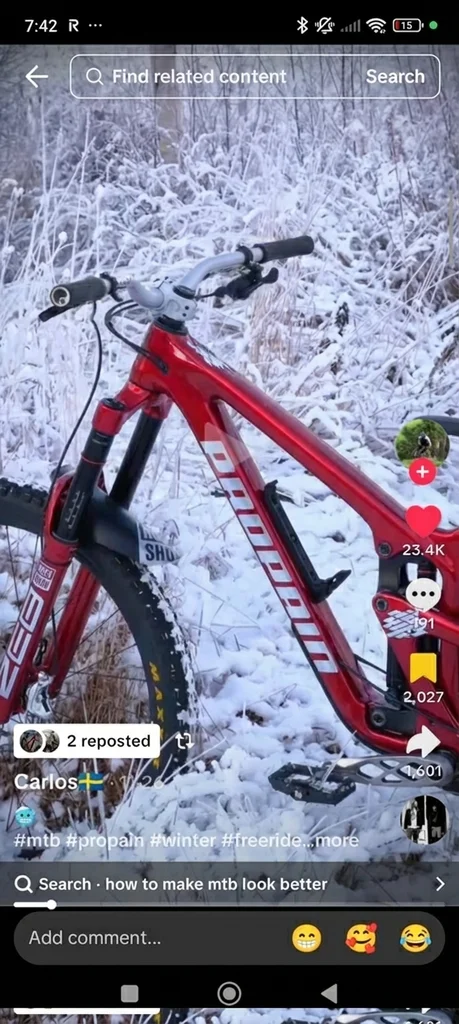 After
AfterReal results P20V users generated and shared publicly. No retouching.
A custom frame respray costs anywhere from a few hundred dollars to well over a thousand, and the colour is the part people regret most. A small swatch or a flat colour chip says little about how a deep metallic red or a two-colour fade will look on a down tube in daylight.
The P20V AI Bike Frame Designer puts the design on a photo of your actual frame. The tubes, welds, cable routing, dropouts and fork keep their shape and the light in the photo stays the same; only the paint changes. You can compare a dozen colour schemes on the real bike in a few minutes and take the one you like to your painter.
These are the jobs paying P20V users actually brought to the tool:
Base colour and finish (gloss, matte, satin, metallic, pearl, chameleon, raw carbon), fades between two or three colours, splatter and speckle, panels and stripes, logos and decals, contrasting fork or rear triangle, coloured components such as the seat post, stem or rims. Describe one change at a time for the most precise results, and repeat the parts that must stay the same.
For stickers and decal kits on an existing paint job, the Bicycle Decals Visualizer and the Car Livery & Decal Designer work the same way.
A side-on photo shows the most tube surface. A bare frameset on a plain white background gives catalogue-clean results; a complete bike outdoors works for previewing a respray in context. Avoid heavy shadows across the frame and very small, distant shots.
A side view of the bike or frameset, JPG/PNG/WebP up to 5 MB.
In about 30 seconds the tool returns your frame with a new custom paint design.
Type RAL/Pantone codes, finishes and decals, then download the 2K image for your painter or customer.
Basic is $9.99 per month for 25 images; Starter is $29/month for 50 images ($14.50 for the first month), Pro $79/month for 200 images, Studio $199/month, billed in USD. EU buyers pay VAT on top; no tax is added outside the EU. Every plan includes commercial use, so you can show the designs to customers and print from them. Cancel anytime. See plans
Upload a photo of the bike or the bare frameset, and the AI returns the same frame with a custom design. Then type exactly what you want: "frame in RAL 3015 with the fork in matte black", "violet fading to pearl white", "black with red splatter, change only the frame". Each version takes about 30 seconds.
Yes. Frame builders and brands use P20V with codes such as RAL 3015, Pantone 494C or Pantone 508 C. The image is a visualization on screen, so always confirm the final colour against a physical swatch with your painter.
Only if you let it. Say "only change the frame colour" or "keep the wheels, saddle and components exactly as in the photo" and the editor leaves everything else alone. That is how riders preview a respray on their own bike.
No. The designer is for the look of the frame — colours, finishes, decals and graphics. It does not calculate geometry, tube sizes or a build sheet; use your frame builder’s fit and CAD tools for that.
P20V is paid: Basic is $9.99 per month for 25 images; Starter is $29 per month for 50 designs, the first month $14.50, with commercial use included so brands and painters can show the designs to customers.
Road, gravel, mountain, BMX, e-bikes, track and folding bikes, and bare framesets on a white background (the cleanest input for brand catalogue colours). Motorcycles have their own page: the Motorcycle Decal & Wrap Designer.
About 30 seconds per image at 2K resolution.
The same editor, set up for each kind of vehicle job. All AI vehicle design tools