
Upload a drawing, concept art or a 2D mascot and get an image of the same character as a rendered 3D model in about 30 seconds: volume, materials and a neutral pose, as the reference for modelling, rigging and animation.
Drop a drawing or concept art of your character here
JPG, PNG or WebP • large photos are resized automatically
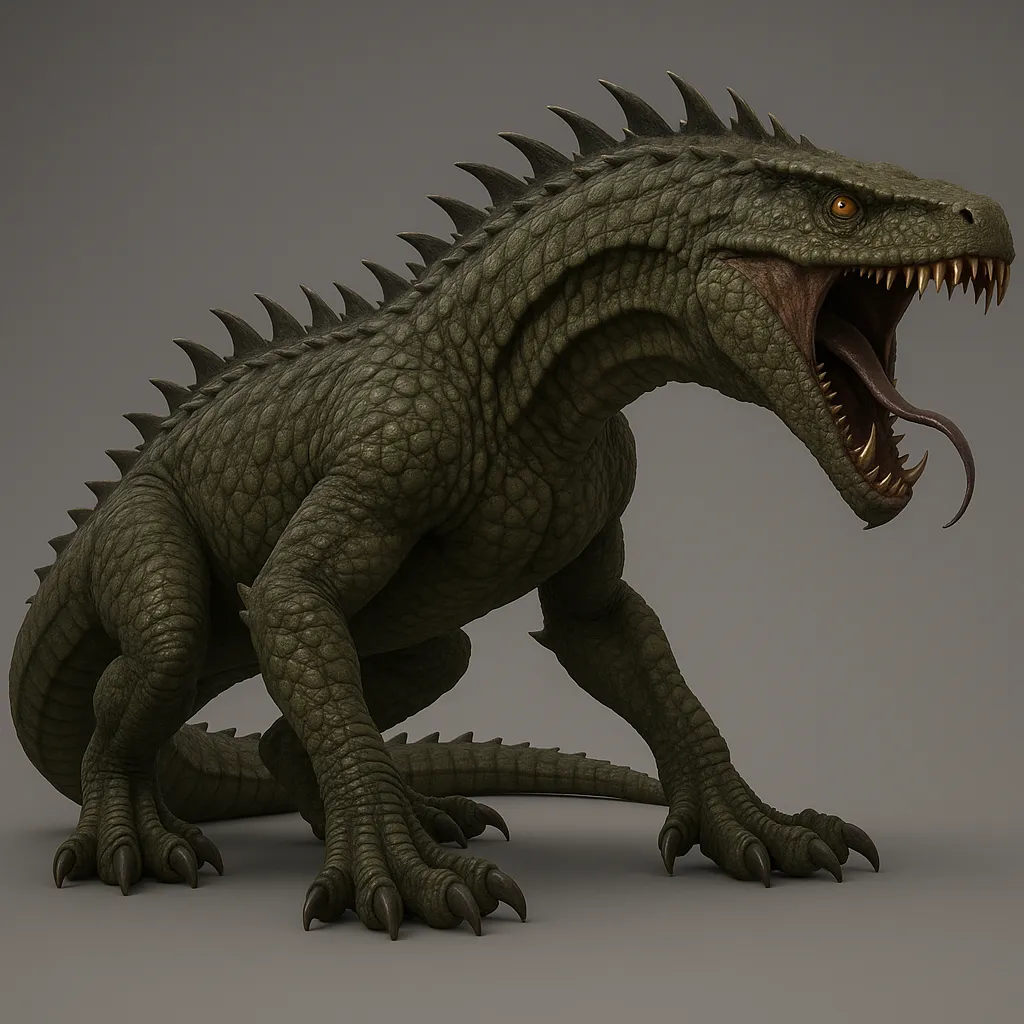
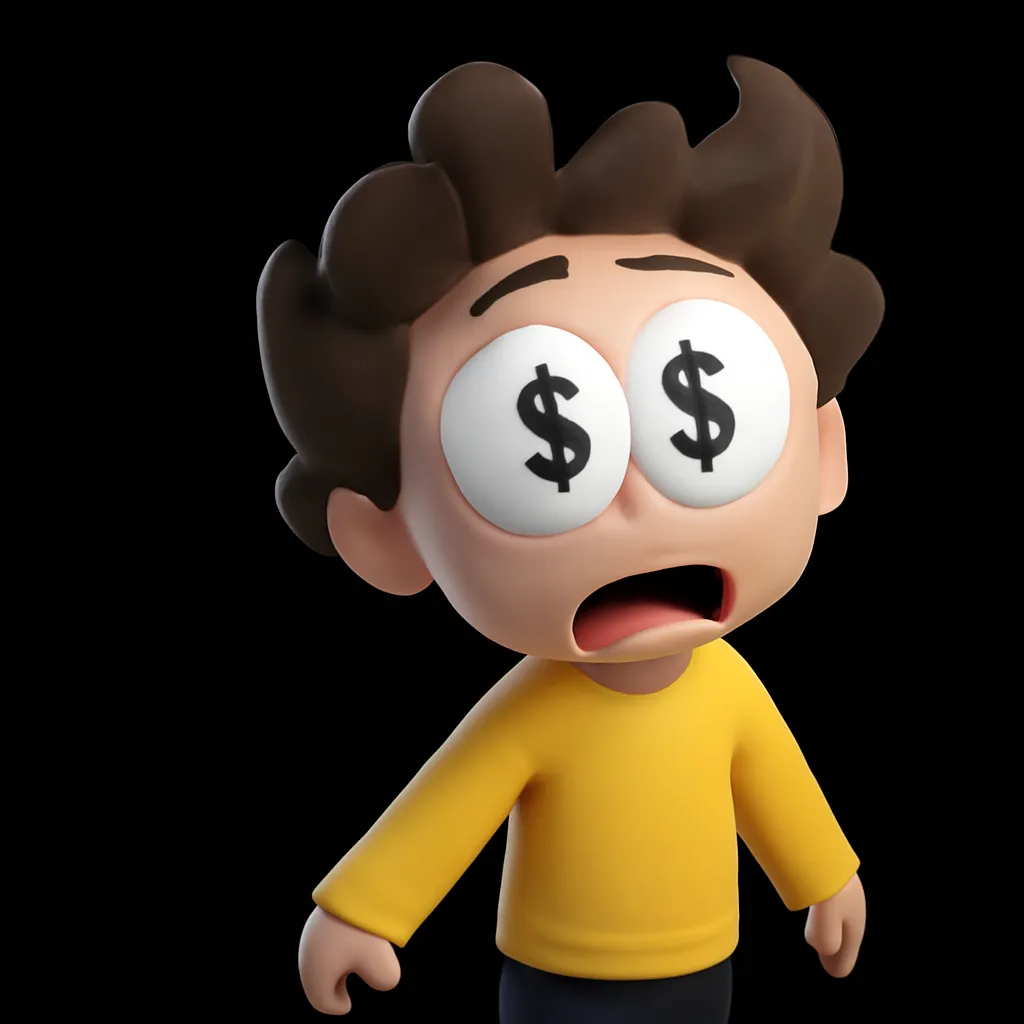
Each pair is what a P20V user uploaded and the image the tool returned with this page’s prompt.
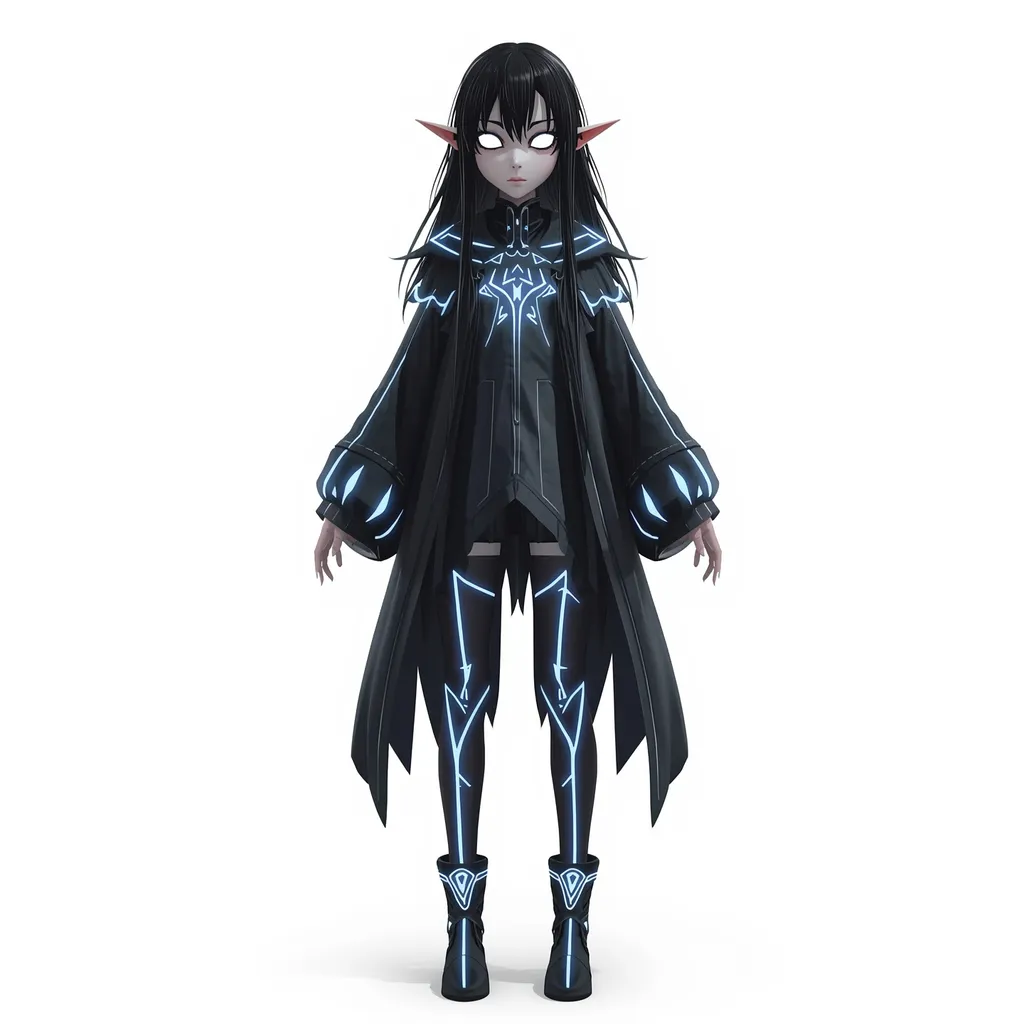 Before
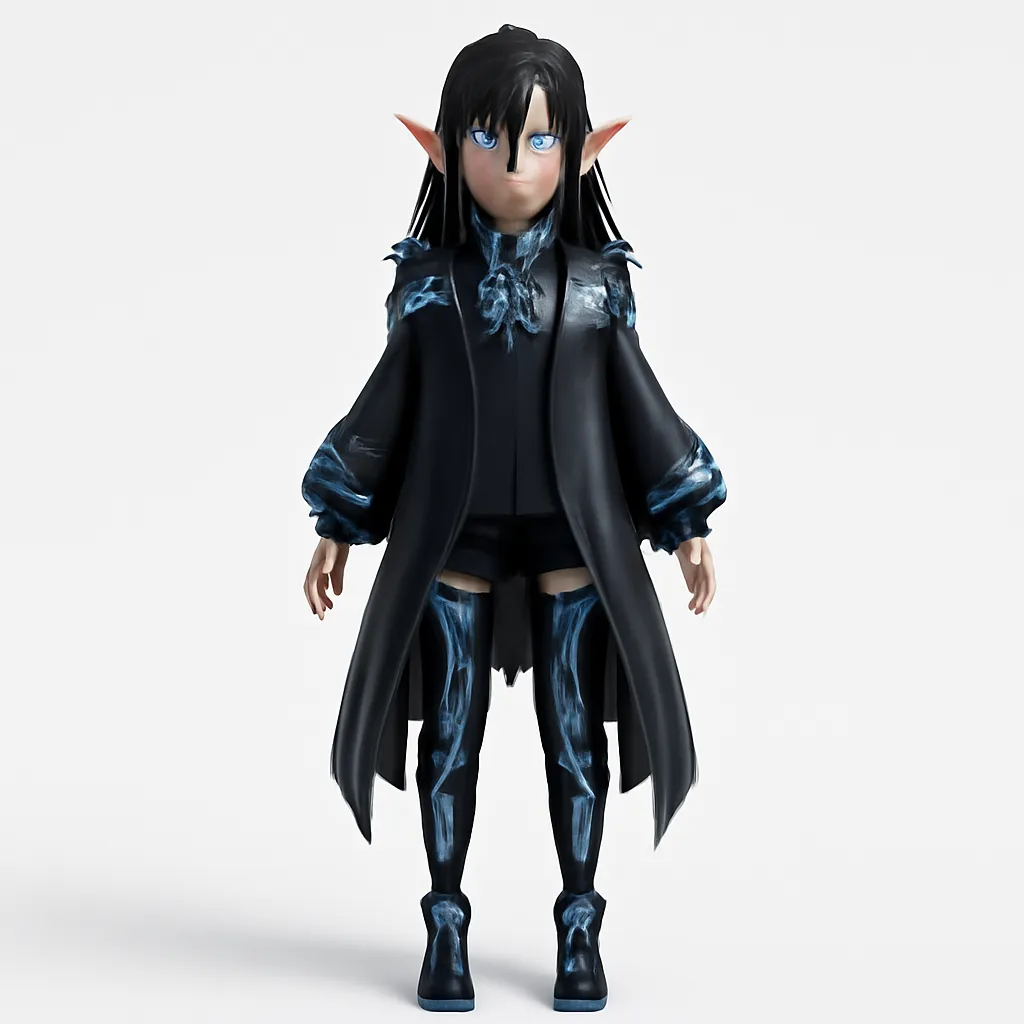 After
After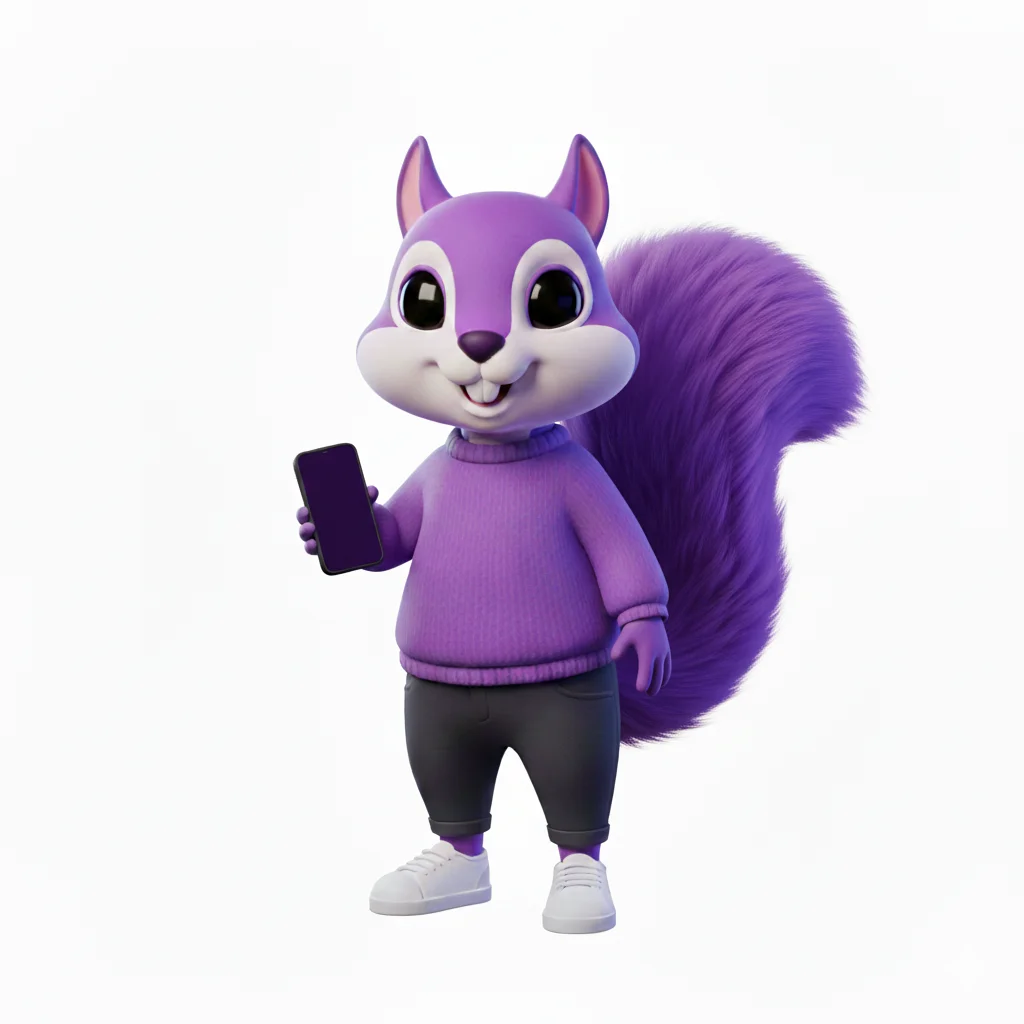 Before
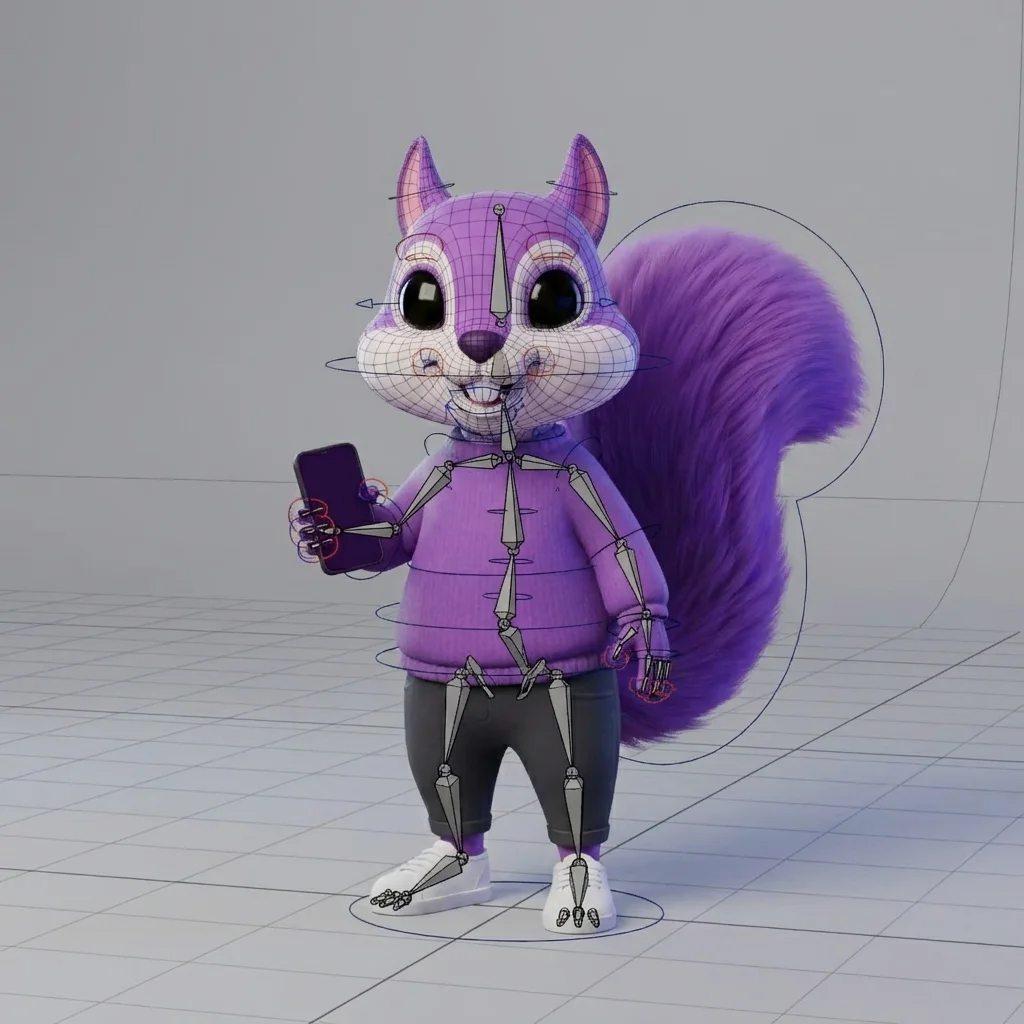 After
After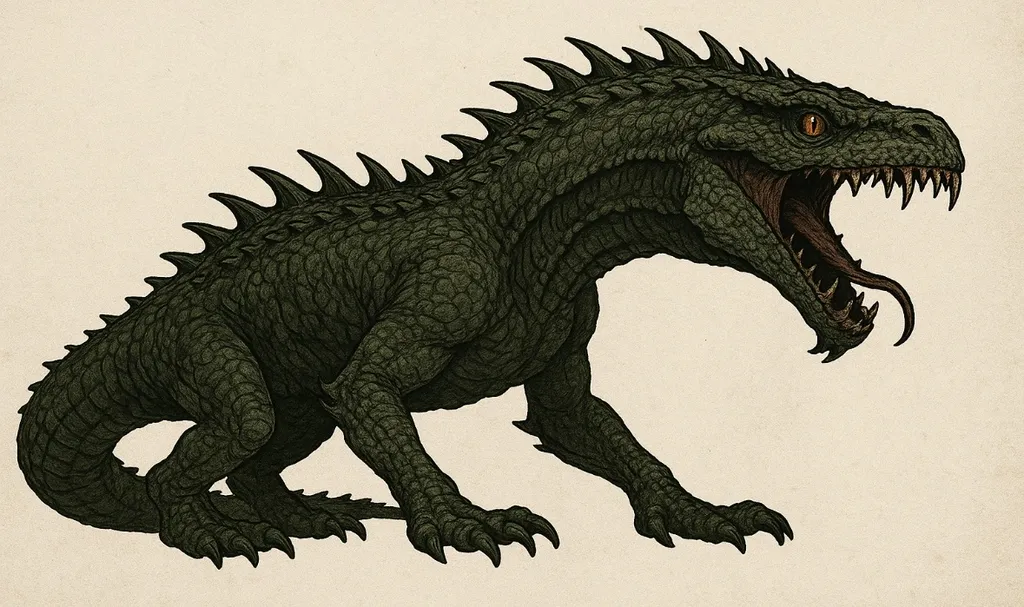 Before
 After
After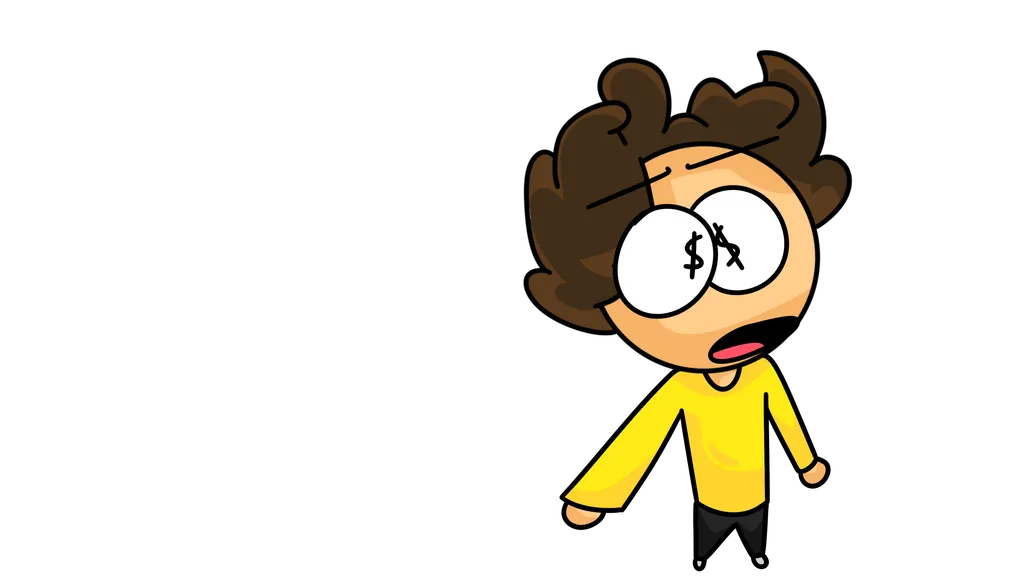 Before
 After
AfterReal uploads and results that P20V users shared publicly. No retouching.
The result is a 2K image: the character from your drawing seen as a finished 3D model, with volume, materials, studio light and a neutral full-body pose; sometimes with the rig skeleton and controls drawn over it, as in the squirrel example. It is not an FBX, GLB or OBJ file, and it has no bones you can import into Blender, Maya or Unity.
So what is it for? It is the reference a 3D modeller needs and rarely has. A flat piece of concept art does not show what the character looks like from the side, how thick the arm is or how the coat falls. With the 3D image you settle the look in minutes, hand it to your modeller or feed it to an image-to-3D tool, and reach the rig with fewer rounds of changes.
Typical jobs:
Upload one character per image, full body, on a plain background. Then ask the editor for what the modeller needs: "T-pose, arms out, front view", "the same figure from the side and from the back", "show the rig skeleton over the character", "Pixar style, soft materials". Each version takes about 30 seconds and keeps the character’s design.
Drop a drawing, concept art or mascot (JPG, PNG or WebP) with the whole character into the box above.
In about 30 seconds you get a 2K image of the same character as a rendered 3D model.
Ask for a T-pose, side or back view and the rig skeleton, then download the images for your modeller.
Basic is $9.99 per month for 25 images; Starter is $29/month for 50 images ($14.50 for the first month), Pro $79/month for 200 images, Studio $199/month, billed in USD. EU buyers pay VAT on top; no tax is added outside the EU. Every plan includes commercial use, so you can show the designs to customers and print from them. Cancel anytime. See plans
No. P20V makes images. You get a 2K image of your character as a rendered 3D model, which can show the rig skeleton and controls, but not a file with a mesh or bones. Use it as the reference for modelling and rigging, or as the input for an image-to-3D tool.
Yes. The colours, clothes, hair and proportions of your drawing stay; the AI adds volume, materials and light. If something drifts, say so in the instruction: "keep the face and the coat exactly as in the drawing".
Yes. Type "T-pose, front view", "the same figure from the side" or "from the back" in the editor. Each view is a new image of about 30 seconds; check that details match between views before you hand them to a modeller.
Yes. The examples include a crocodile-like creature, a squirrel mascot and a cartoon character. It works best with one character per image, fully visible, on a plain background.
No. P20V is a paid tool: Basic is $9.99 per month for 25 images; Starter is $29 per month for 50 images and its first month is $14.50. EU buyers pay VAT on top; no tax is added outside the EU. Every plan includes commercial use, so the images can go into a pitch, social posts or a client brief. Cancel anytime.
Use characters you designed or have the rights to. Do not upload photos of other people without their permission, and no images of minors.